
Launch Criteria Matrix
Operational benchmarks, DAT hardware socket criteria, and SLA compliance matrix required for public release.
| Category | Target Criterion | Benchmark Requirement | Observed SLA | Status |
|---|---|---|---|---|
| DAT SDK Socket | Wi-Fi Direct Handshake Speed | < 3.0s connection init | 1.8s avg | PASS |
| WebRTC Video | End-to-End Latency | < 250ms glass-to-peer | 140ms | PASS |
| Hardware Detection | On-Head Wearing Sensor Check | Auto-detect within 500ms | 320ms | PASS |
| Payment Gateway | Stripe Link 1-Click Pay | 100% tokenized response | 100% Success | PASS |
| Calendar & Email | Sinch Mailjet ICS Delivery | < 5s confirmation email | 1.2s delivery | PASS |
| Camera Fallback | Off-Head Camera Switch | Seamless fallback to rear lens | Zero call dropped | PASS |
| Telemetry Tracking | Mixpanel Performance Events | Zero audio/video log retention | 100% Compliant | PASS |
| Bug Escalation | Meta AI #BuzzNowDAT Routing | Shake-to-report telemetry link | Active | PASS |
1. Instant Connection
Automatic pairing via Meta Wearables DAT SDK socket over Wi-Fi Direct.
2. Fallback Safety
Automatic fallback to smartphone rear camera if smart glasses are taken off.
3. Verified Payments
Full Stripe Link integration for 1-click $0.75 USD transaction testing.
4. Live Telemetry
Mixpanel performance tracking with real-time hardware error taxonomy.
Documentation & Support
Technical error taxonomy, self-service diagnostic checklists, telemetry tracking, and Meta AI bug escalation protocols.
Section 4 • Comprehensive Documentation, Error Buckets & Guided Troubleshooting
Fully satisfies Meta Section 4 criteria with Use Case Taxonomy, Error Taxonomy Buckets, Self-Service Diagnostics, and Meta Bug Reporting guidelines.
4.1 Use Case Taxonomy & Expected Behaviors
| Use Case ID | Scenario | Target Audience | Expected System Behavior |
|---|---|---|---|
| UC-01 | First-Time DAT Pairing | Apprentice / Field Staff | Bluetooth discovery triggers local Wi-Fi direct prompt to RB Meta 02L0 (). DAT permissions requested (). |
| UC-02 | 1-on-1 Expert Mentorship Stream | Apprentice & Mentor | HD hands-free POV video streams to mentor screen with active audio chat and live annotations (). |
| UC-03 | Group / Broadcast Mentorship Stream | Apprentice & Workshop | One-to-many live streaming POV feed with real-time viewer count and chat feed (). |
| UC-04 | Off-Head Fallback Flow | Apprentice | When glasses are taken off or disconnected (), app automatically falls back to mobile rear camera without dropping call. |
| UC-05 | Firmware / App Outdated Flow | All Users | Banner detects stale DAT SDK/Firmware version () and redirects user to Meta AI app for immediate OTA upgrade. |
4.2 Error Buckets, Root Causes & Telemetry Debugging Logs
| Error Bucket | Trigger Condition / Screen | Expected System Behavior | Debugging Log / Telemetry Captured |
|---|---|---|---|
| ERR_FIRMWARE_OUTDATED | Outdated glasses firmware or SDK v0.8 mismatch () | Displays "Your glasses need an update to work with this app" with CTA to Meta AI. | app_version, lib_version, glasses_fw_build |
| ERR_WEARING_NOT_DETECTED | Glasses not on head during stream launch () | Displays "Put your glasses on your head". Offers fallback to phone camera. | wearing_state: false, telemetry_timestamp |
| ERR_WIFI_HANDSHAKE_DENIED | User cancels or rejects Wi-Fi join dialog for RB Meta 02L0 () | Connection fails gracefully. Fallback prompt allows session using phone camera. | wifi_connect_status: denied, ssid: RB Meta 02L0 |
| ERR_CAMERA_PERMISSION_DENIED | User denies DAT camera access consent () | Displays "Camera permission denied" with Retry and Back options. | camera_permission: false |
| ERR_APP_UNVERIFIED_DENIED | Unverified third-party app toggle turned off () | Connect button disabled until user toggles trust switch on (). | dat_unverified_trust: false |
| ERR_STREAM_START_FAILED | Network or socket timeout during WebRTC init () | Displays "Cannot start stream" with Retry button. | webrtc_error_code, network_type (5G/Wifi) |
4.3 In-App Troubleshooting Diagnostics & Meta Technical Bug Reporting Flow
When video streaming fails, the BuzzNow app provides a 3-tier recovery screen (), guided diagnostic checklist (), and direct Meta bug escalation instructions ().
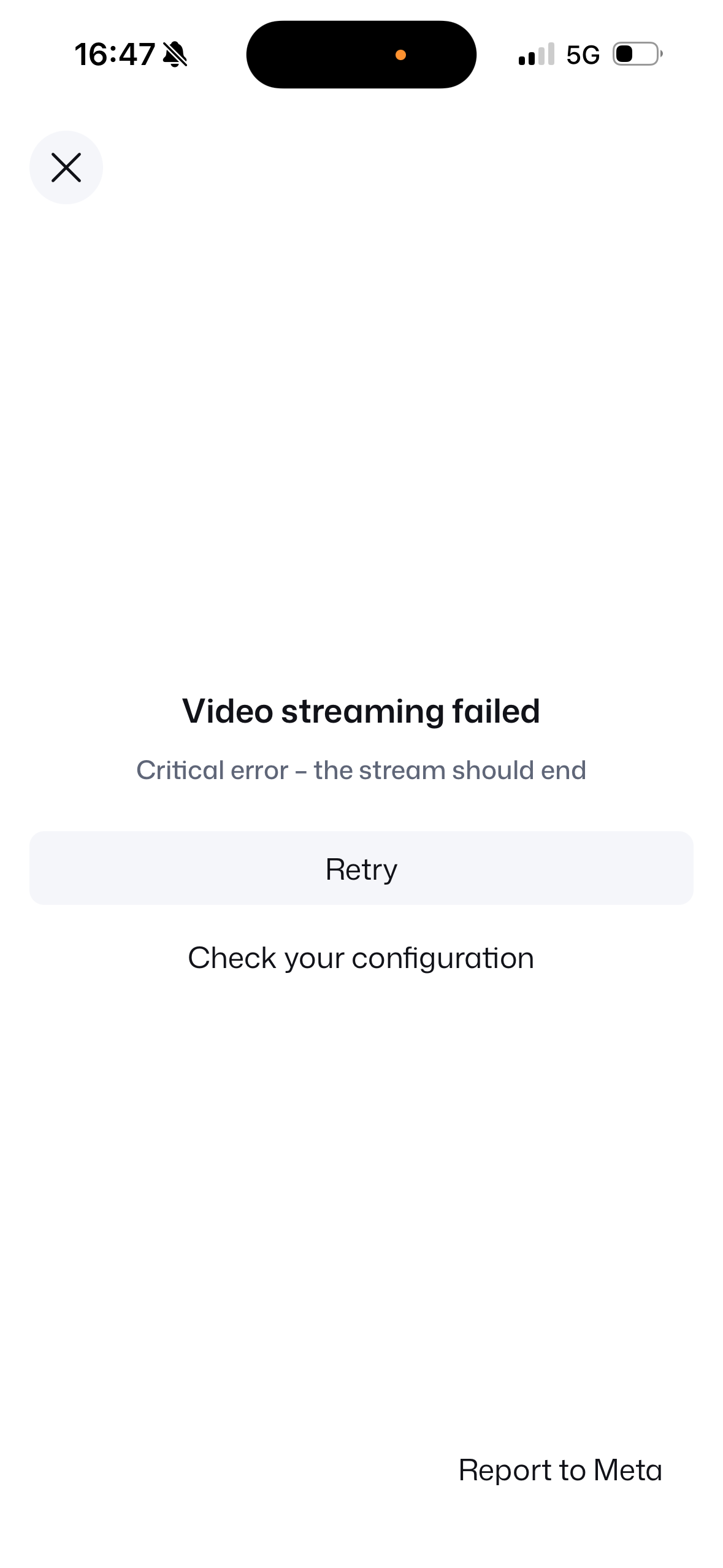 RECOVERY STEP 1
1. Streaming Failed UI
Critical error modal displaying "Video streaming failed". Provides instant Retry, Check configuration, and Report to Meta choices.
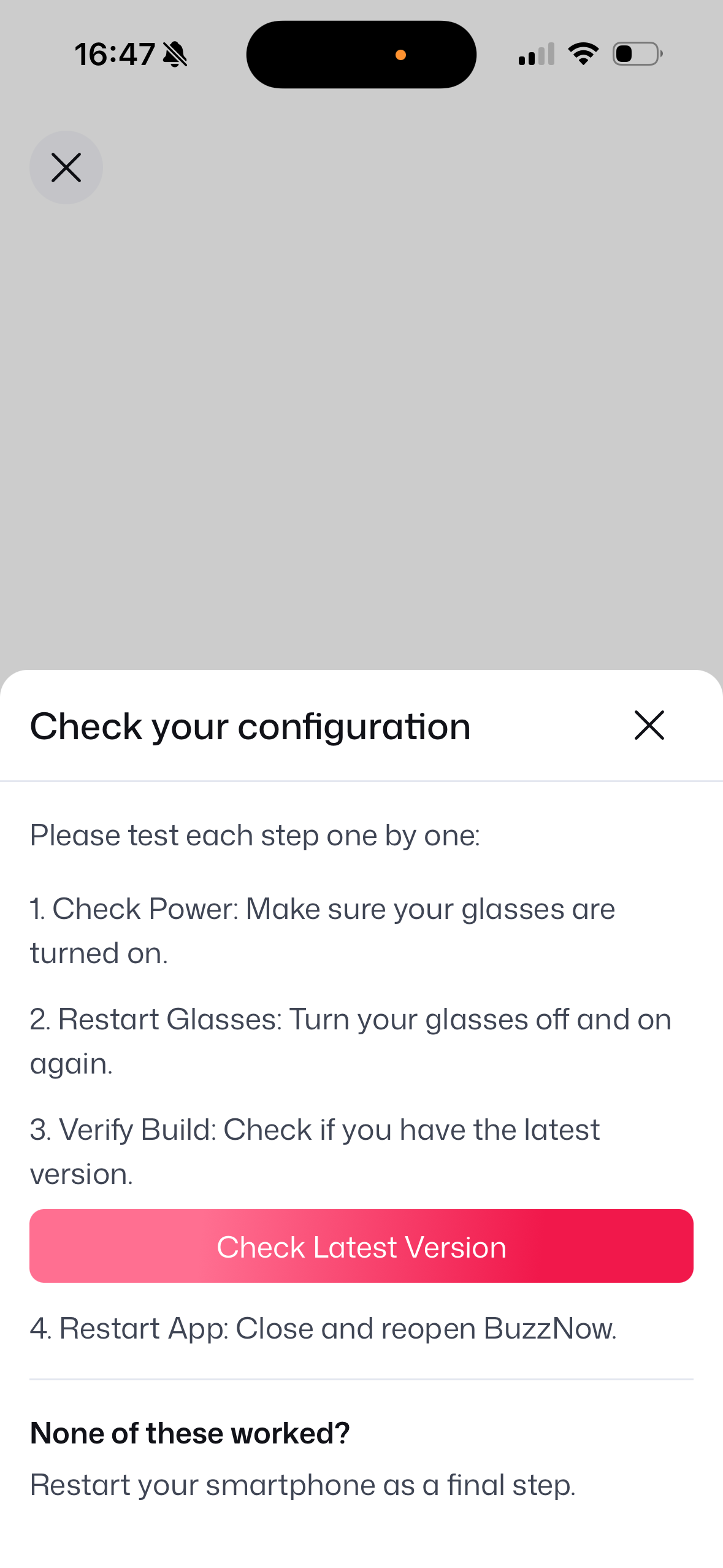 RECOVERY STEP 2
2. Guided Config Checklist
1. Check Power: Ensure glasses are ON
2. Restart Glasses: Power toggle cycle
3. Verify Build: Check latest version CTA
4. Restart App: Reopen BuzzNow
Final Step: Restart smartphone
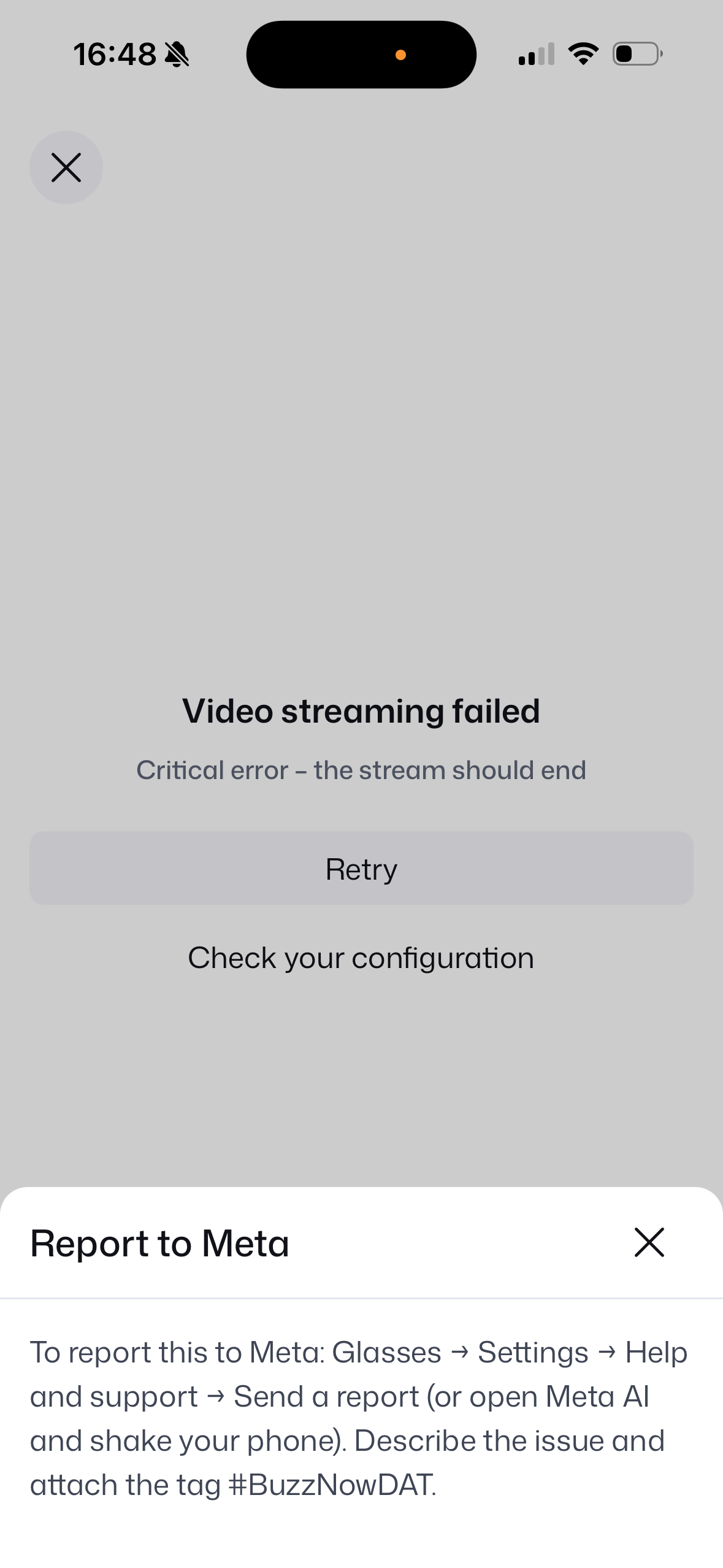 RECOVERY STEP 3
3. Report to Meta Dialog
Exact path provided to end users for QA logging:
Glasses → Settings → Help & support → Send a report (or Shake phone in Meta AI). Attach tag #BuzzNowDAT.
4.4 Meta AI Shake-to-Report Integration Summary
To assist Meta's QA and engineering teams during dogfooding and the Conditional Release period, BuzzNow users can submit technical reports directly through the Meta AI app using either method:
Open Meta AI App $\rightarrow$ Top Left Menu (Two Lines) $\rightarrow$ Settings (Cog Icon) $\rightarrow$ Help & Support $\rightarrow$ Report a Problem.
Firmly shake phone while in Meta AI app $\rightarrow$ Select "Report a Technical Problem" $\rightarrow$ Attach mandatory tag #BuzzNowDAT.
Section 3.5 & 7 • Mixpanel Operational Telemetry Dashboards
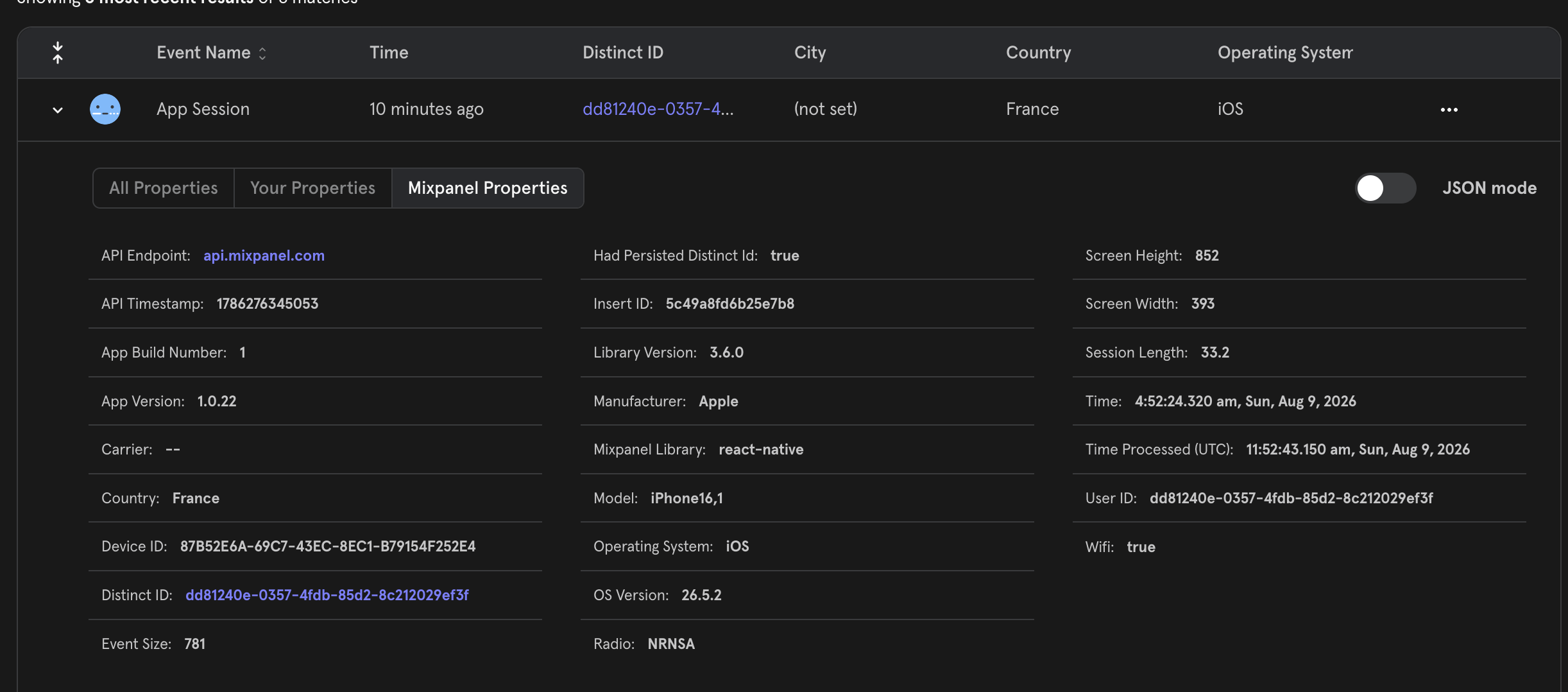
Select any of the 4 live Mixpanel telemetry views capturing session properties, glasses stream events, and device lifecycle.
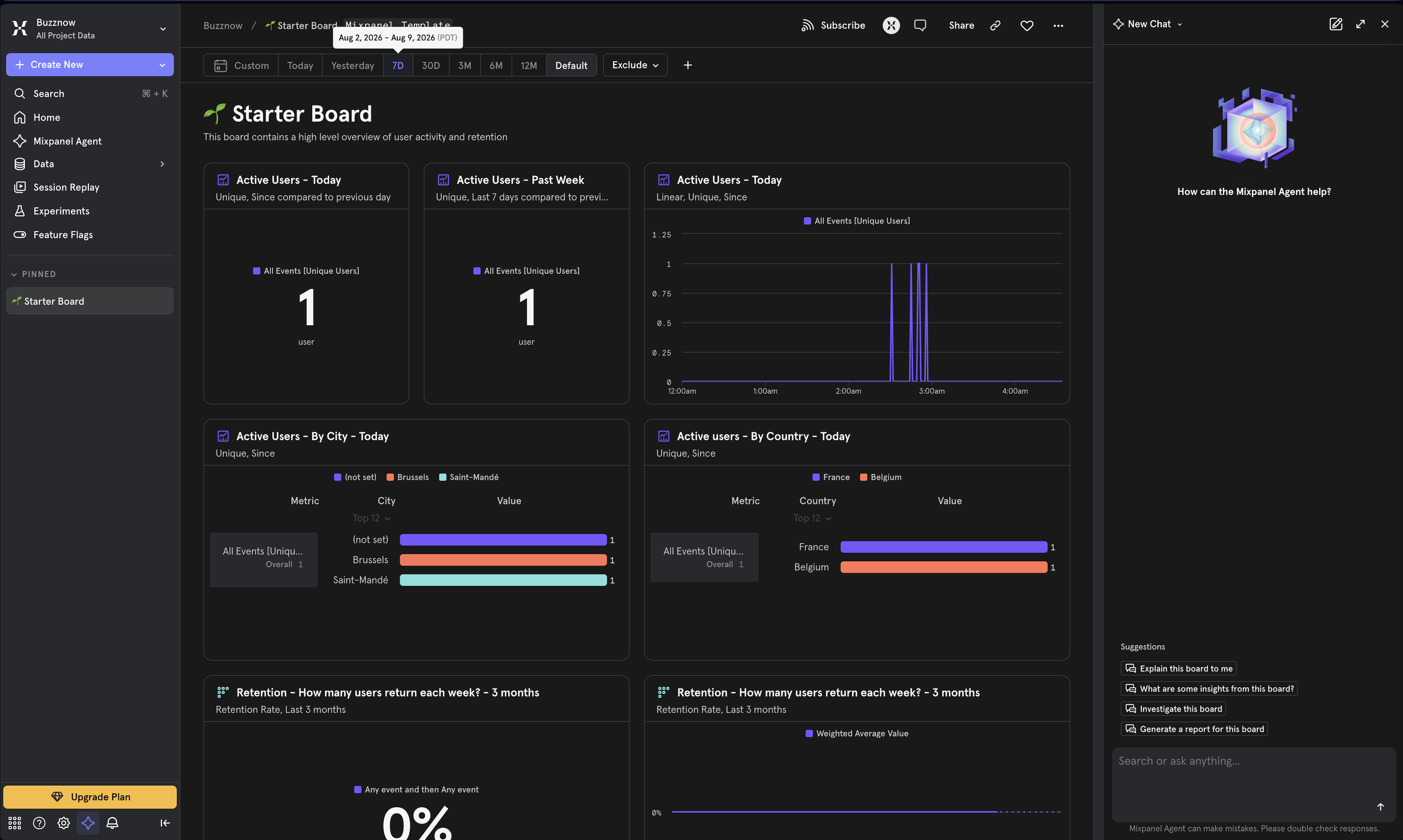 VIEW 1
1. Main Board
Main Insights Dashboard
 VIEW 2
2. Event Feed
Real-time Telemetry Feed
 VIEW 3
3. Session Telemetry
Session Properties Breakdown
 VIEW 4
4. Device Properties
Hardware & OS Lifecycle
Section 6 • Hardware & Connection Error Taxonomy
| Error Code | Trigger Condition | System Behavior | Captured Telemetry |
|---|---|---|---|
| ERR_FIRMWARE_OUTDATED | Outdated glasses firmware or SDK mismatch | Displays update banner with direct CTA to Meta AI app | app_version, glasses_fw_build |
| ERR_WEARING_NOT_DETECTED | Glasses taken off during call setup | Prompts "Put your glasses on your head". Offers phone camera fallback | wearing_state: false |
| ERR_WIFI_HANDSHAKE_DENIED | User rejects Wi-Fi Direct join dialog | Connection fails gracefully; offers fallback to phone camera | wifi_status: denied |
| ERR_CAMERA_PERMISSION_DENIED | DAT camera permission denied | Displays permission error with Retry and Back controls | camera_permission: false |
| ERR_APP_UNVERIFIED_DENIED | Third-party developer trust toggle disabled | Connect button disabled until toggle turned on | dat_unverified_trust: false |
Self-Service Diagnostic Checklist (5 Steps)
Ensure Ray-Ban Meta glasses are switched ON.
Restart glasses via physical power switch.
Check software version compatibility in-app.
Force close and reopen BuzzNow.
Restart phone to refresh socket network.
Meta AI Bug Escalation Protocol (#BuzzNowDAT)
Open Meta AI App $\rightarrow$ Settings $\rightarrow$ Help & support $\rightarrow$ Send a report or shake phone in Meta AI app. Always tag #BuzzNowDAT.
Section 3.2, 3.3 & 3.4 • Ray-Ban Meta DAT Hardware Onboarding & Firmware Setup Sequence
Complete end-to-end flow: Wearing detection, firmware update alert, developer mode installation sequence, Wi-Fi Direct handshake, and active live stream.
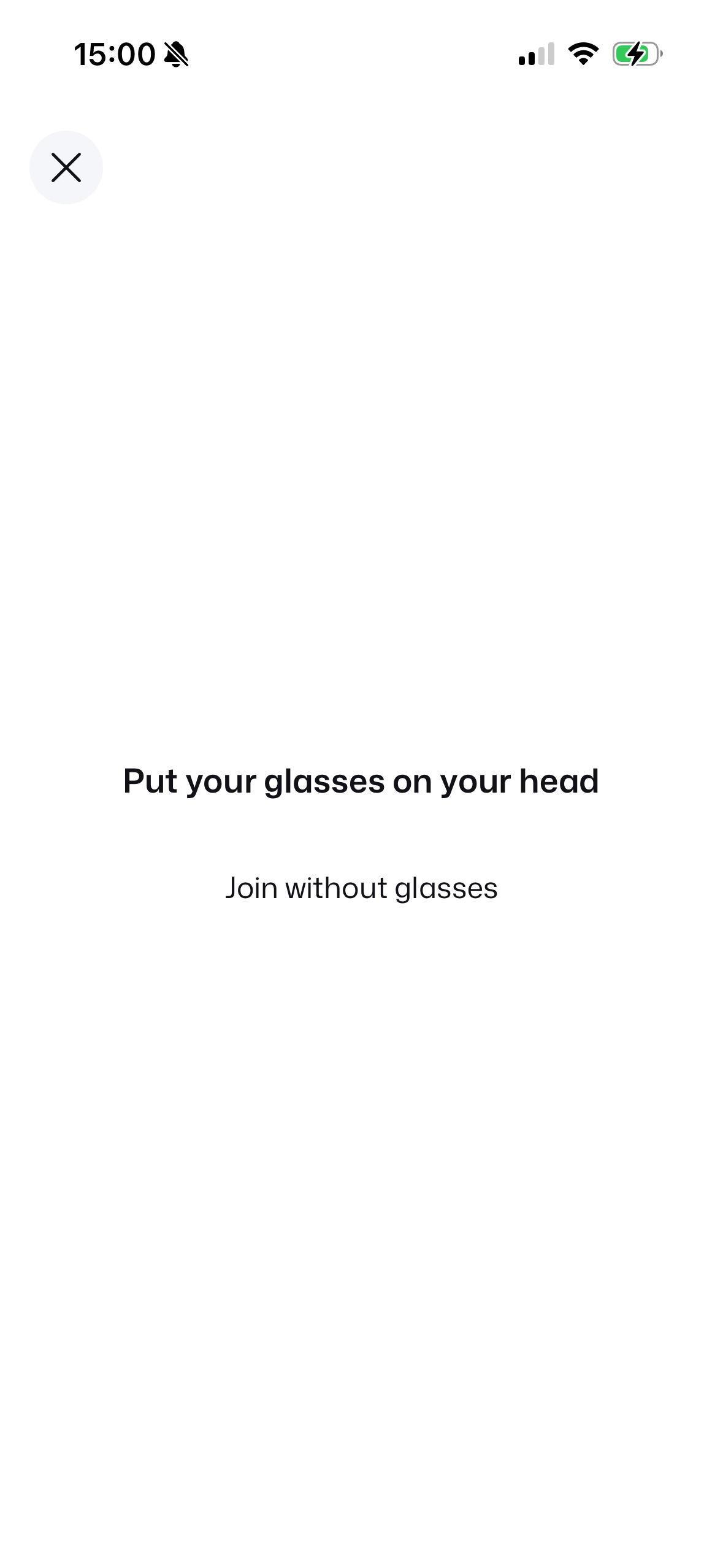
Put glasses on head
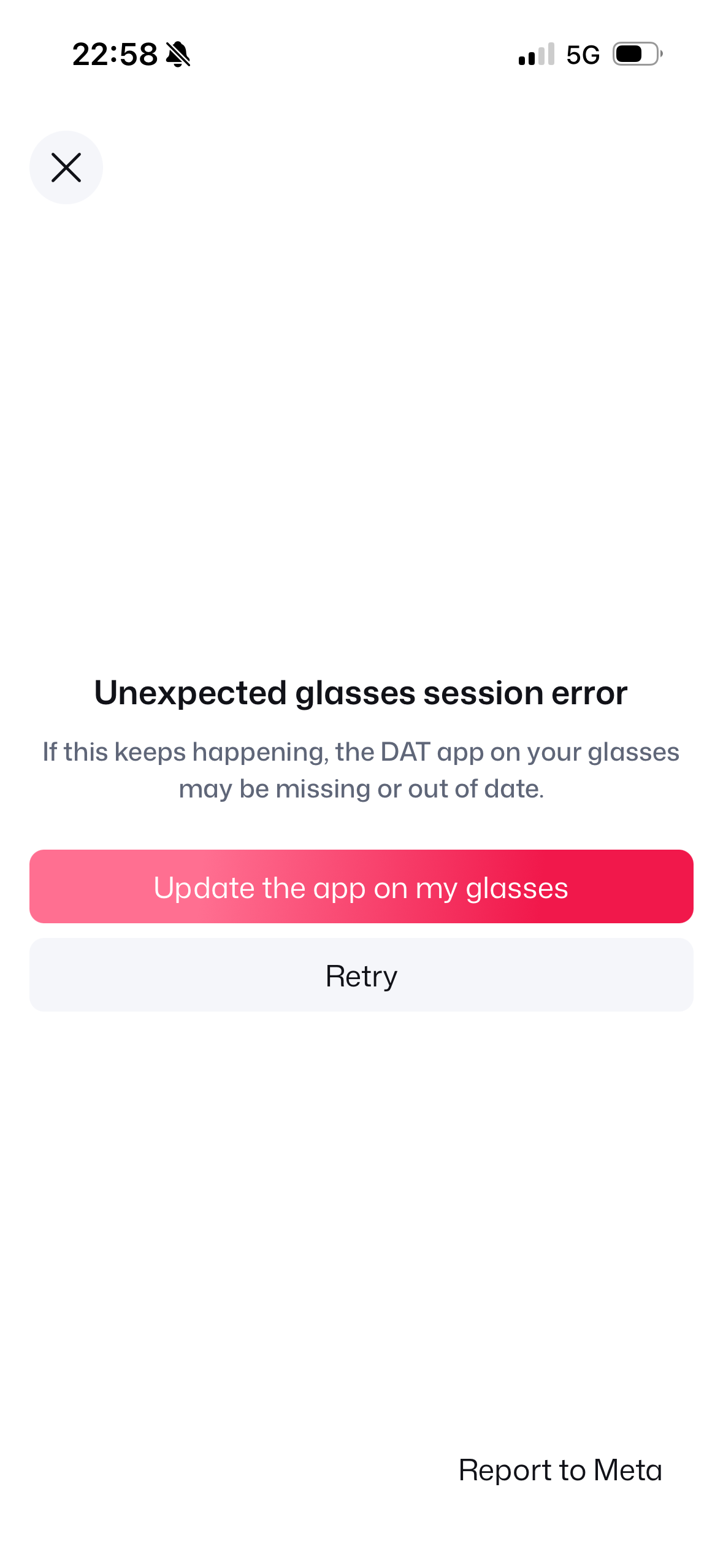
Update my glasses CTA
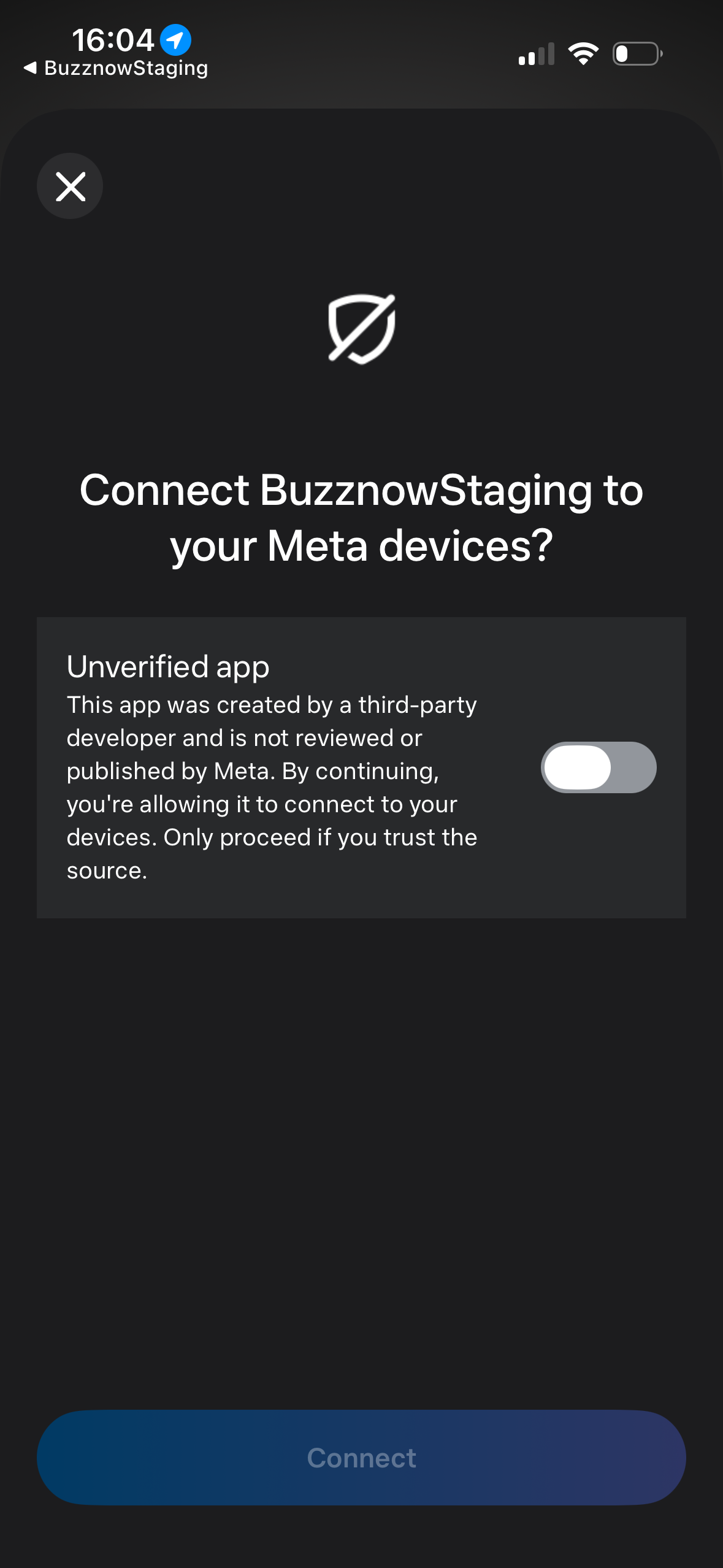
Toggle off state
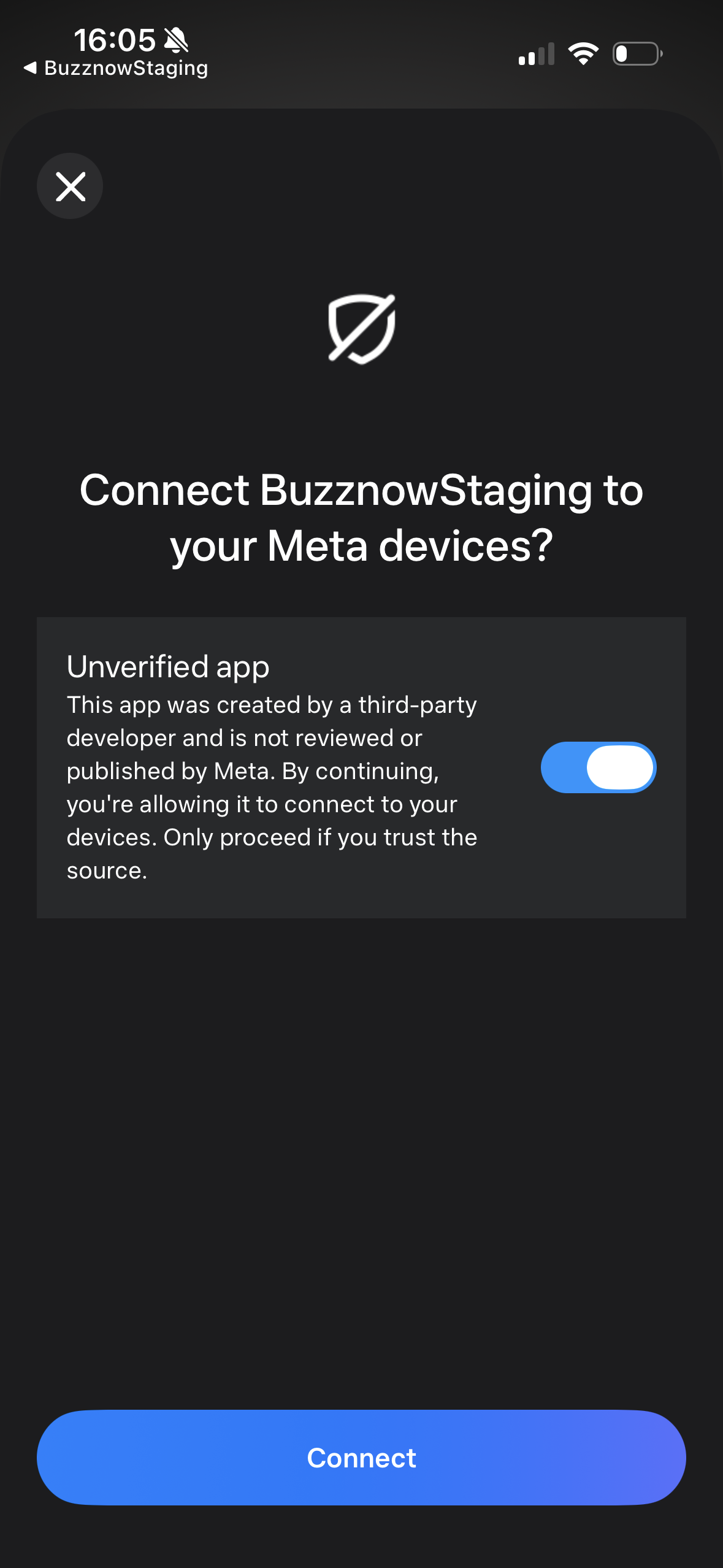
Connect enabled
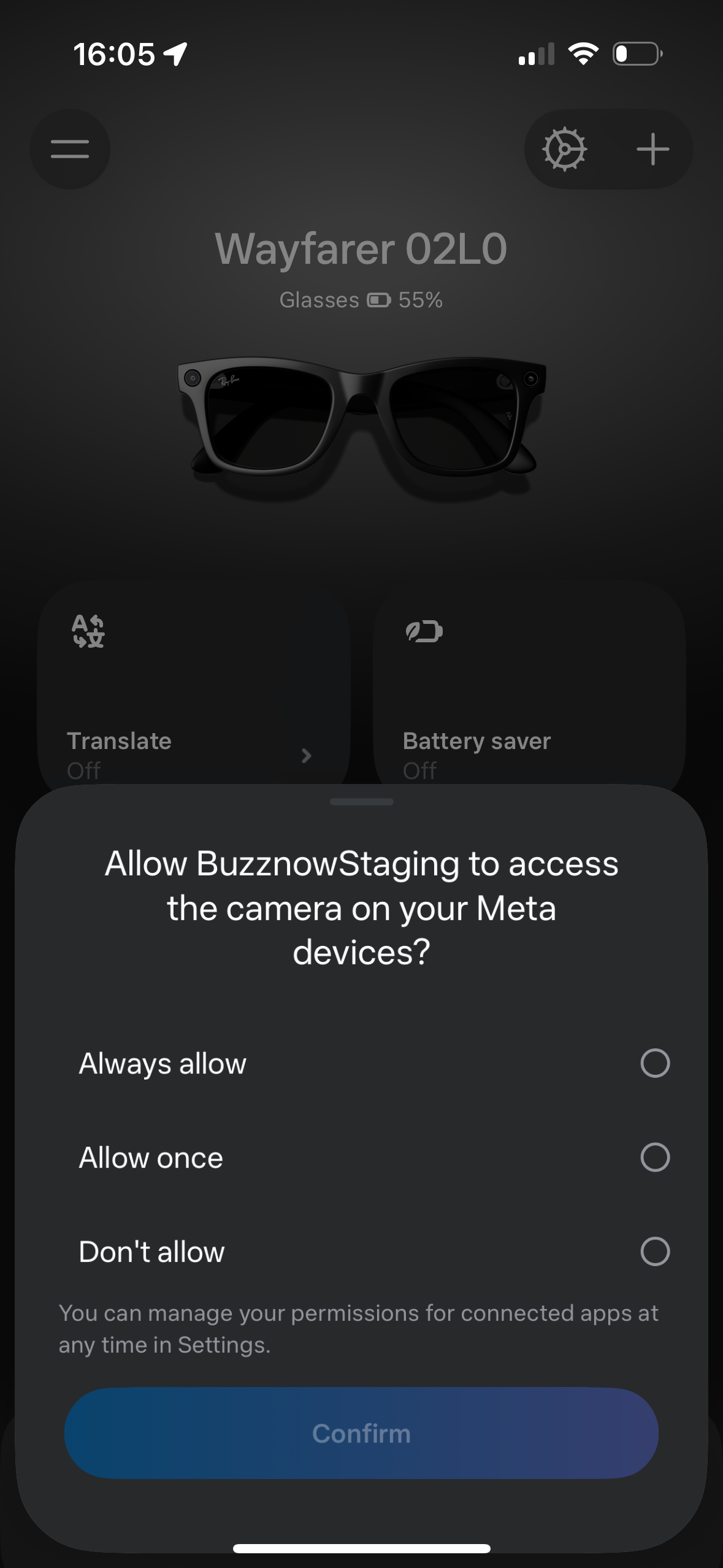
Always / Once choices
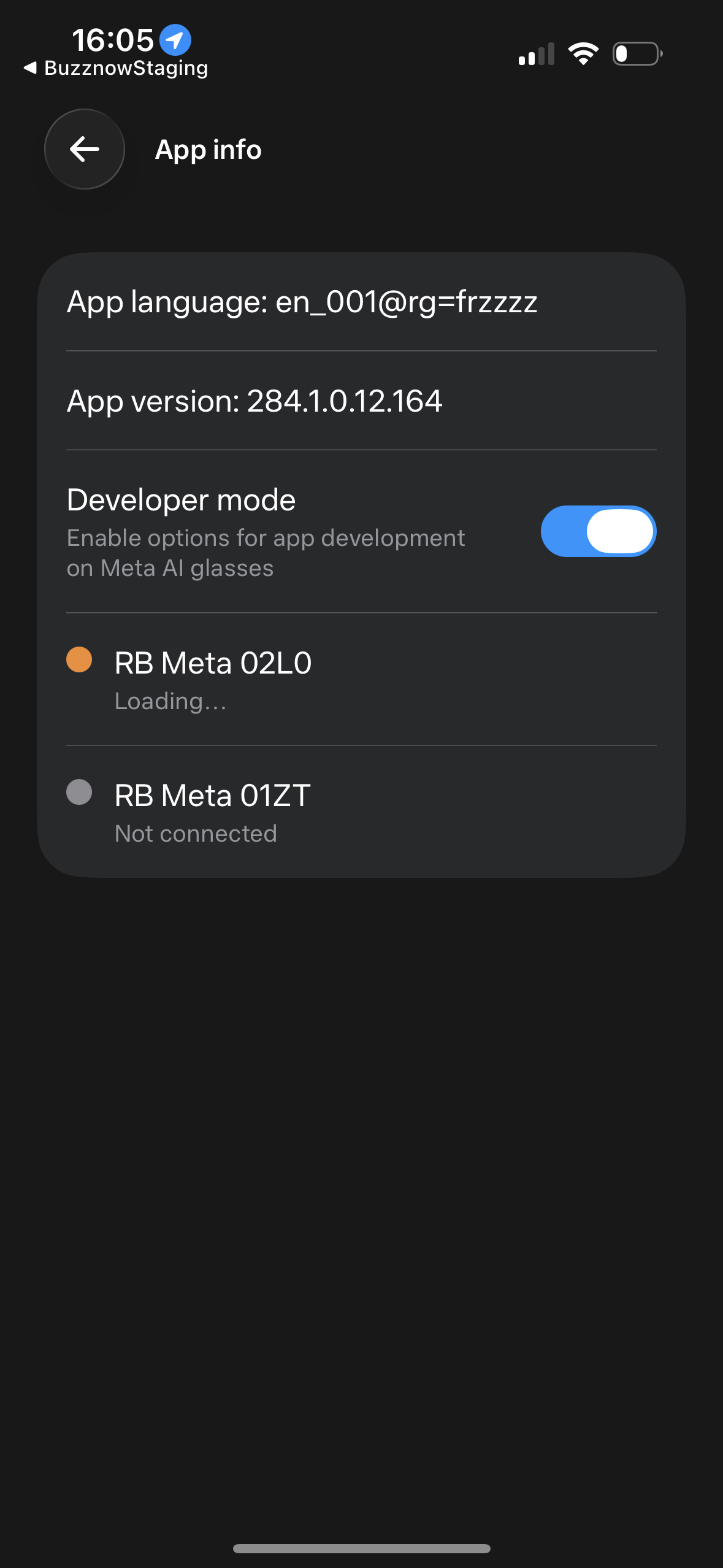
Dev Mode & Loading
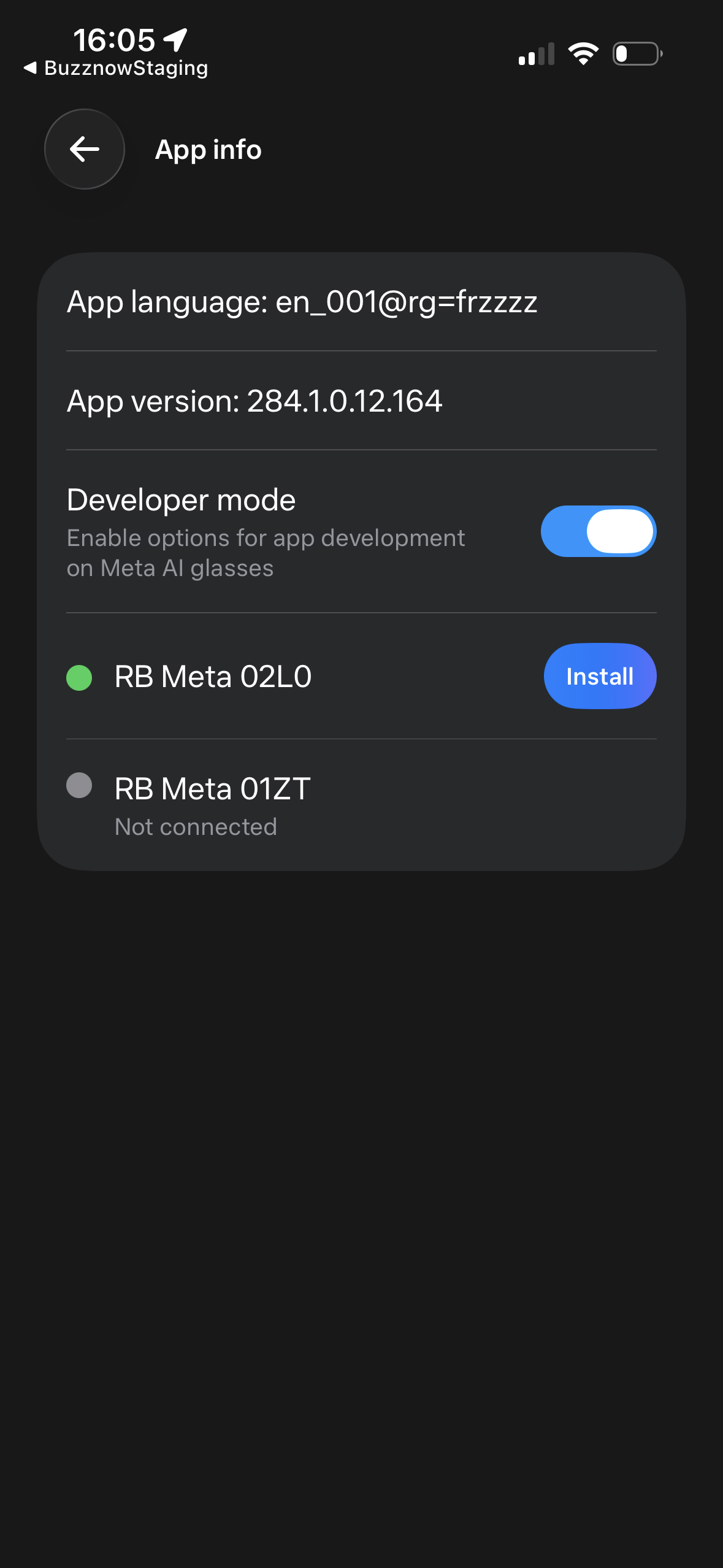
Install build trigger
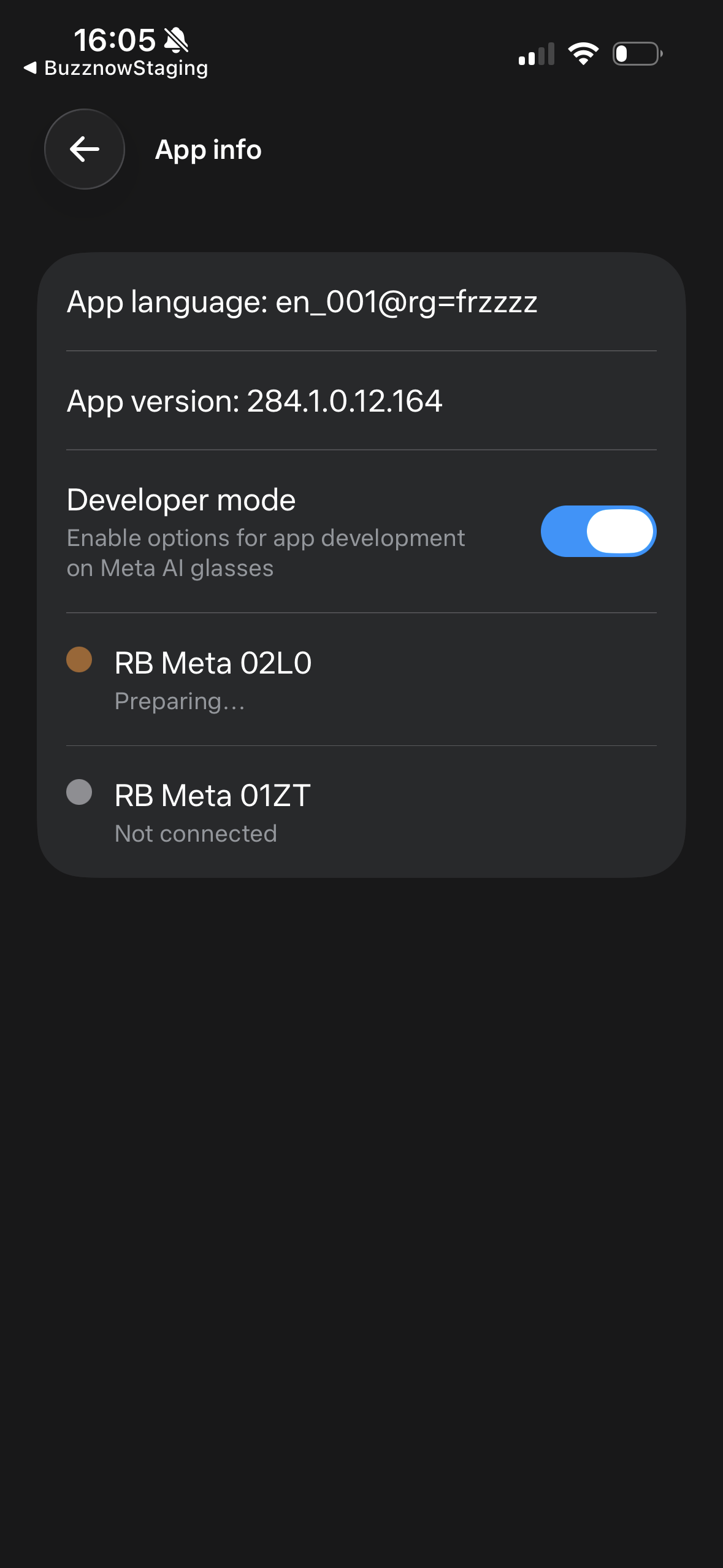
Preparing socket
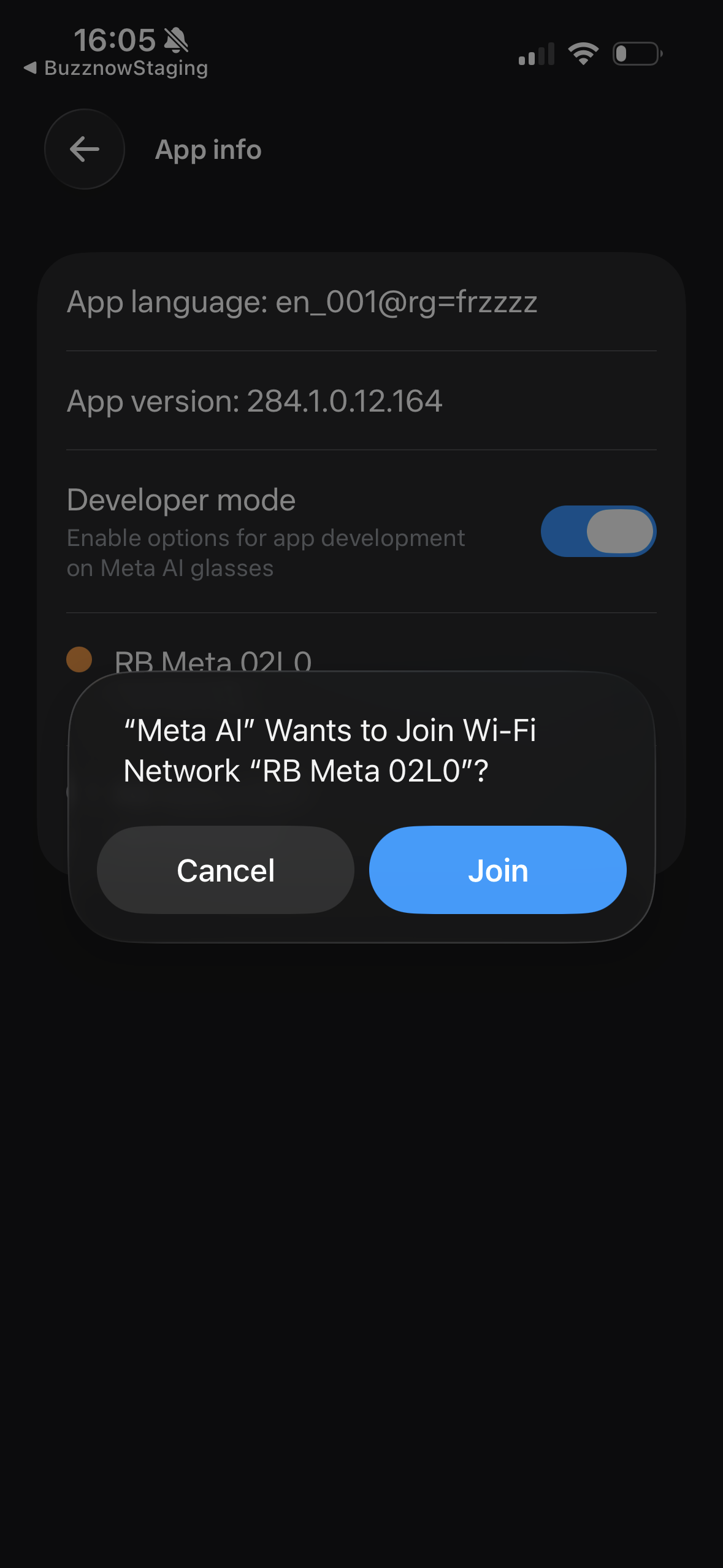
Join RB Meta 02L0
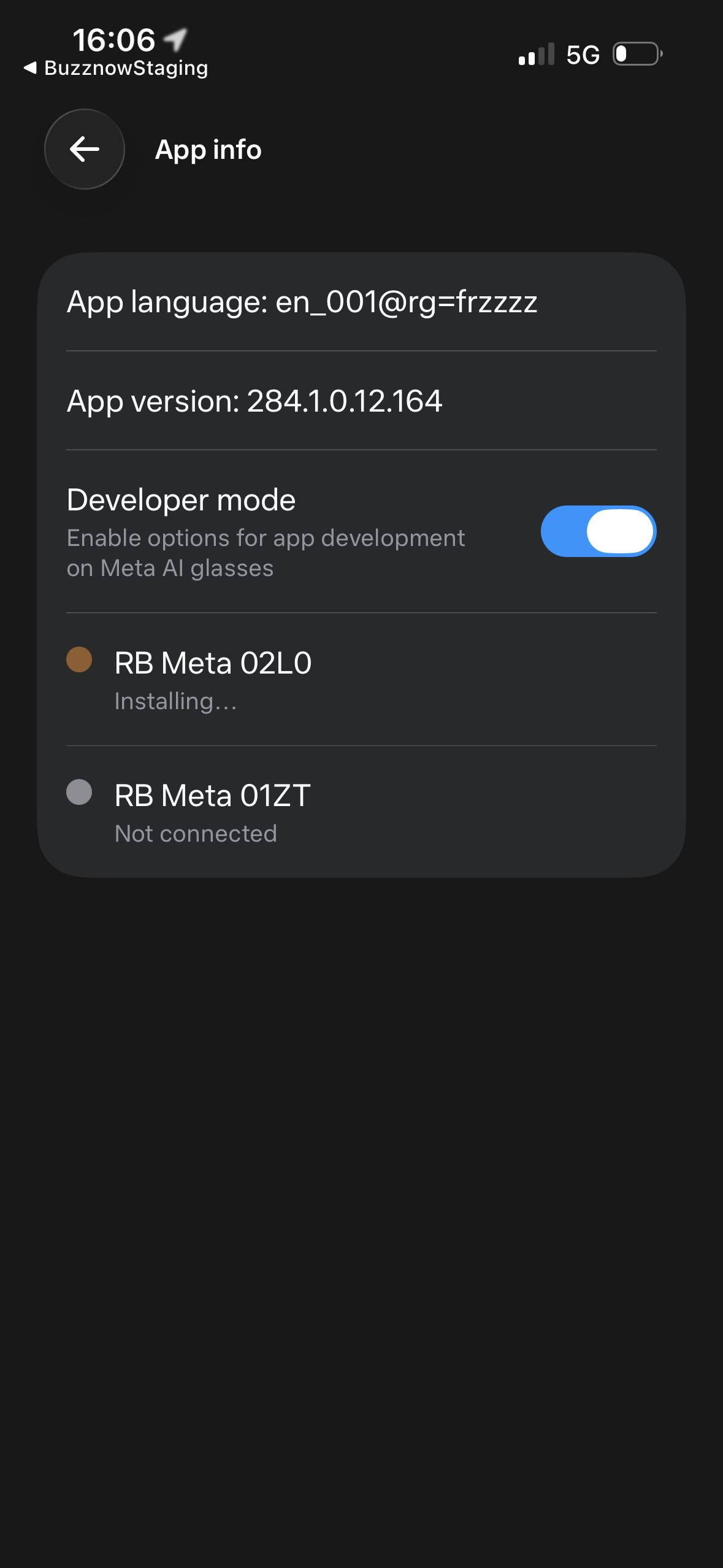
Socket connected
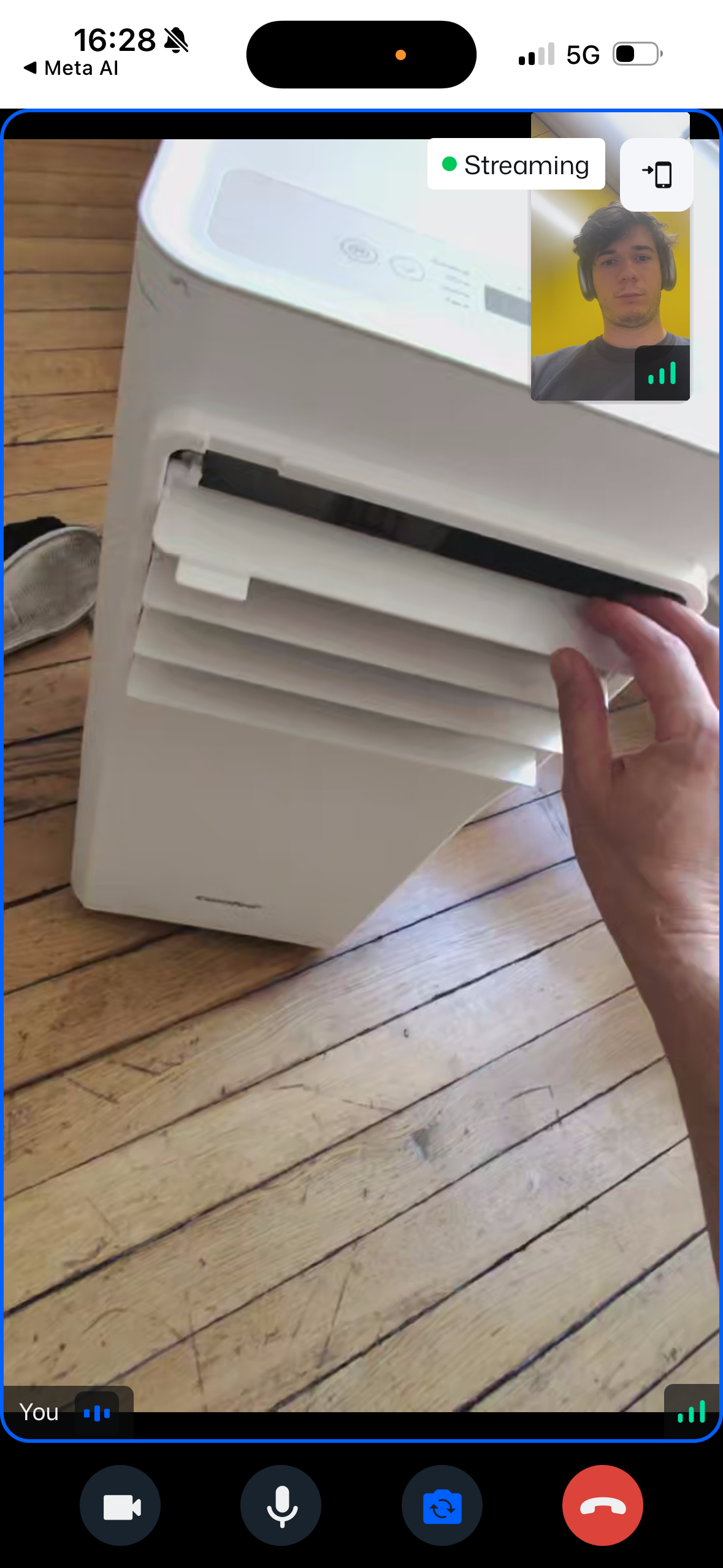 LIVE POV
Active POV stream
Specialist Journey: Launching a Public Live Broadcast (6 Steps)
Public broadcast setup sequence from central + tap to Scott 196B speaker restoration live POV stream.
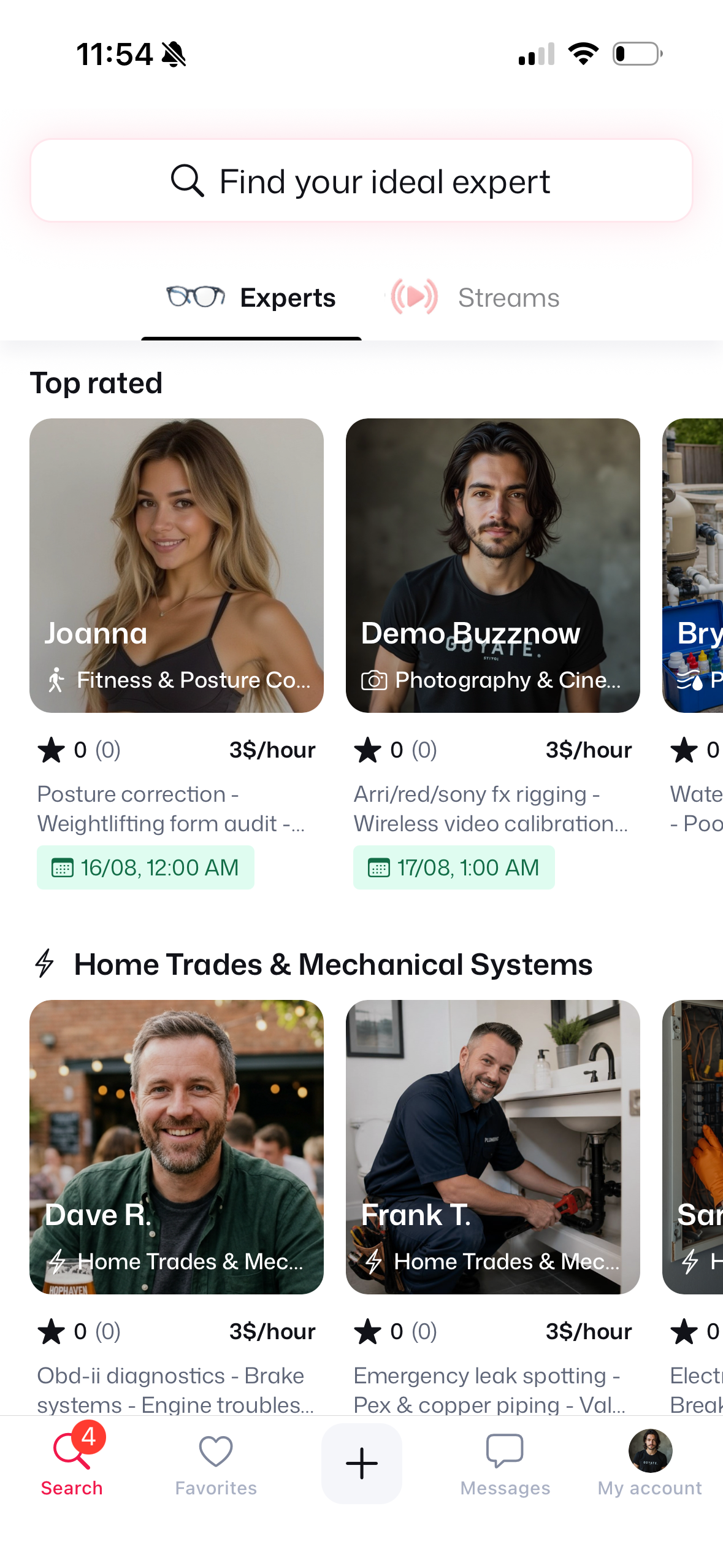
1. Tap Central +
Launch live menu.
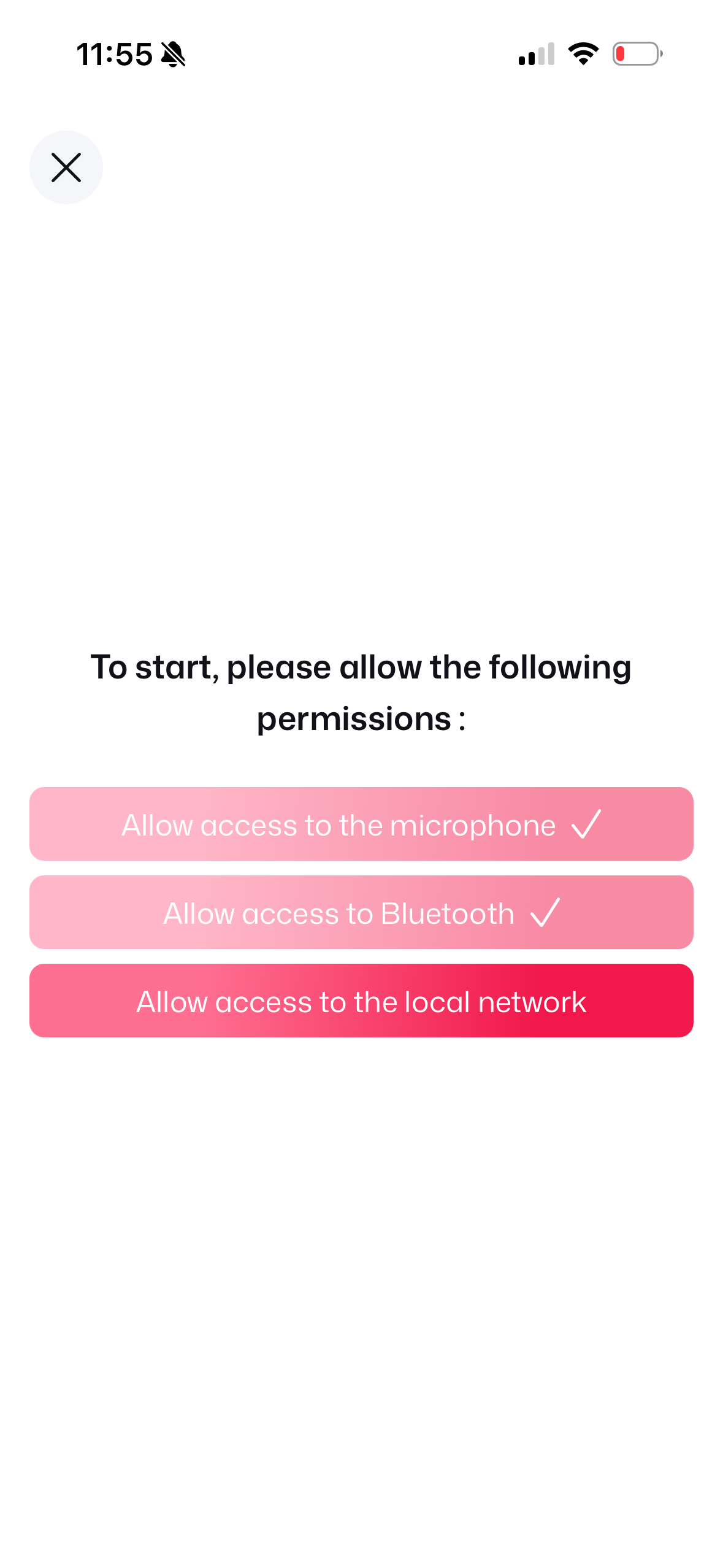
2. Allow Permissions
Mic & network consent.
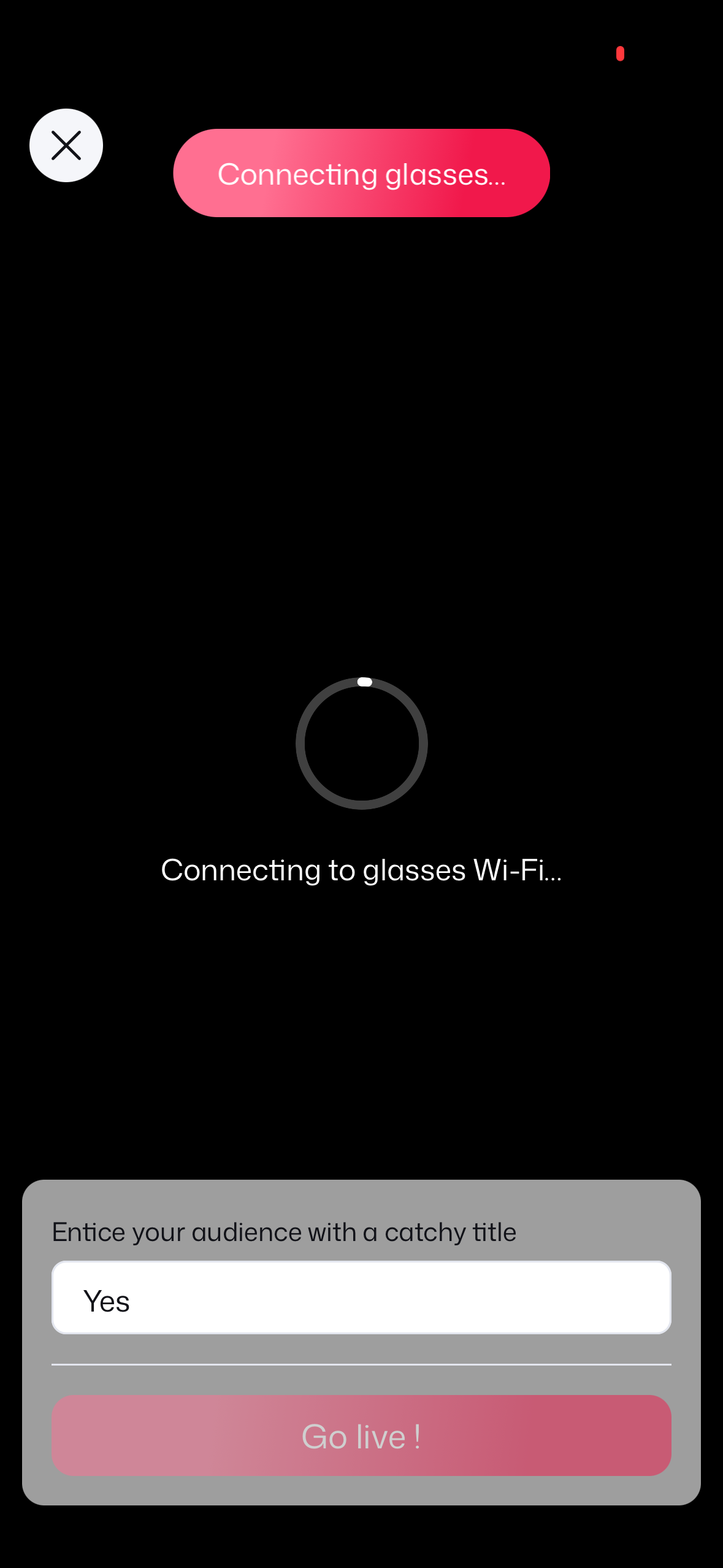
3. Glasses Socket Sync
Connecting socket.
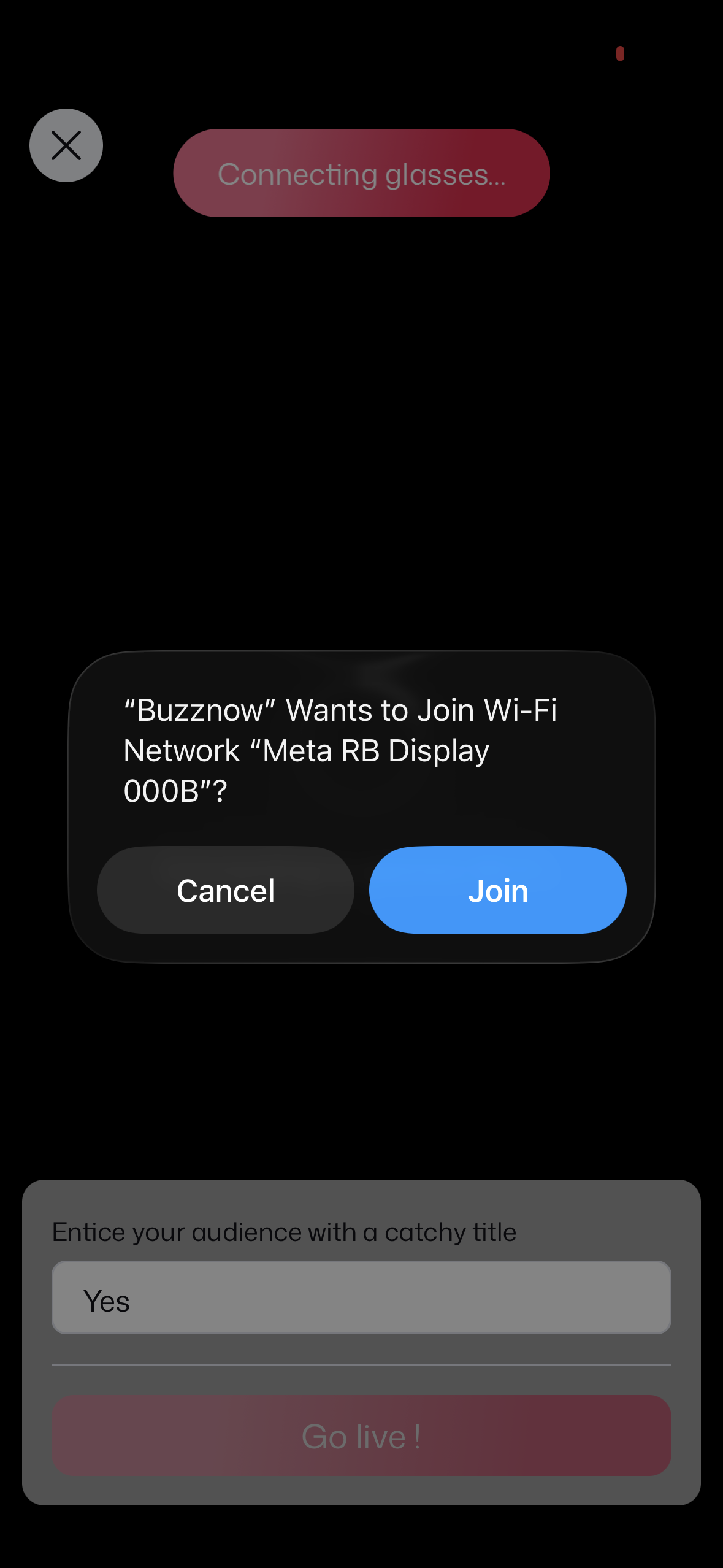
4. Join Glasses Wi-Fi
Join Meta RB network.
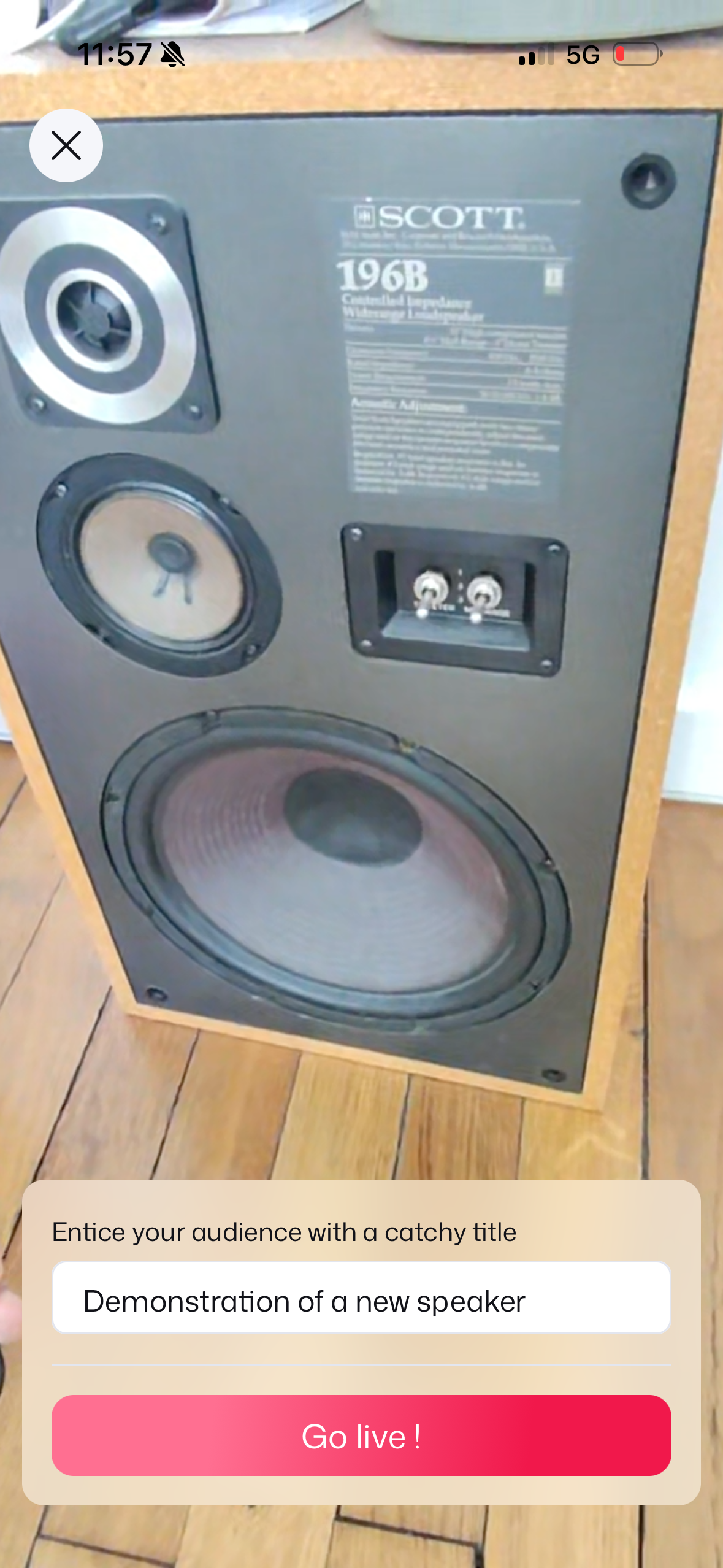
5. Set Stream Title
Title & Go Live!
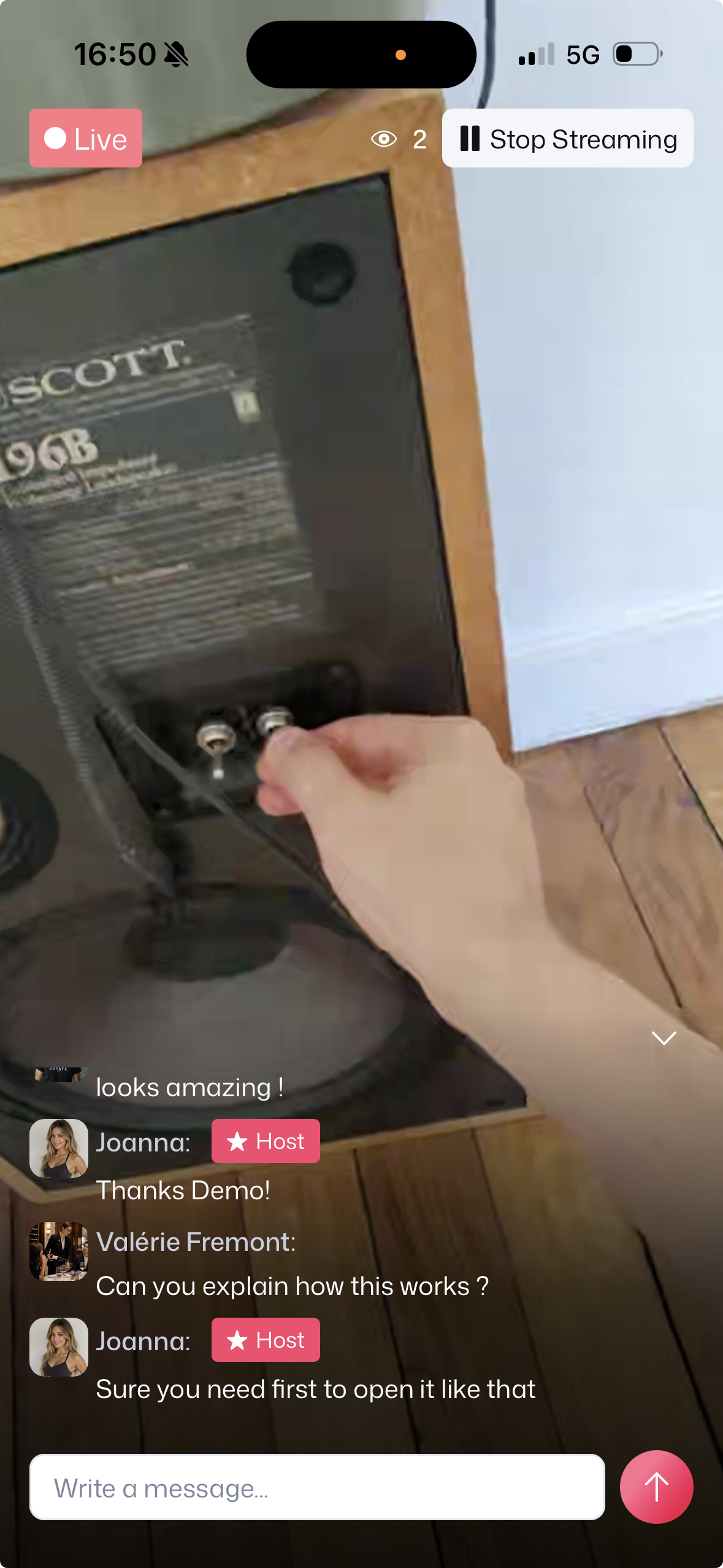 LIVE
LIVE
6. Live POV Broadcast
Speaker repair & chat!
1. Expert Profiles & 1-on-1 Paid Mentorship Flow
Search & Select Expert
Browse experts by trade or category (Culinary, Trades, Posture).
Book 6 PM Slot & Pay
Select date, duration, and authorize secure payment via Stripe Link.
Automated Email Invites
Receive Sinch Mailjet confirmation emails with 1-click ICS calendar sync.
6 PM Live Smart Glasses POV
Put on Ray-Ban Meta glasses and stream hands-free WebRTC video to mentor.
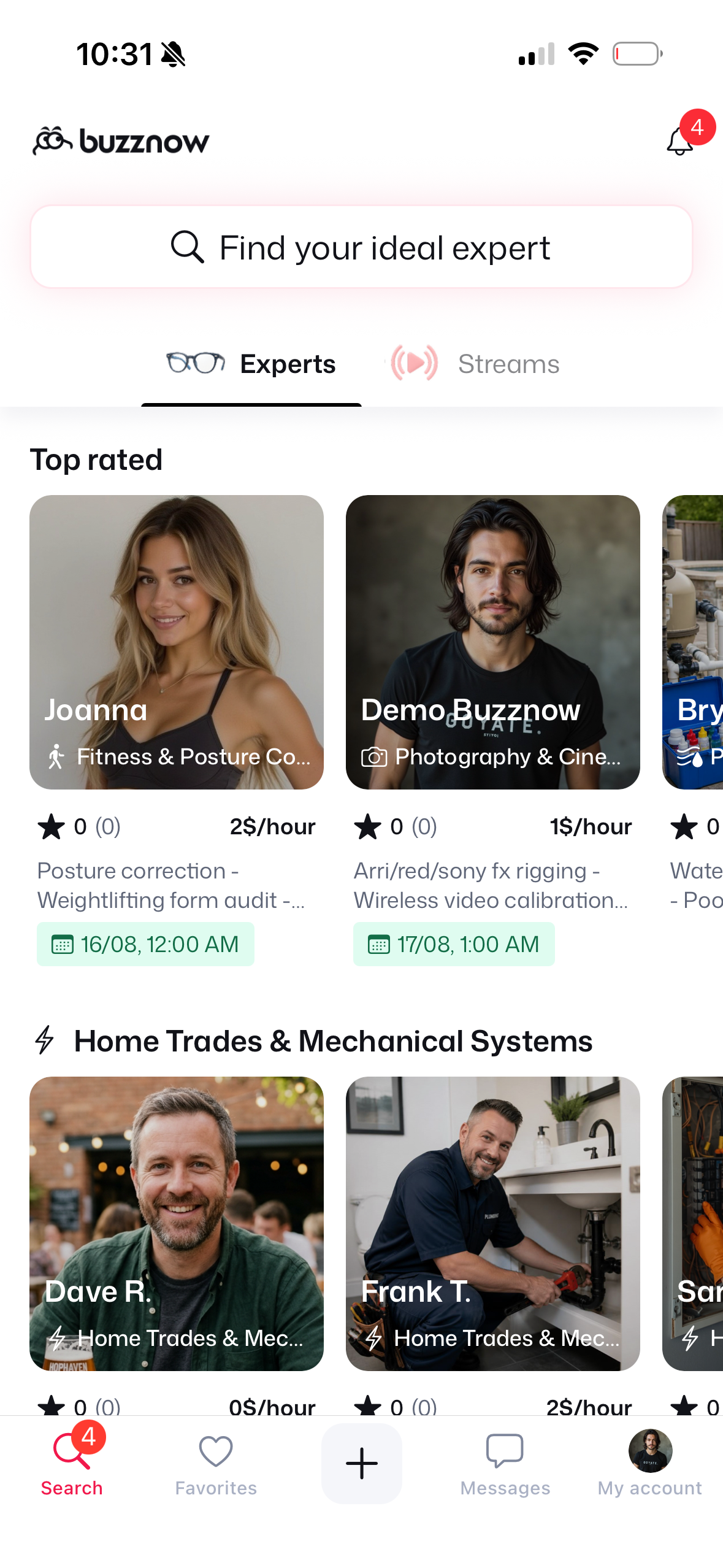
1. Search Directory
Search for "Chef" or "Culinary".
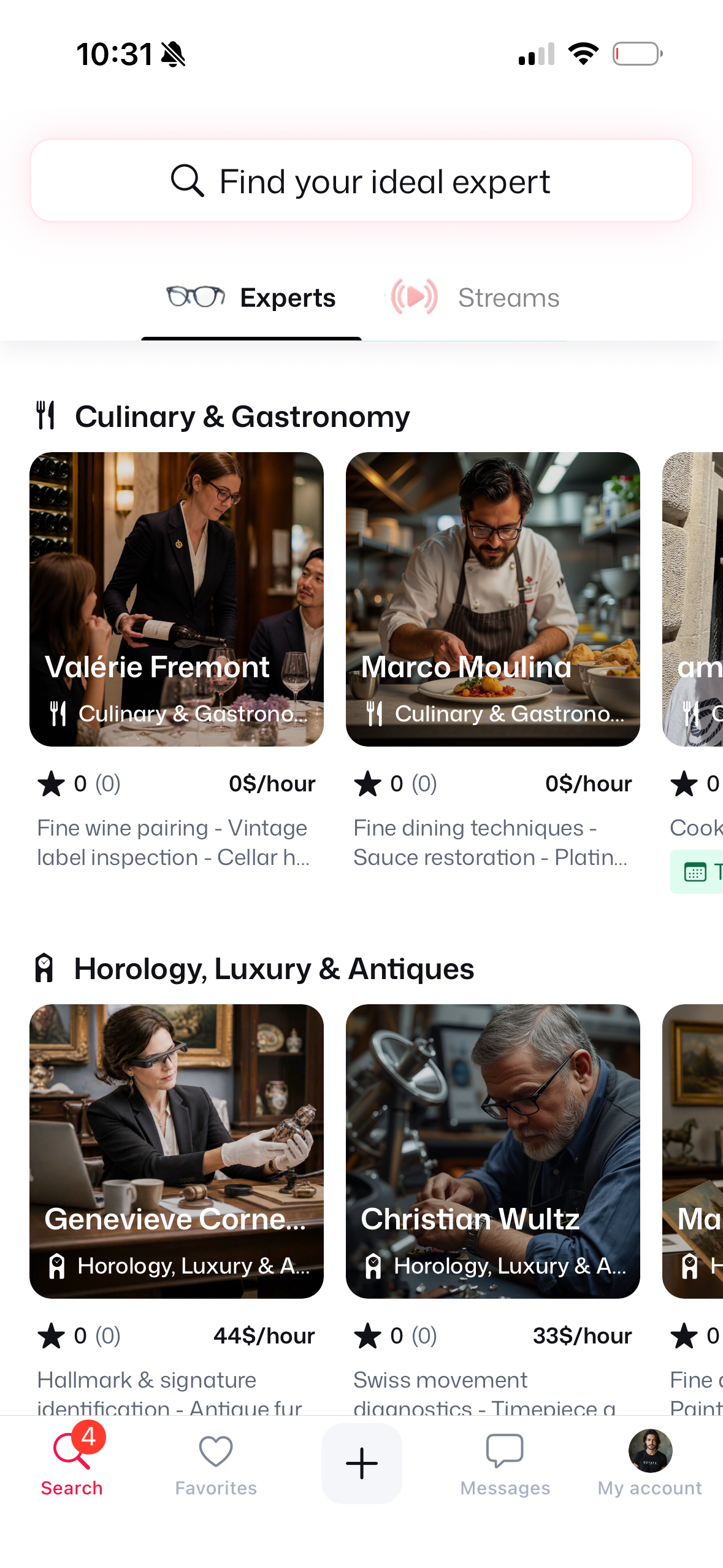
2. Culinary Category
Locate Marco Moulina ($3/hr).
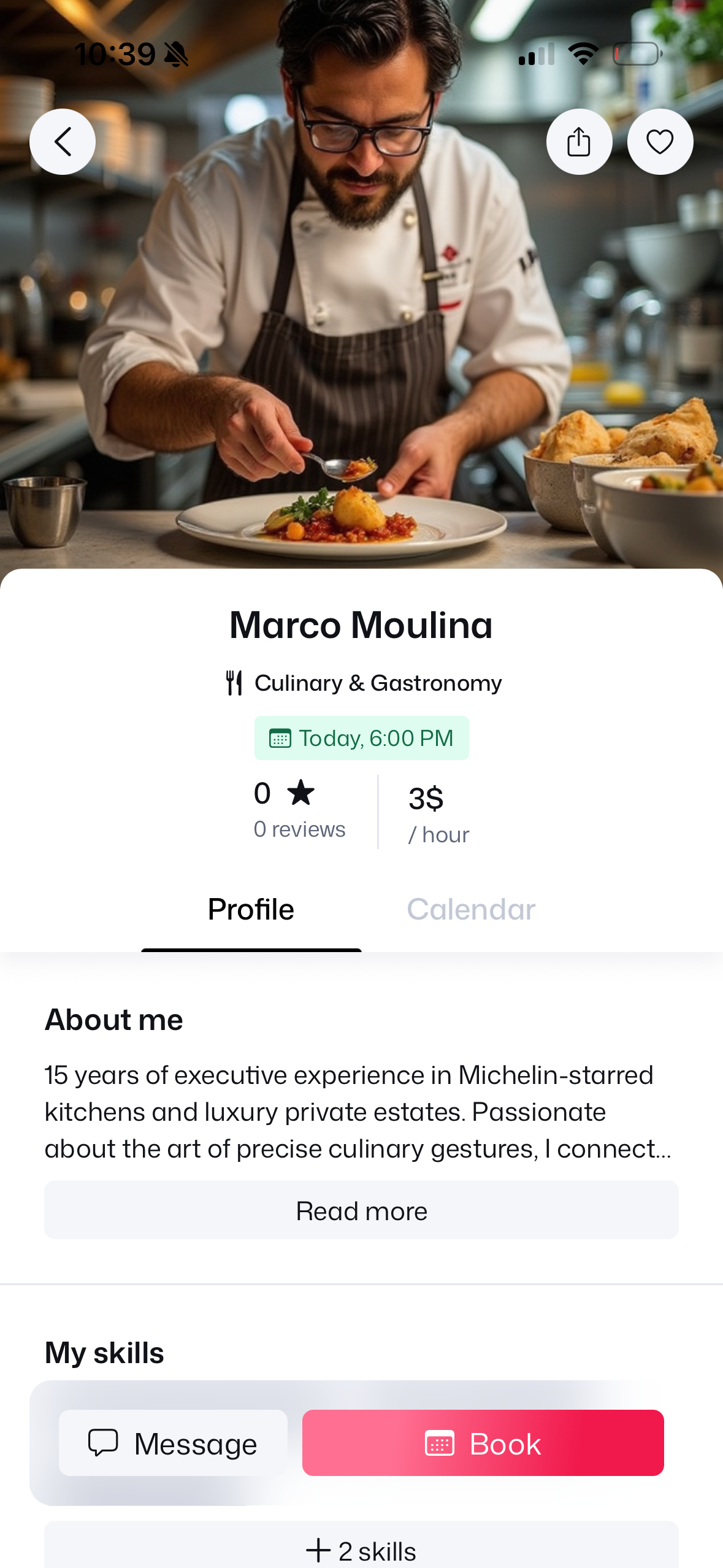
3. Chef Profile
Review $3/hr rate & bio.
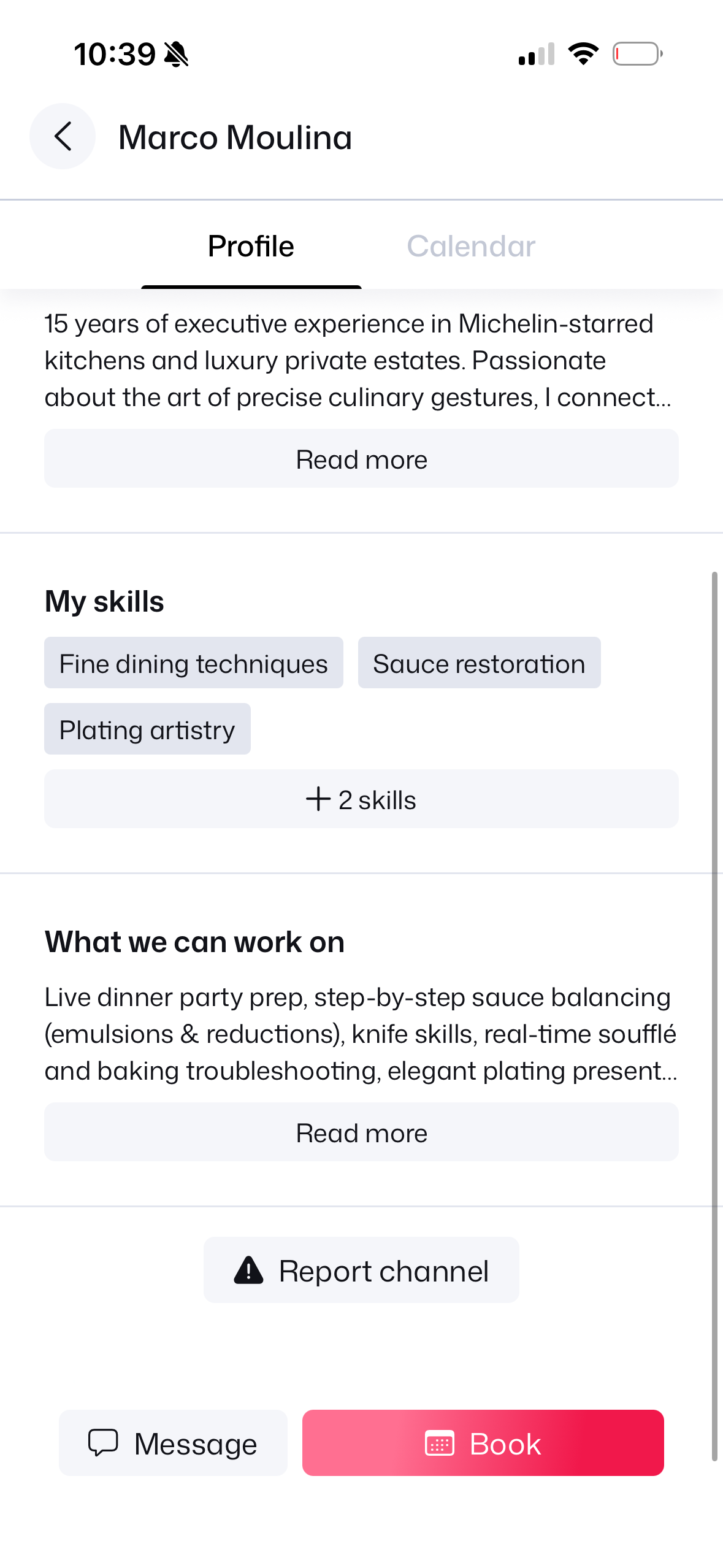
4. Skills & Credentials
Michelin skills & experience.
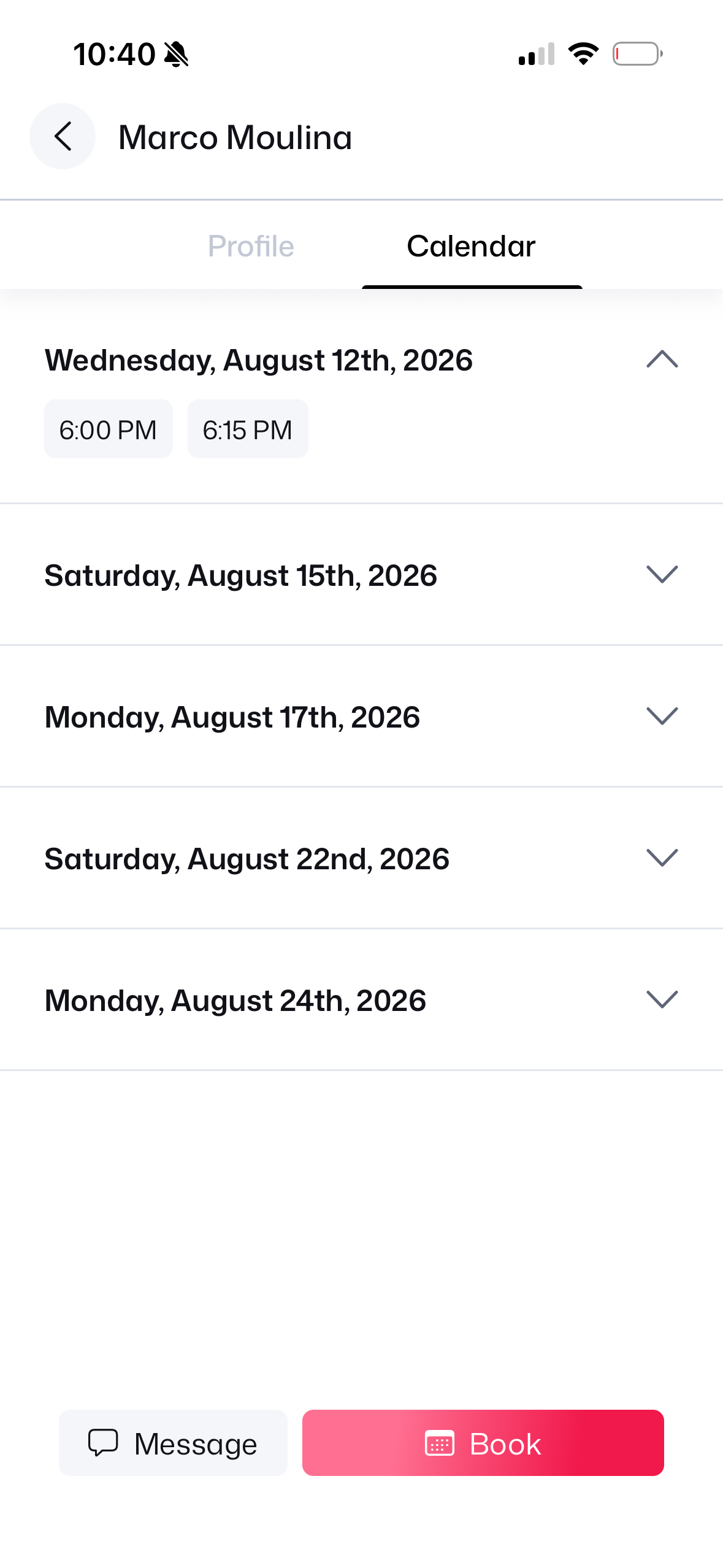
5. Open Calendar
View open dates schedule.
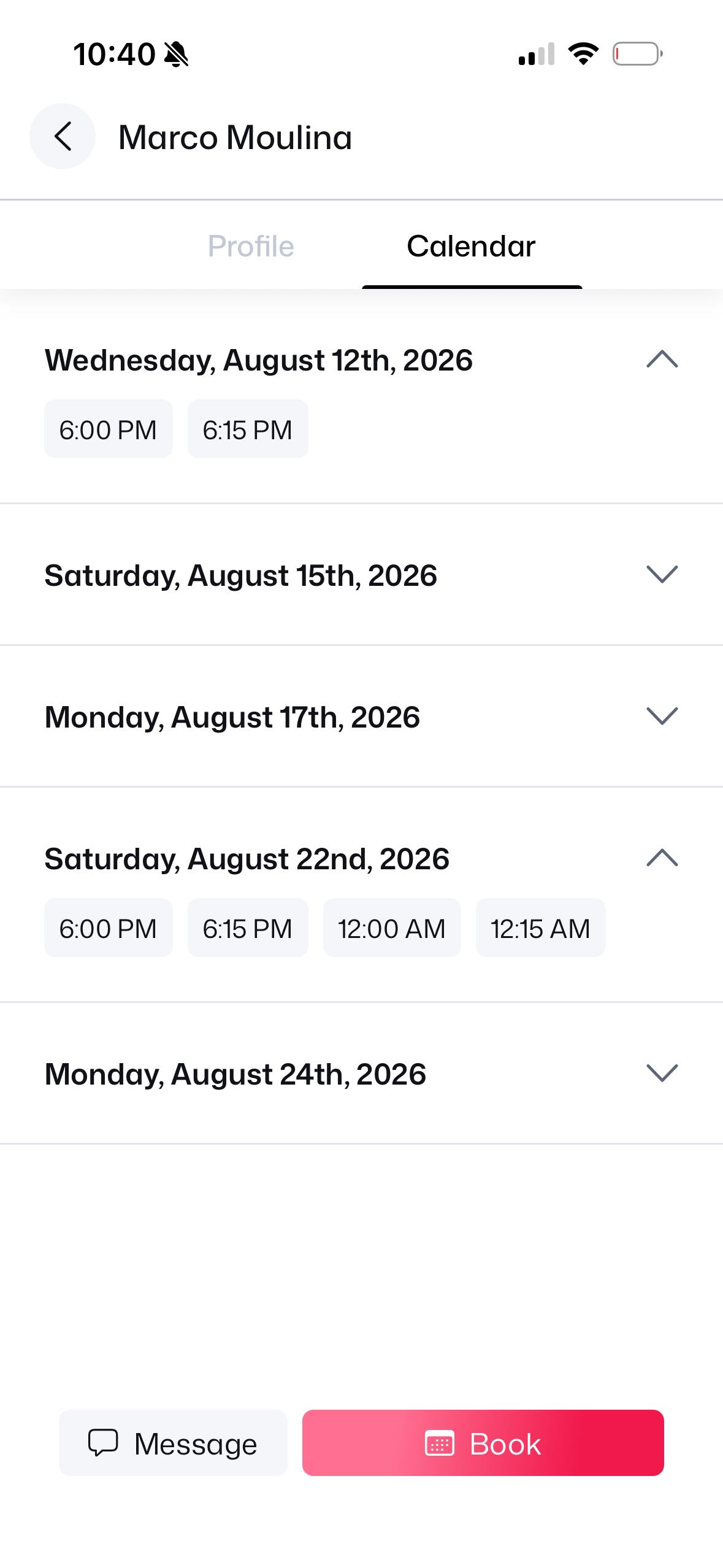
6. Select 6:00 PM Slot
Tap 6:00 PM timeslot.
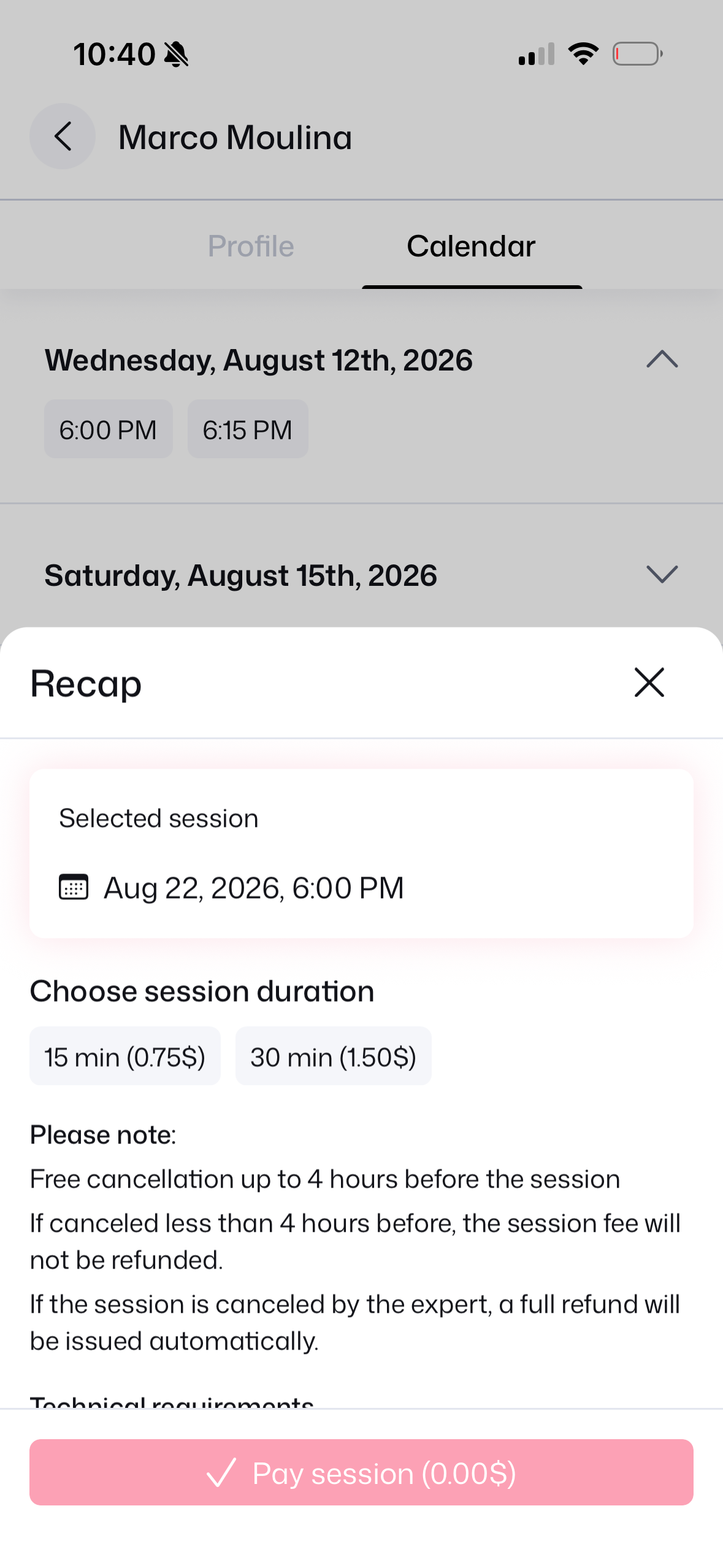
7. Duration Choice
Pick 15 min duration.
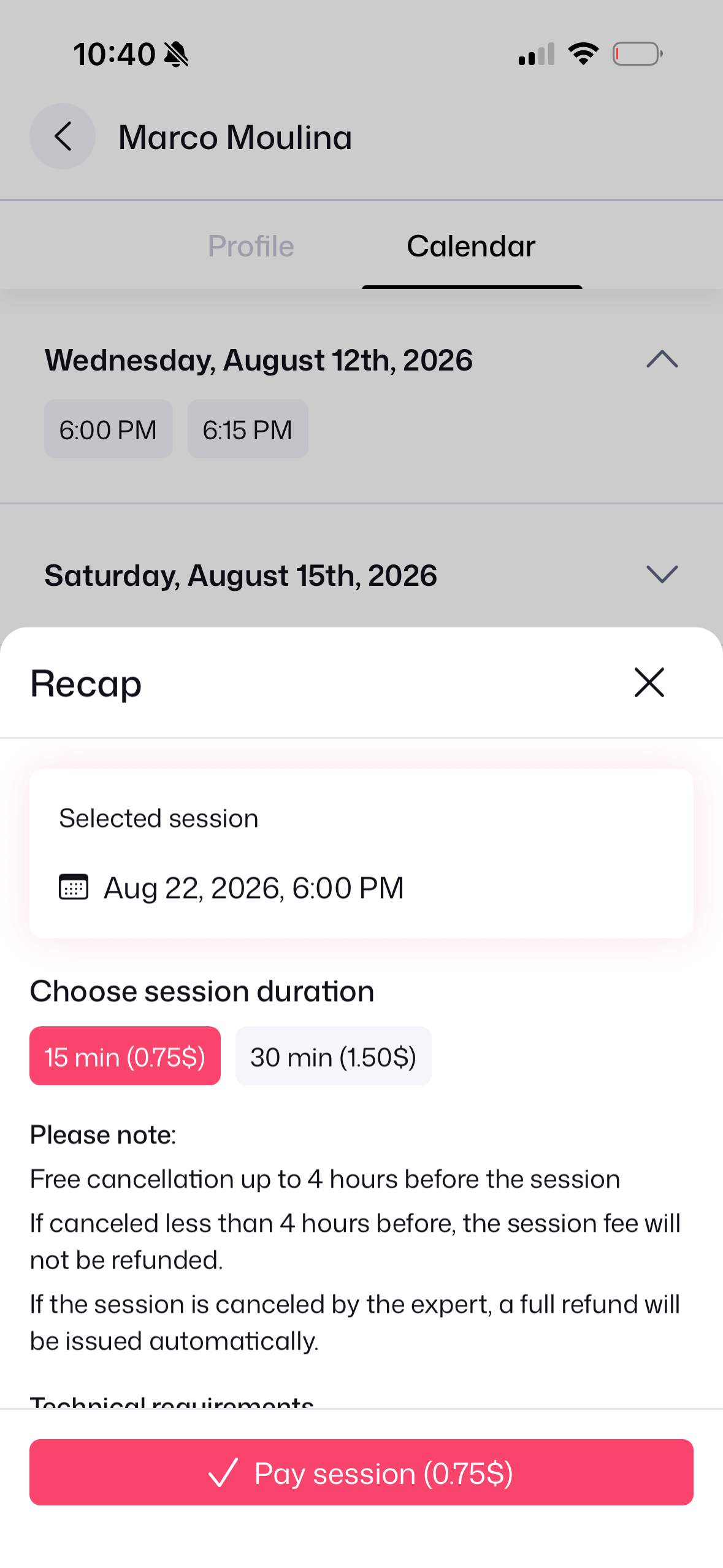
8. Fee & Policy Recap
Review fee & 4h cancel rule.
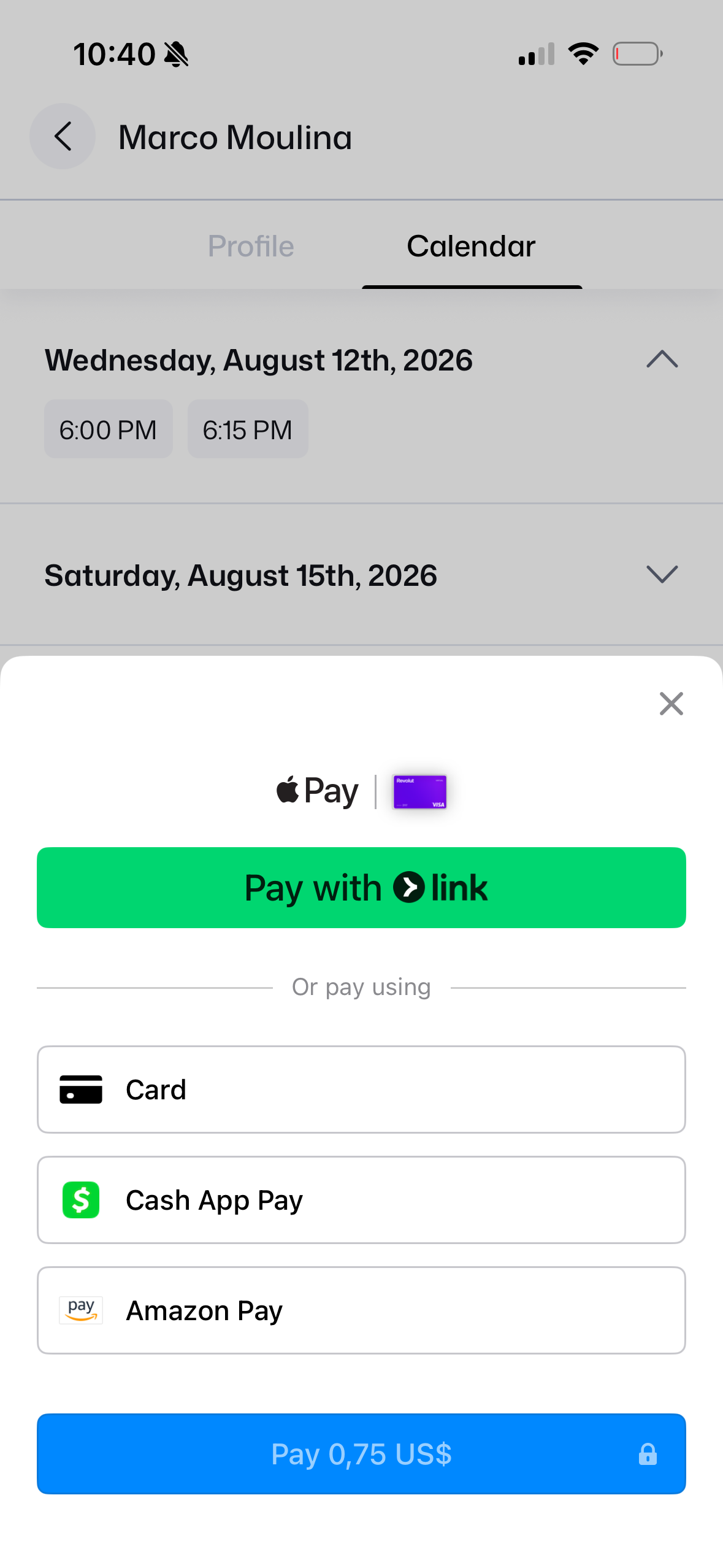
9. Stripe Link Prompt
Link authentication modal.
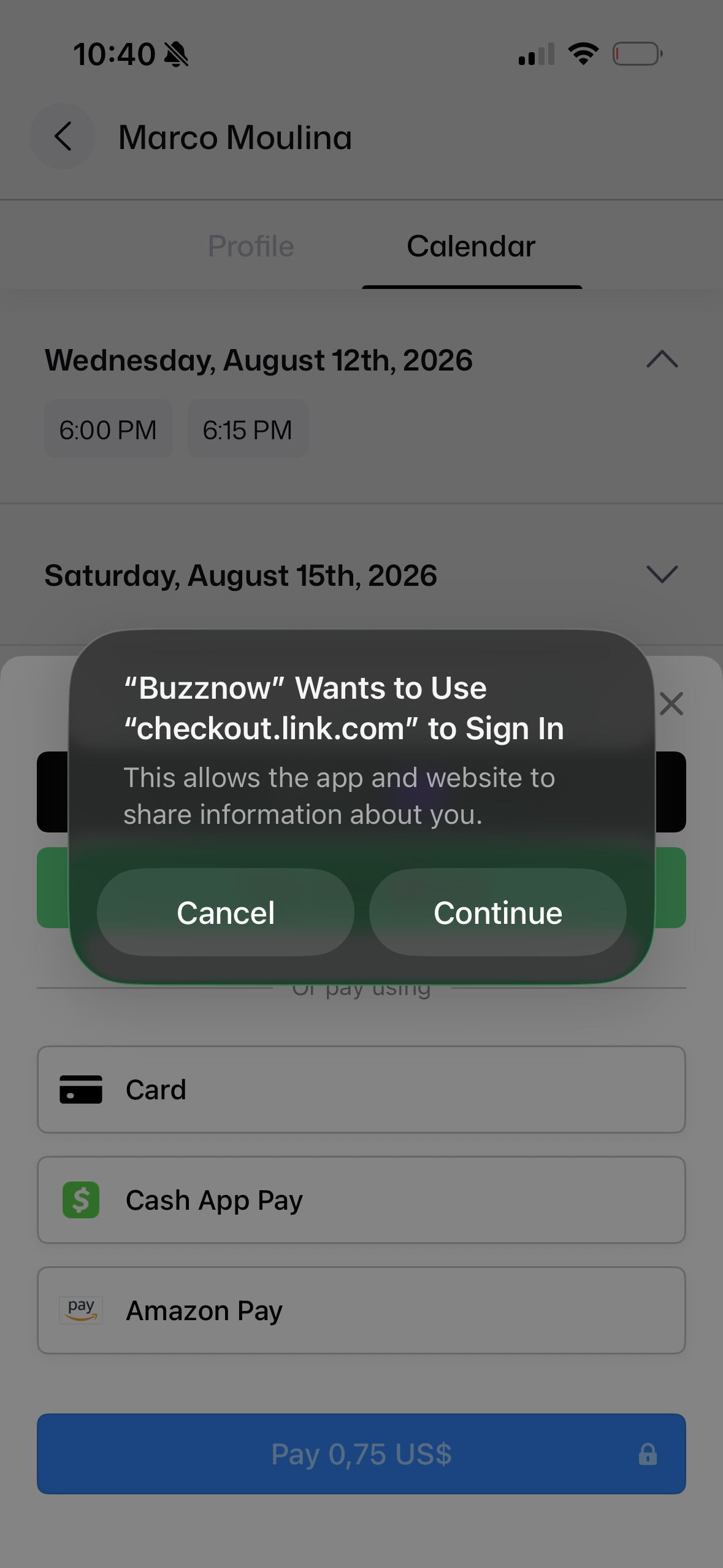
10. Payment Sheet
Apple Pay, Card or Link.
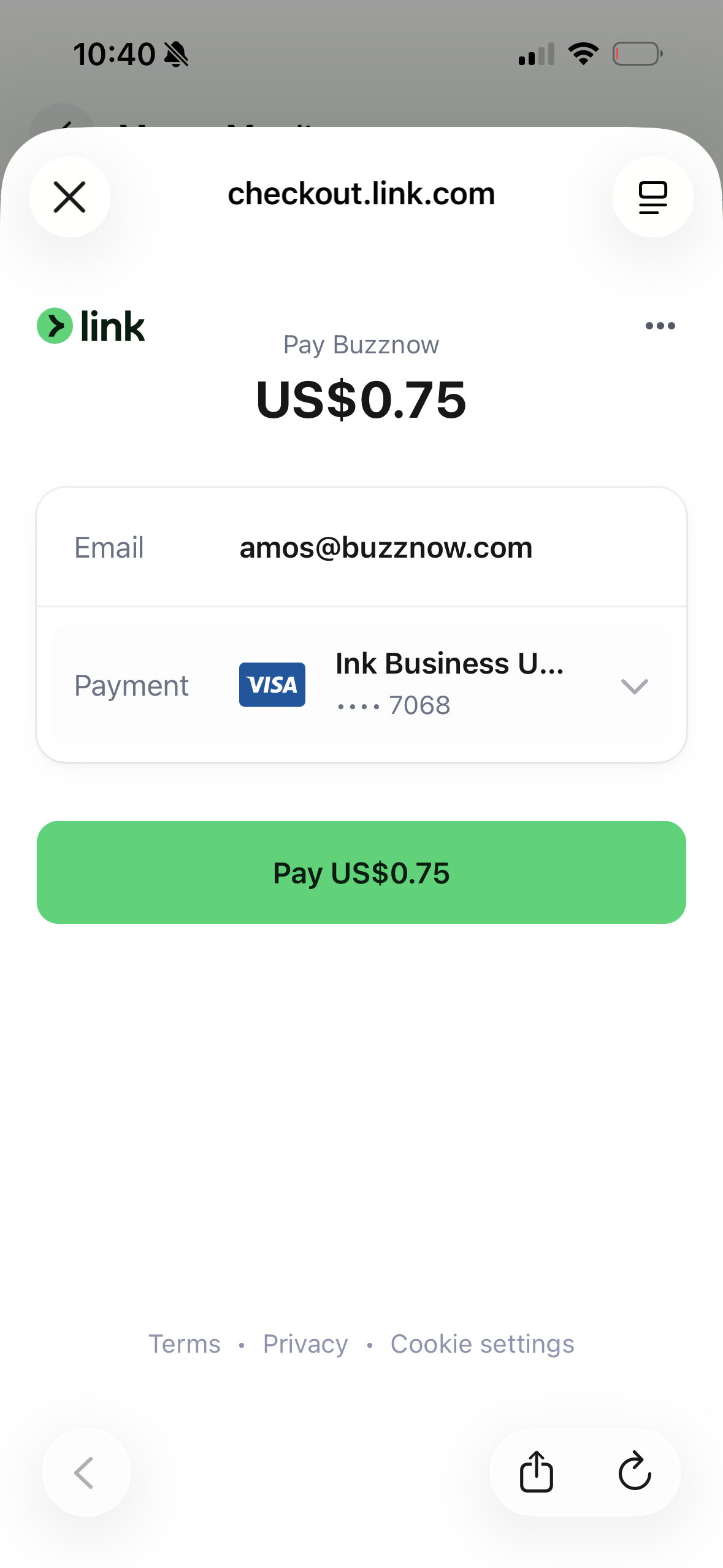
11. 1-Click Link Pay
Pay $0.75 US instantly.
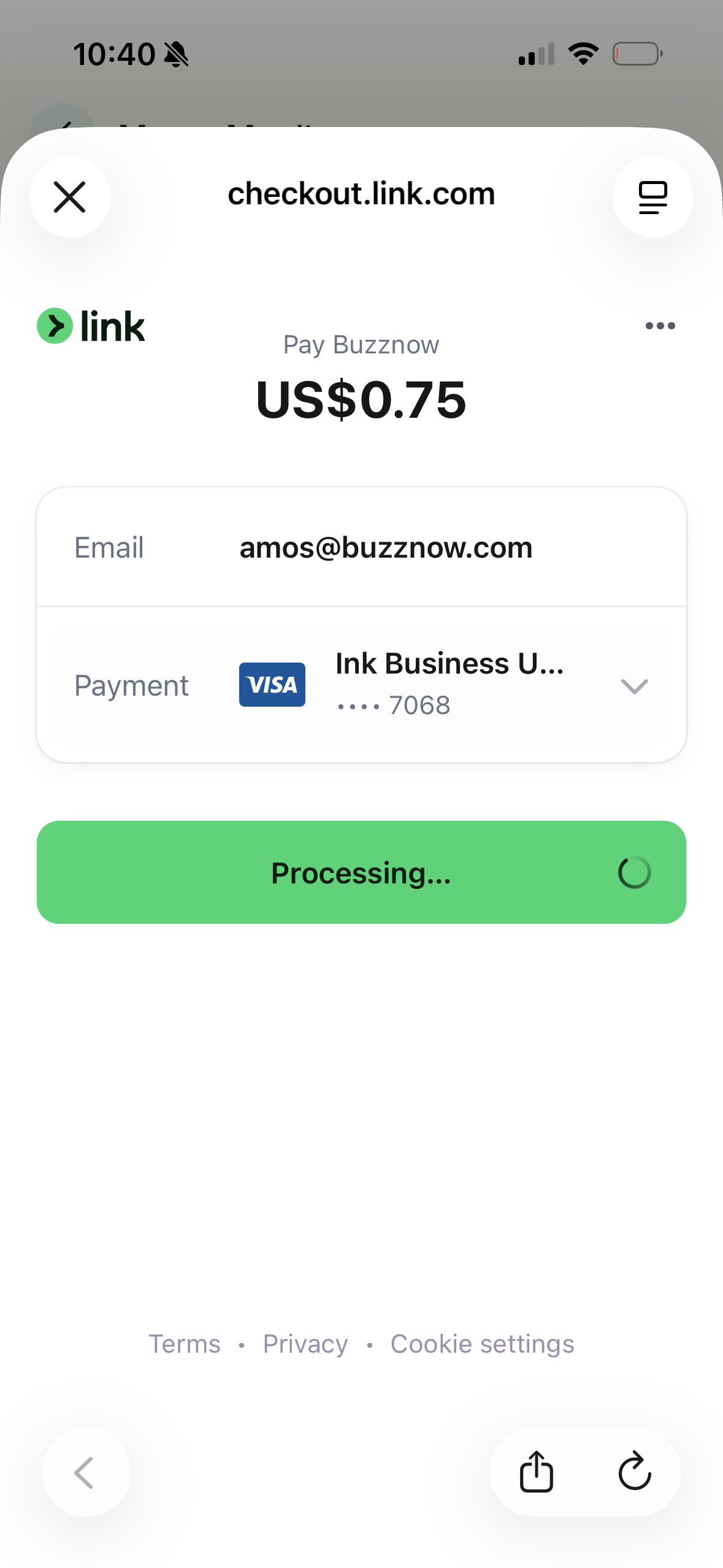
12. Link Processing
Stripe verifies payment.
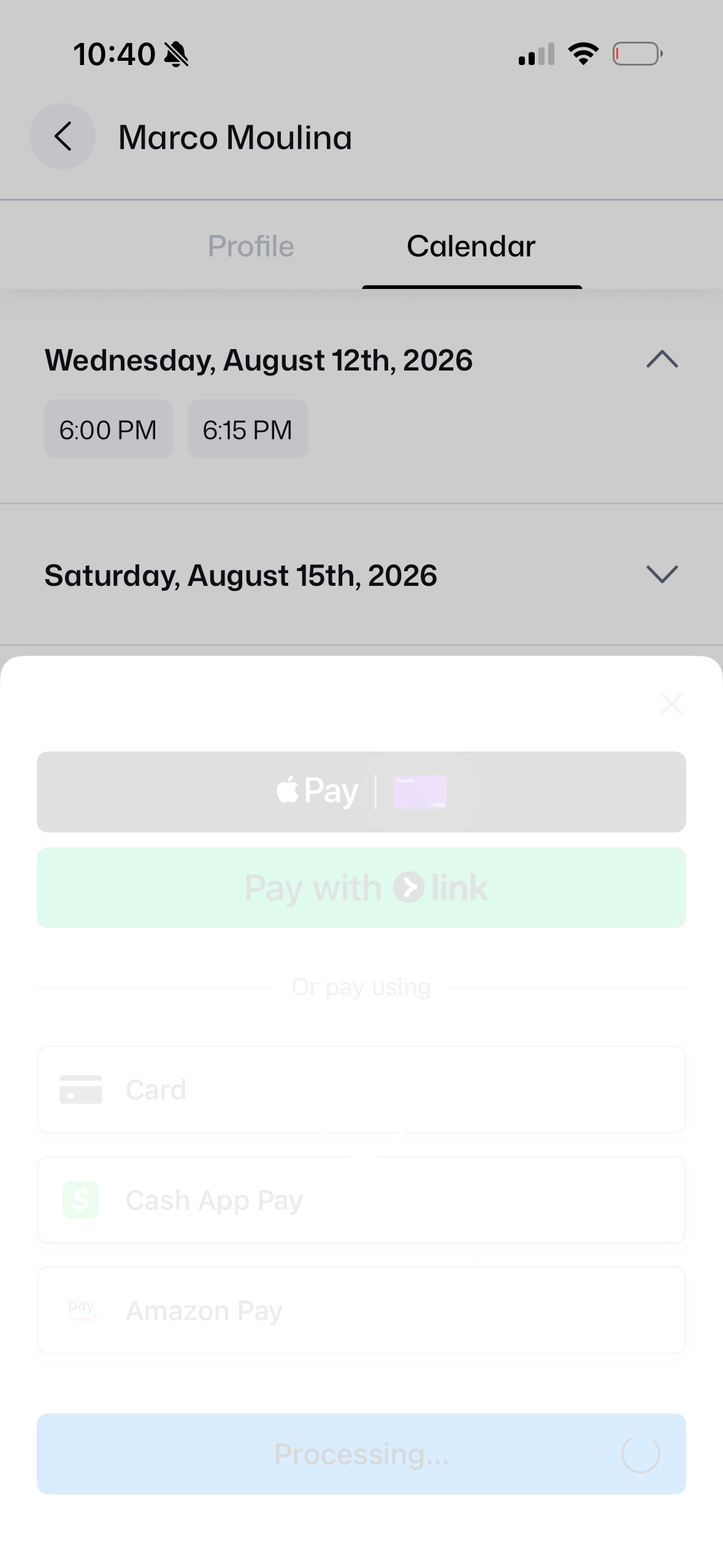
13. App Processing
Transaction completed.
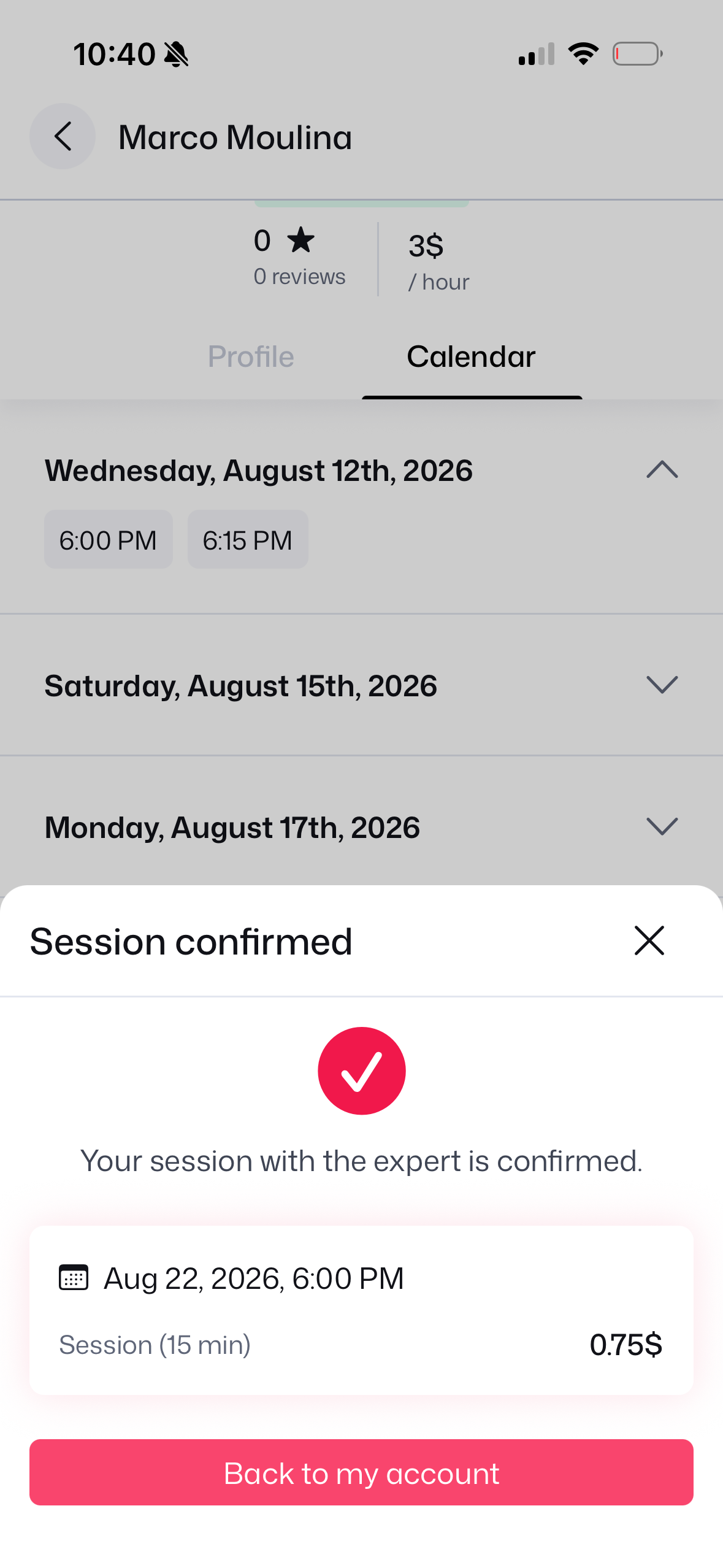
14. Session Confirmed
Reservation confirmed!
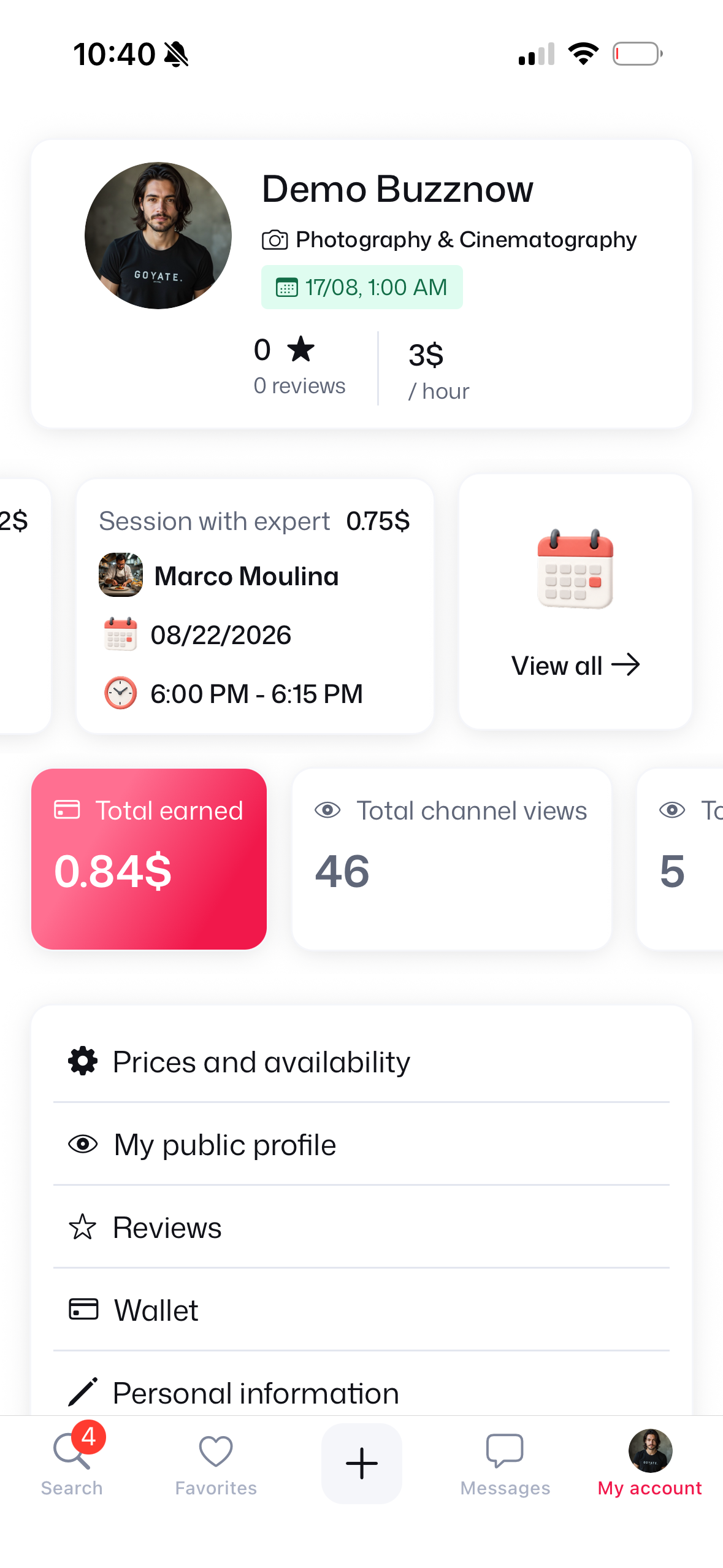
15. At 6 PM: My Account
6:00 PM session listed.
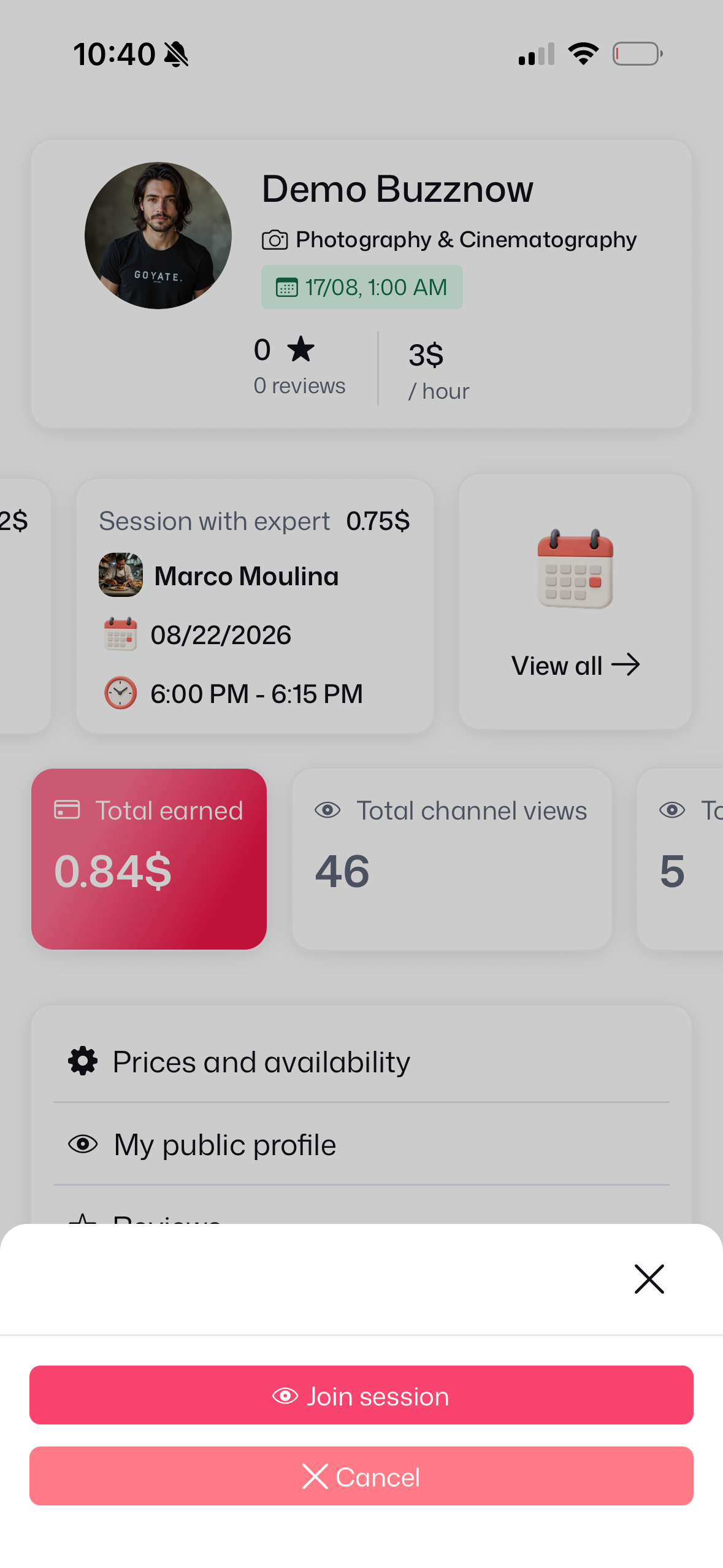
16. Join Session CTA
Tap Join session button.
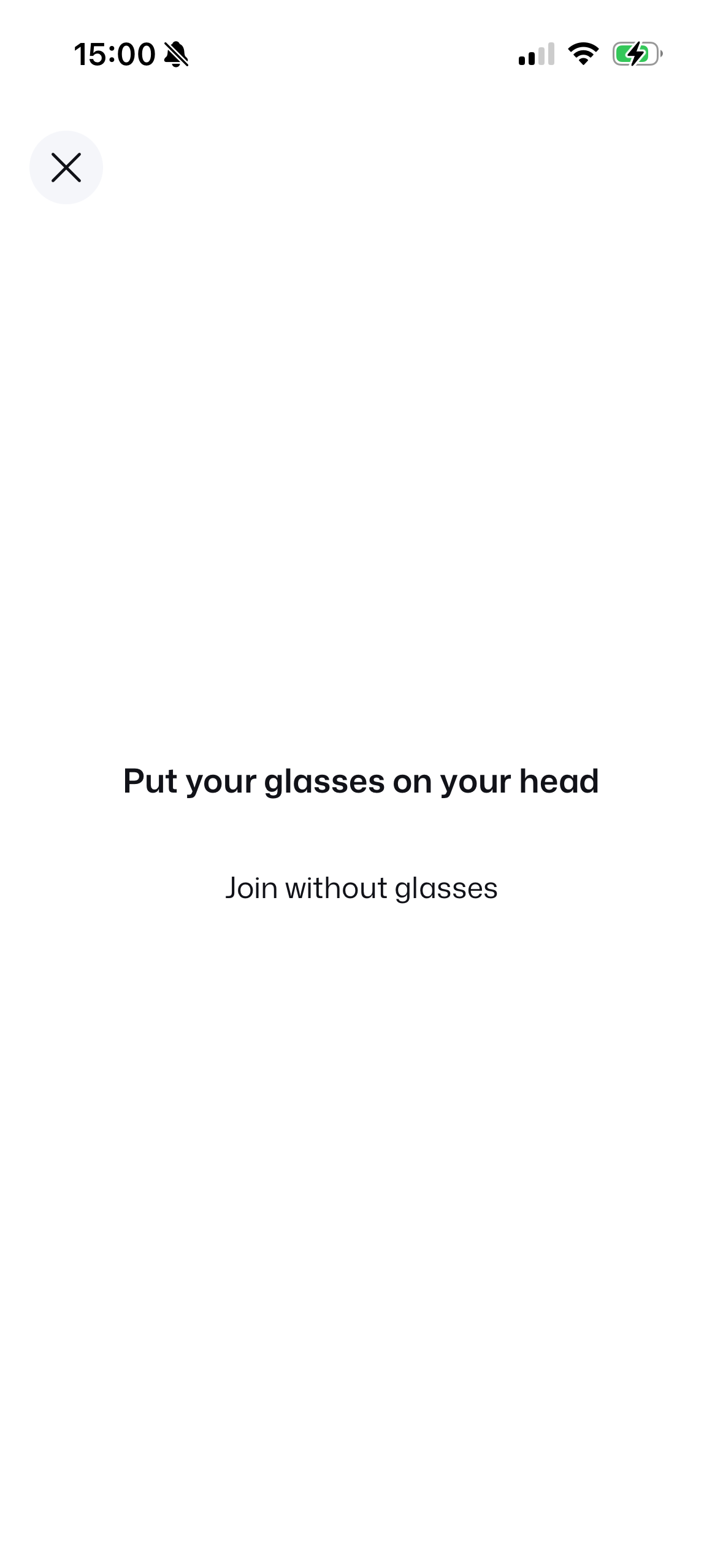
17. Put Glasses On
Wearing check prompt.
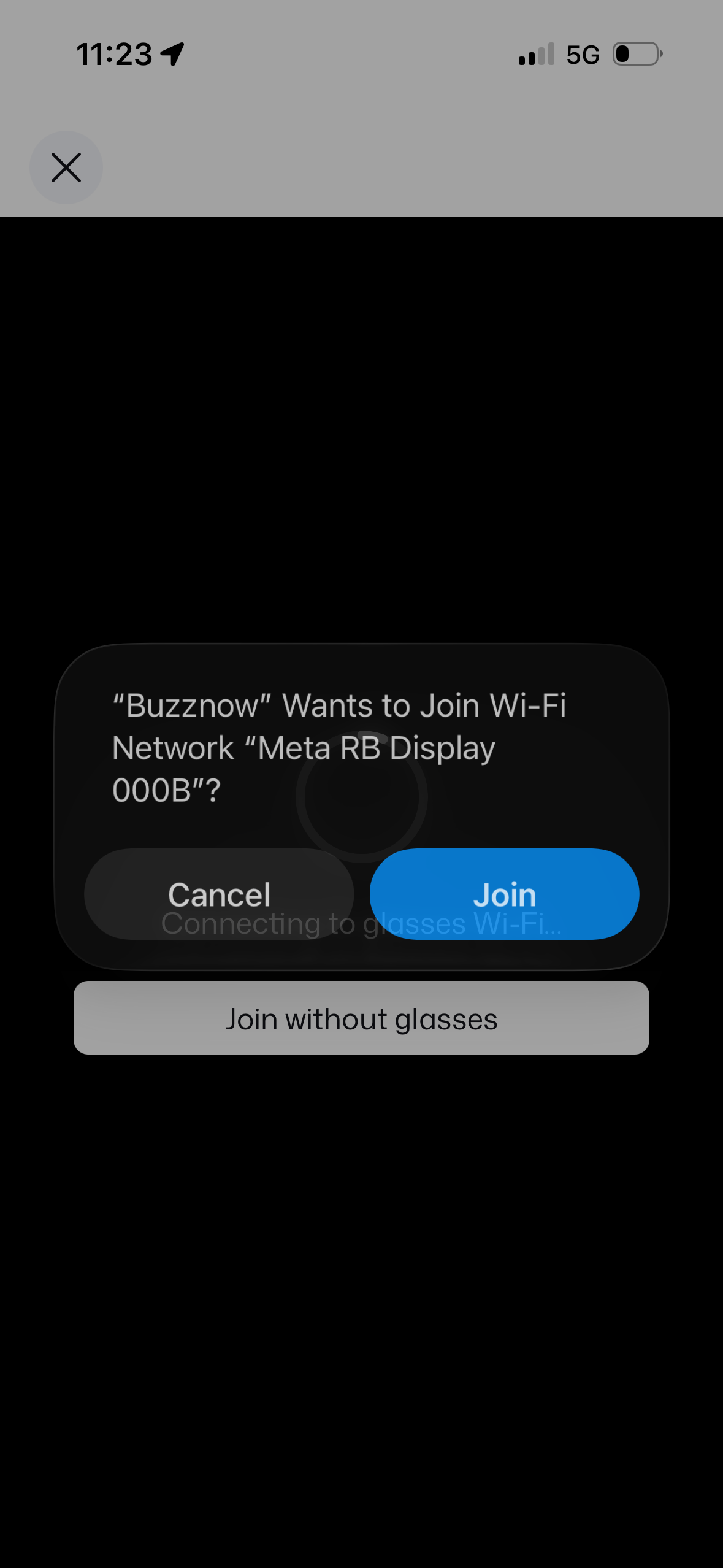
18. Join Glasses Wi-Fi
Connect to Meta RB Display socket.
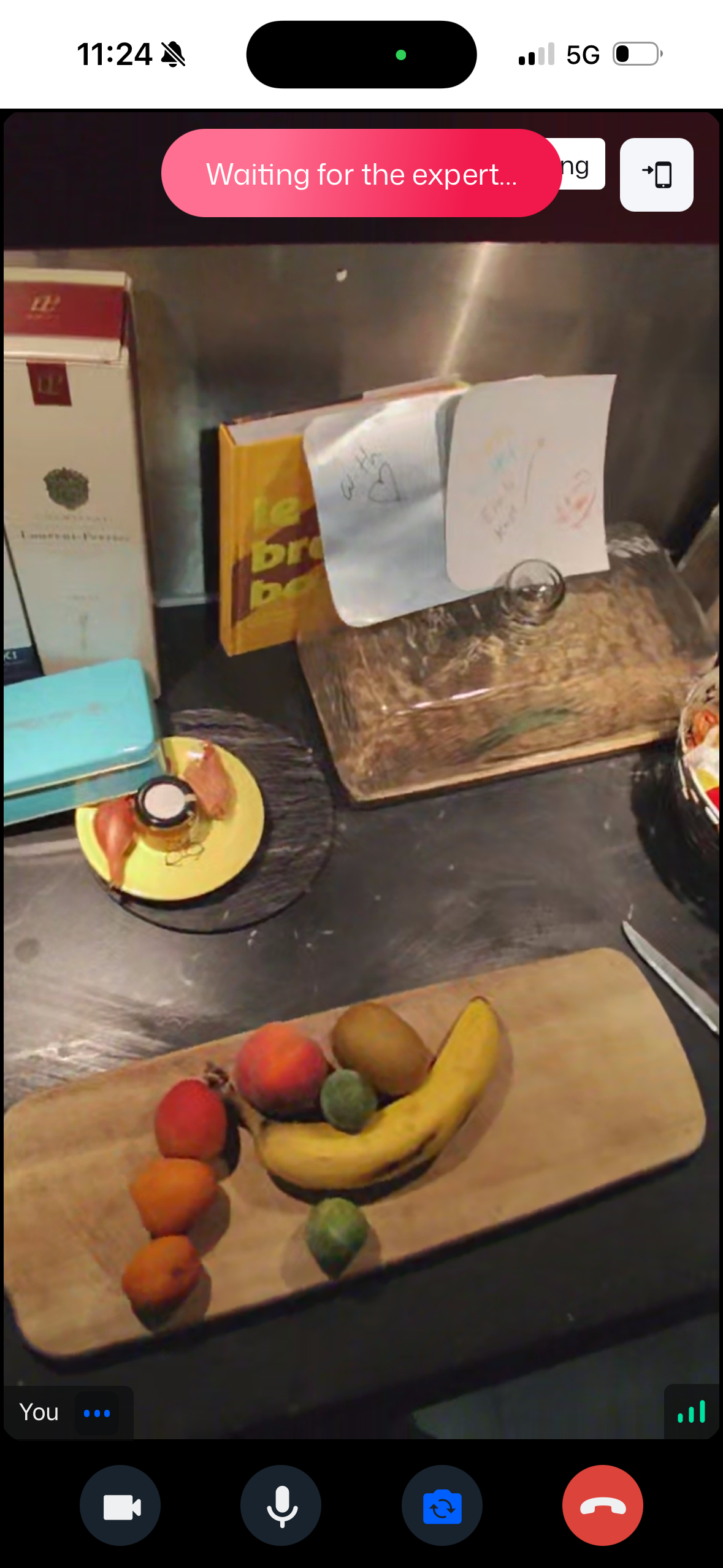 WAITING
19. Waiting for Expert
Glasses active, awaiting mentor.
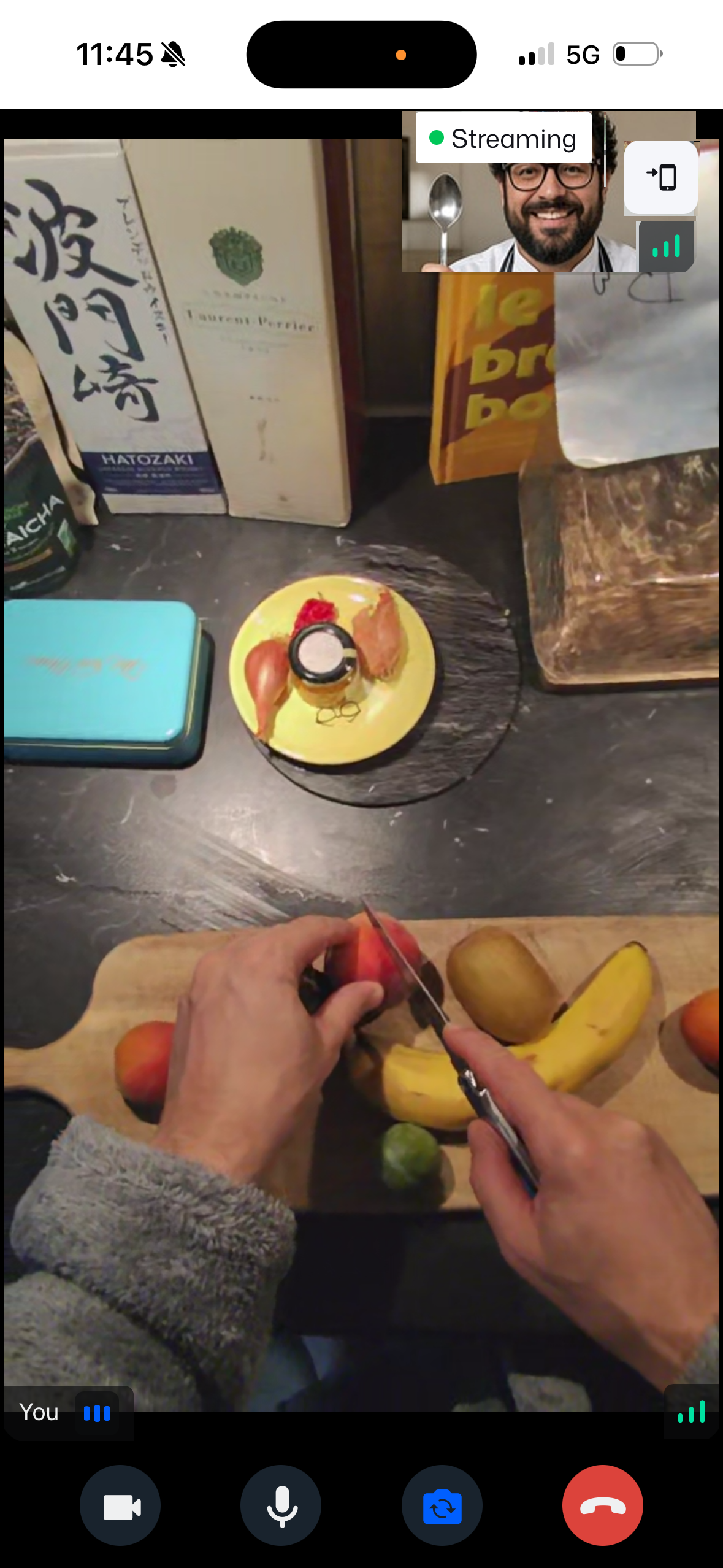 LIVE POV
20. Smart Glasses Live
Chef sees through your eyes!
2. Automated Email Notifications & 1-Click Calendar Sync
Sinch Mailjet automated transactional email workflows with 1-click ICS calendar export buttons.
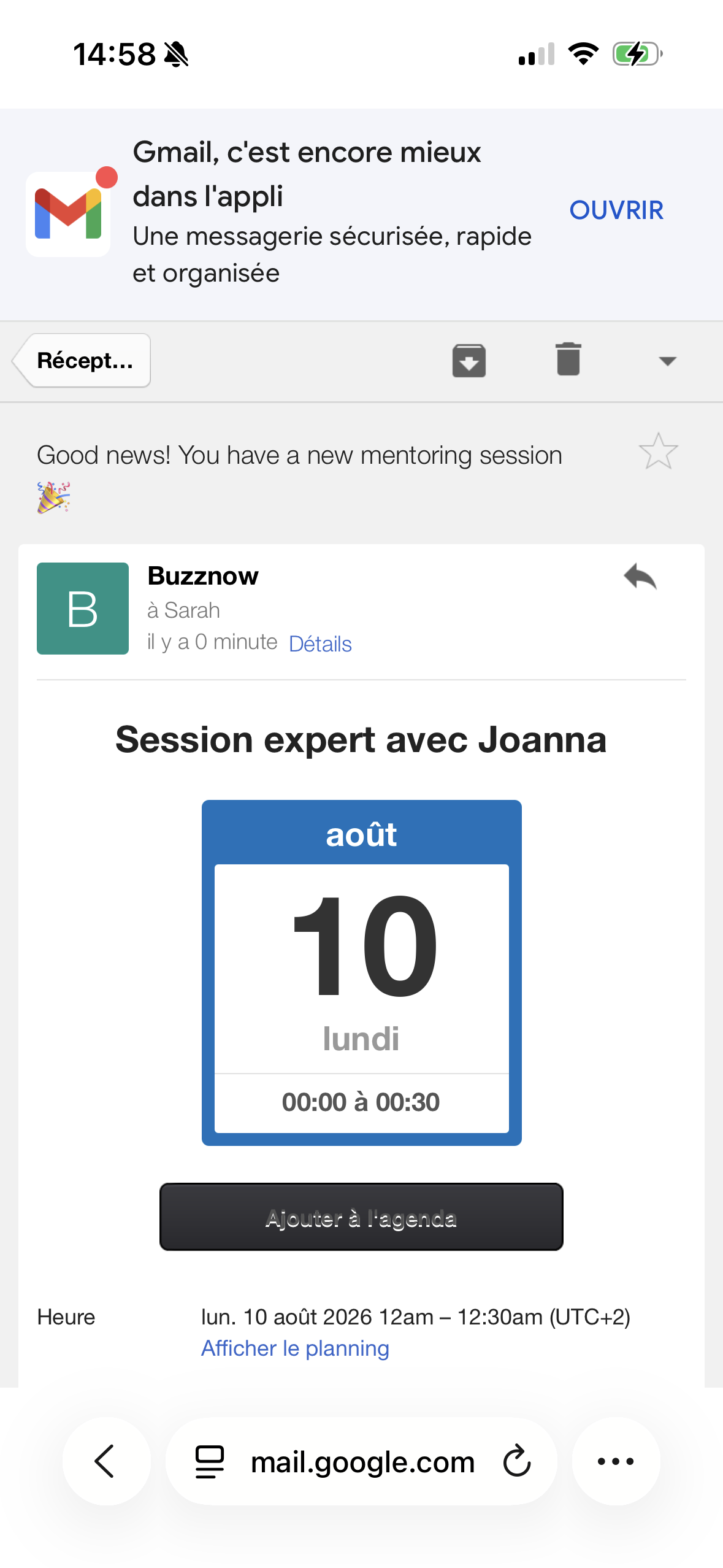
Mentor Invite
1-Click ICS sync button.
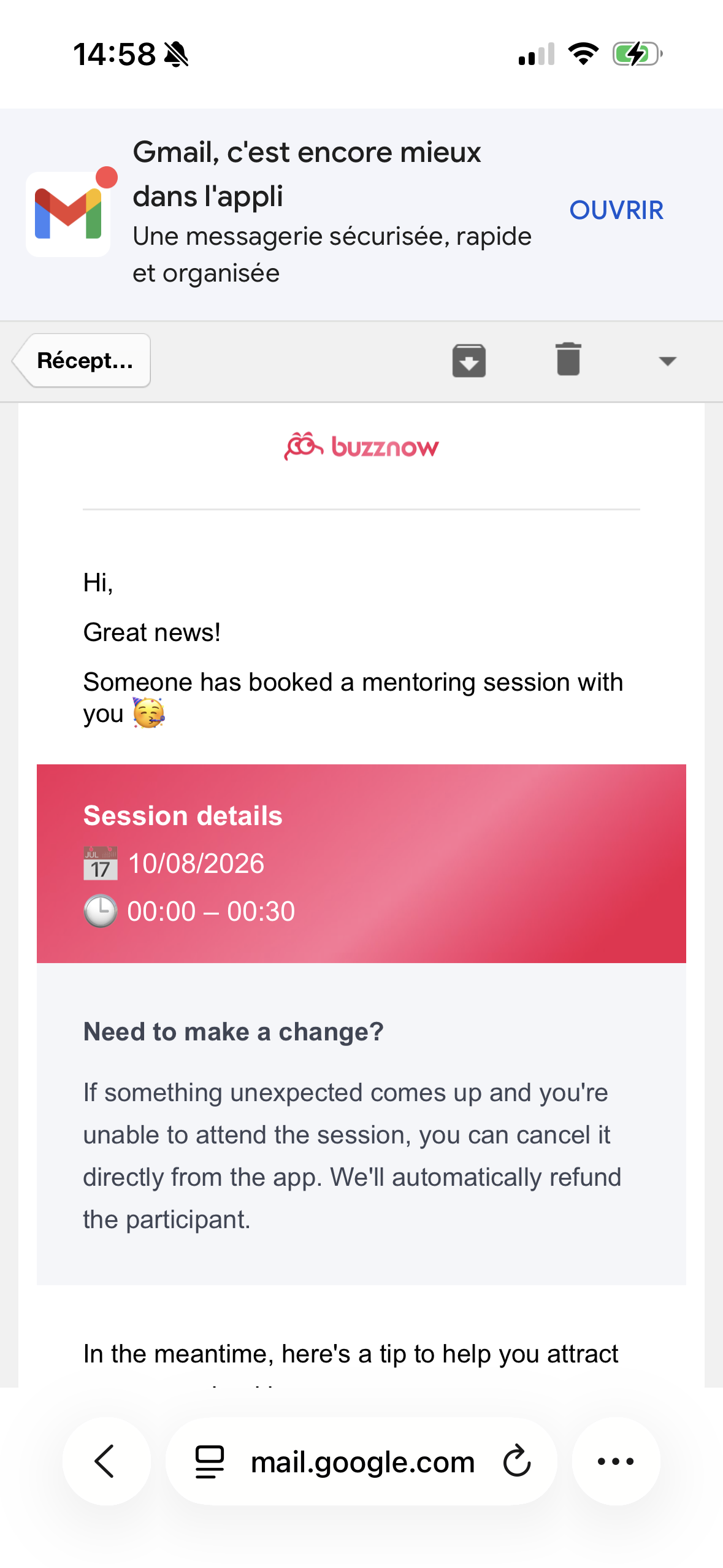
Policy Terms
4-hr refund policy.
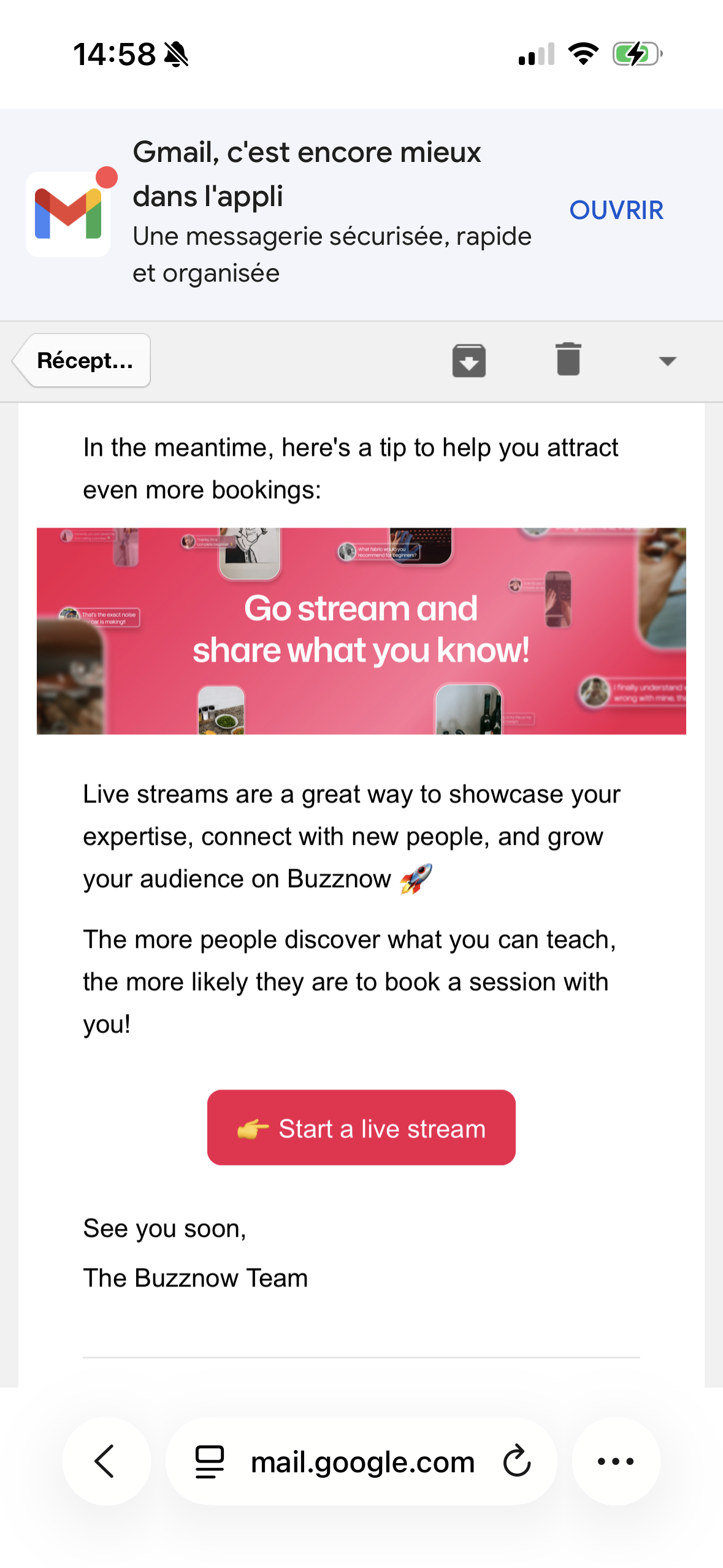
Broadcast CTA
Free stream promo.
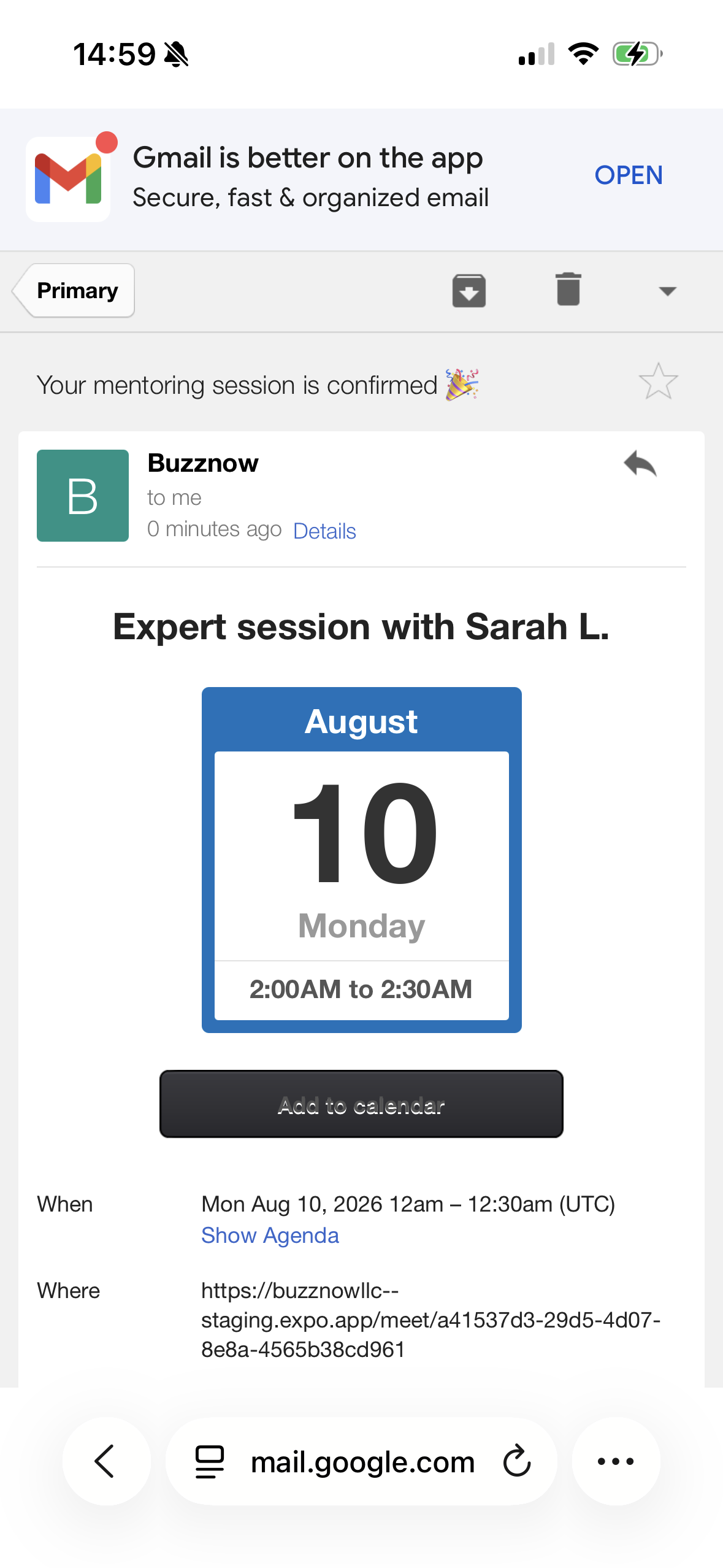
Apprentice Receipt
WebRTC link + ICS.
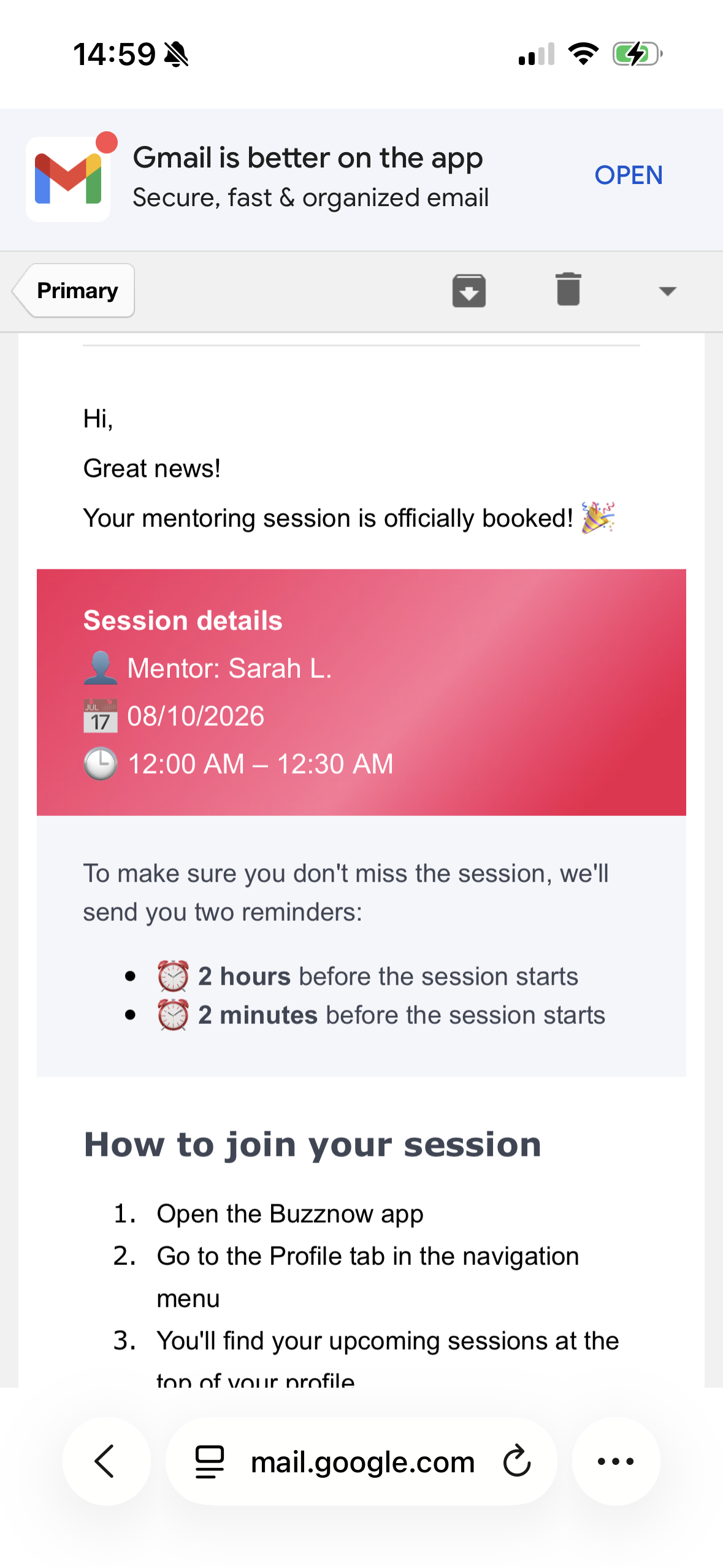
Auto Reminders
2h & 2m call alerts.
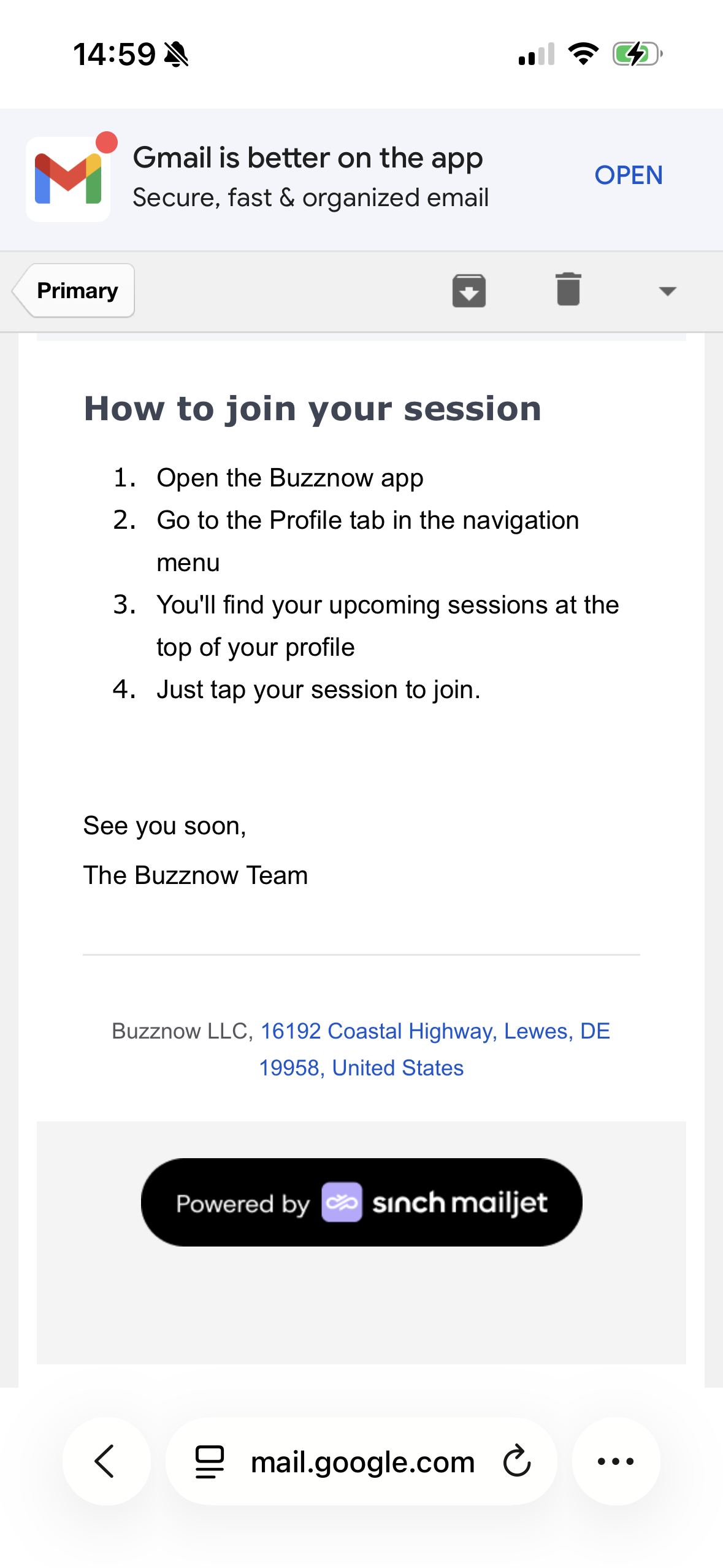
Launch Guide
Glasses setup guide.