Two Ways to Stream on BuzzNow
Select a streaming mode below to explore the complete interactive workflow, high-definition snapshot series, and hands-free smart glasses capabilities.
1-on-1 Private Mentorship: Apprentice to Expert
Example: Hosting a 6 PM dinner party & booking Chef Marco Moulina for real-time culinary coaching.
Search & Select Expert
Browse experts by trade or category (Culinary, Trades, Posture).
Book 6 PM Slot & Pay
Select date, duration, and authorize secure payment via Stripe Link.
Automated Email Invites
Receive Sinch Mailjet confirmation emails with 1-click ICS calendar sync.
6 PM Live Smart Glasses POV
Put on Ray-Ban Meta glasses and stream hands-free WebRTC video to mentor.
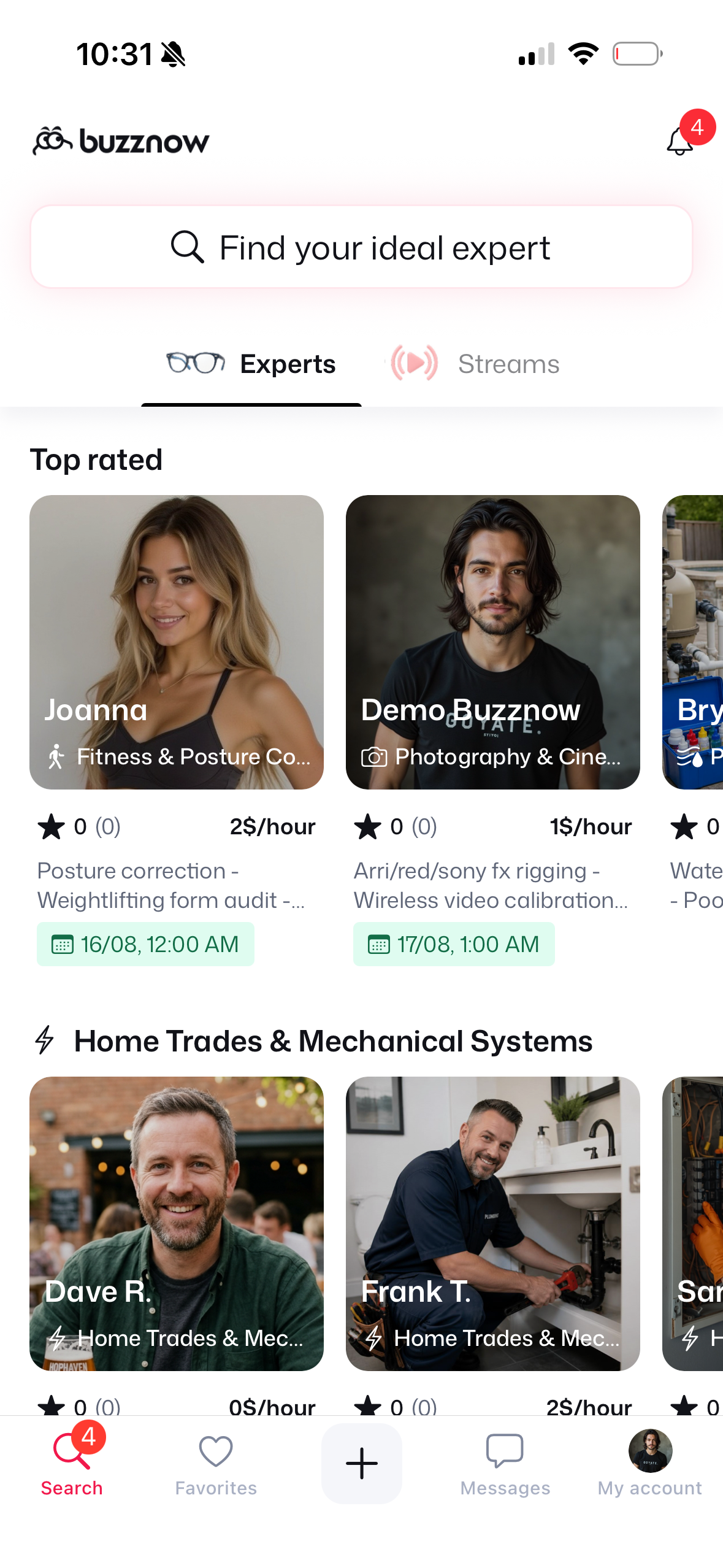
1. Search Directory
Search for "Chef" or "Culinary".
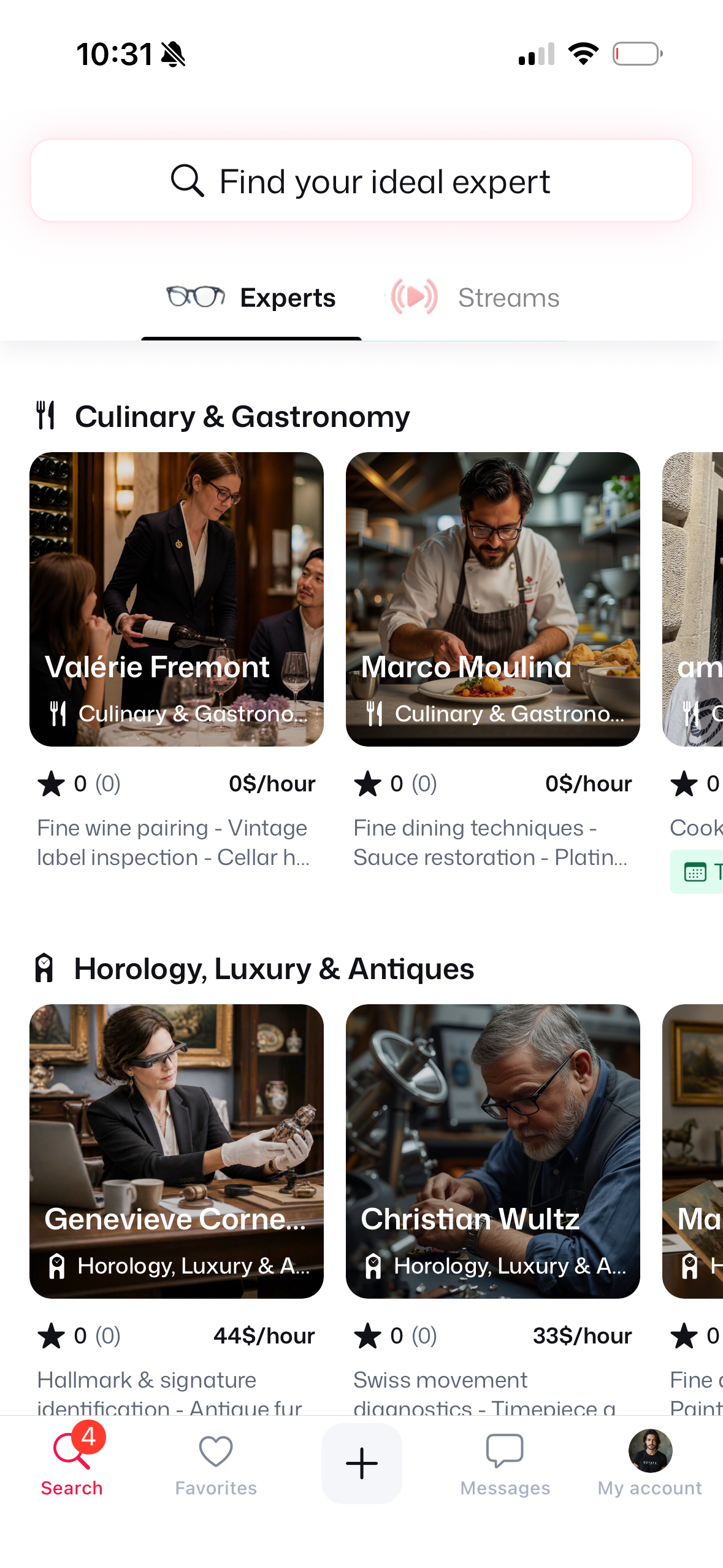
2. Culinary Category
Locate Marco Moulina ($3/hr).
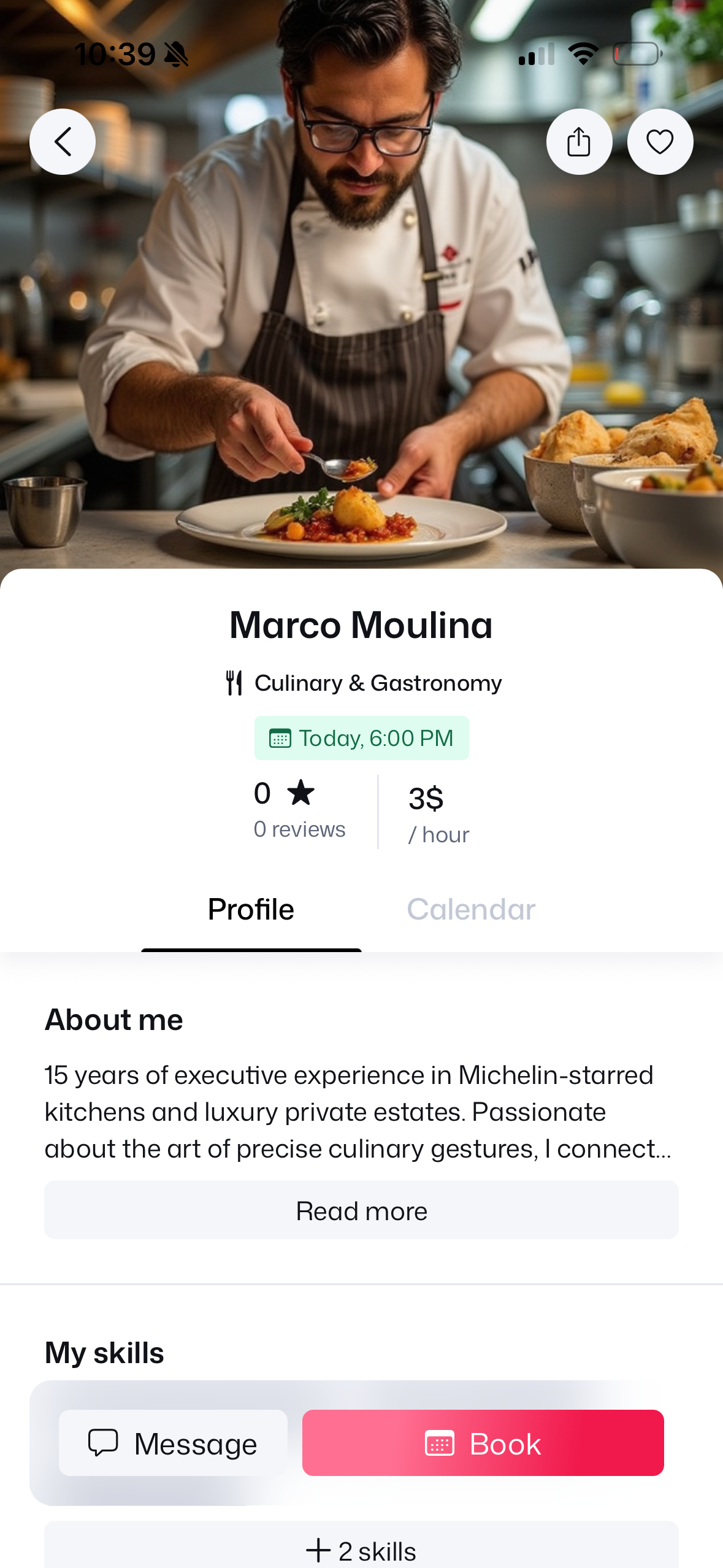
3. Chef Profile
Review $3/hr rate & bio.
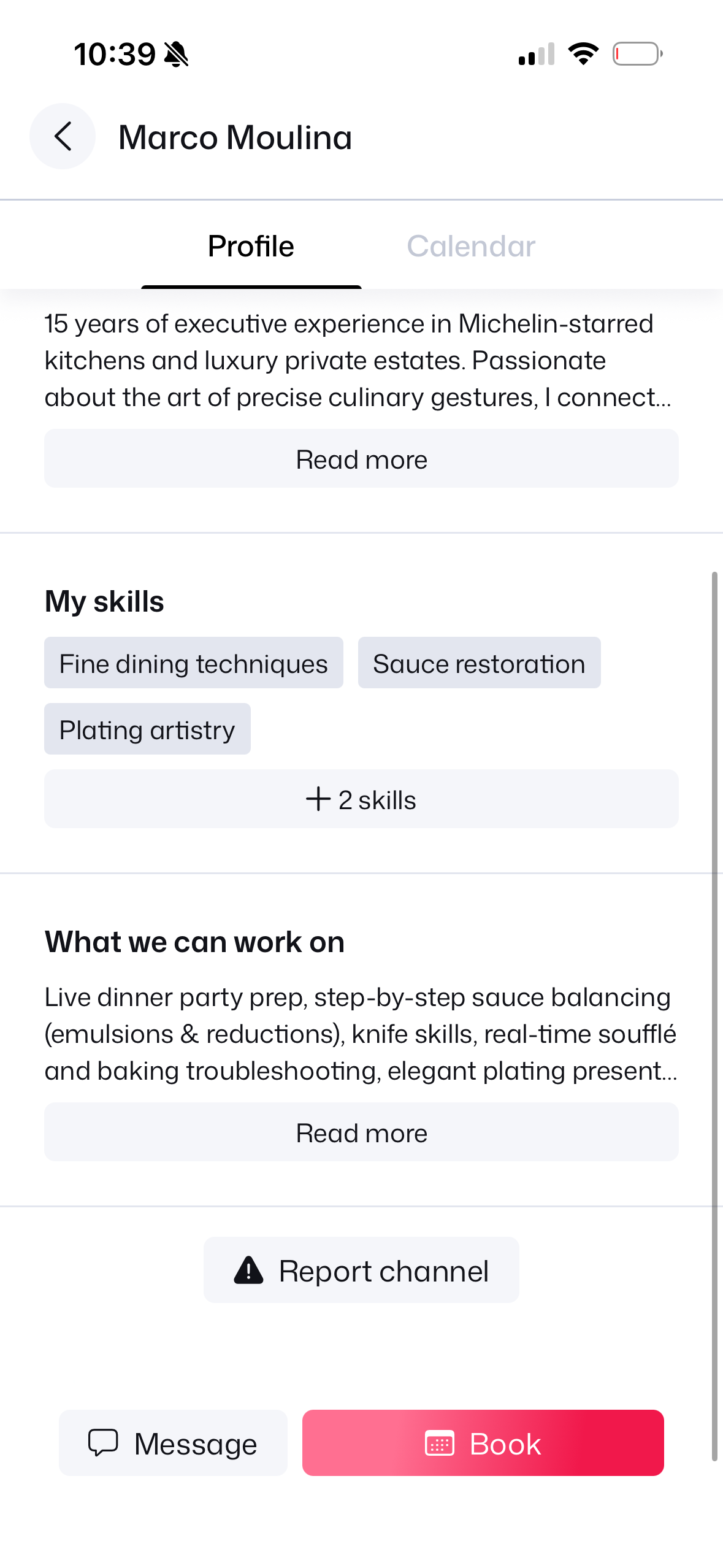
4. Skills & Credentials
Michelin skills & experience.
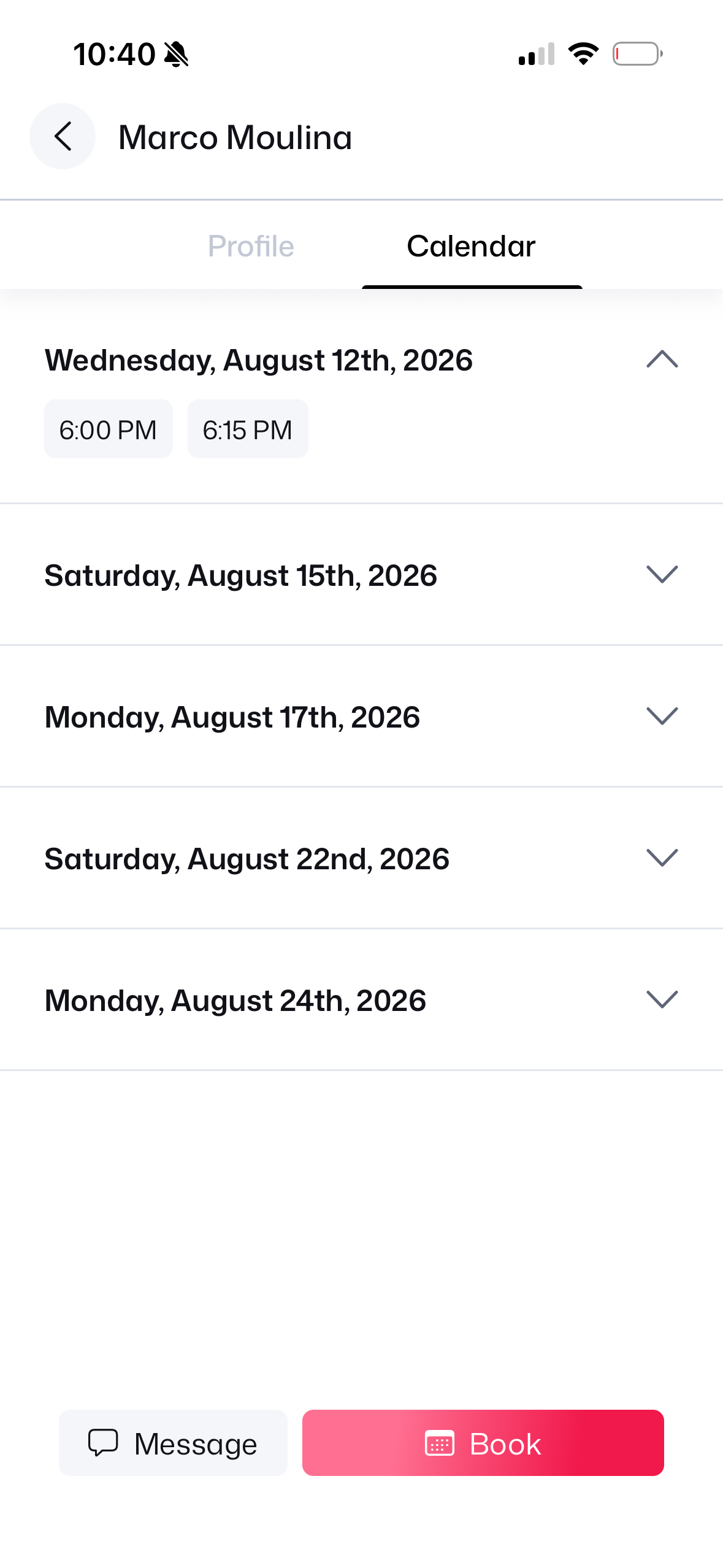
5. Open Calendar
View open dates schedule.
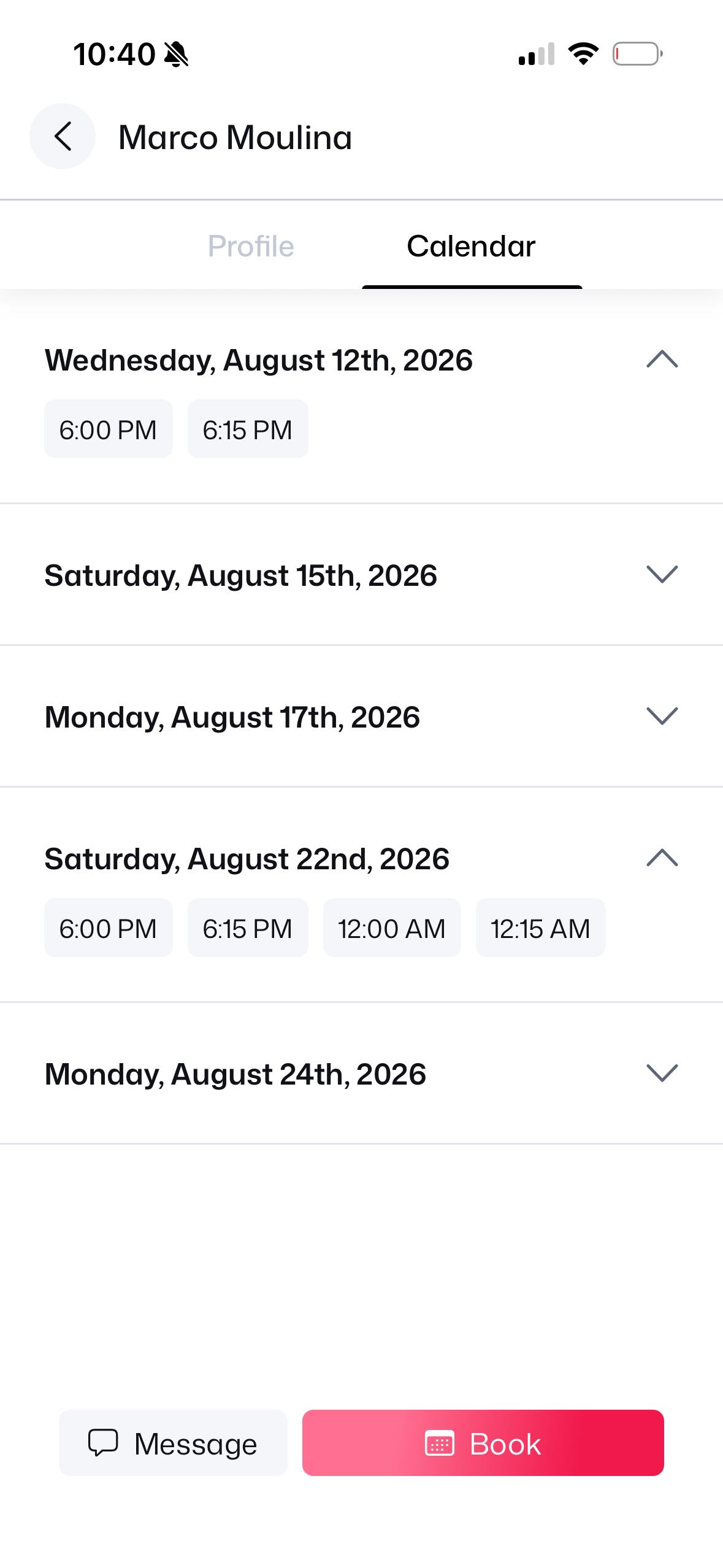
6. Select 6:00 PM Slot
Tap 6:00 PM timeslot.
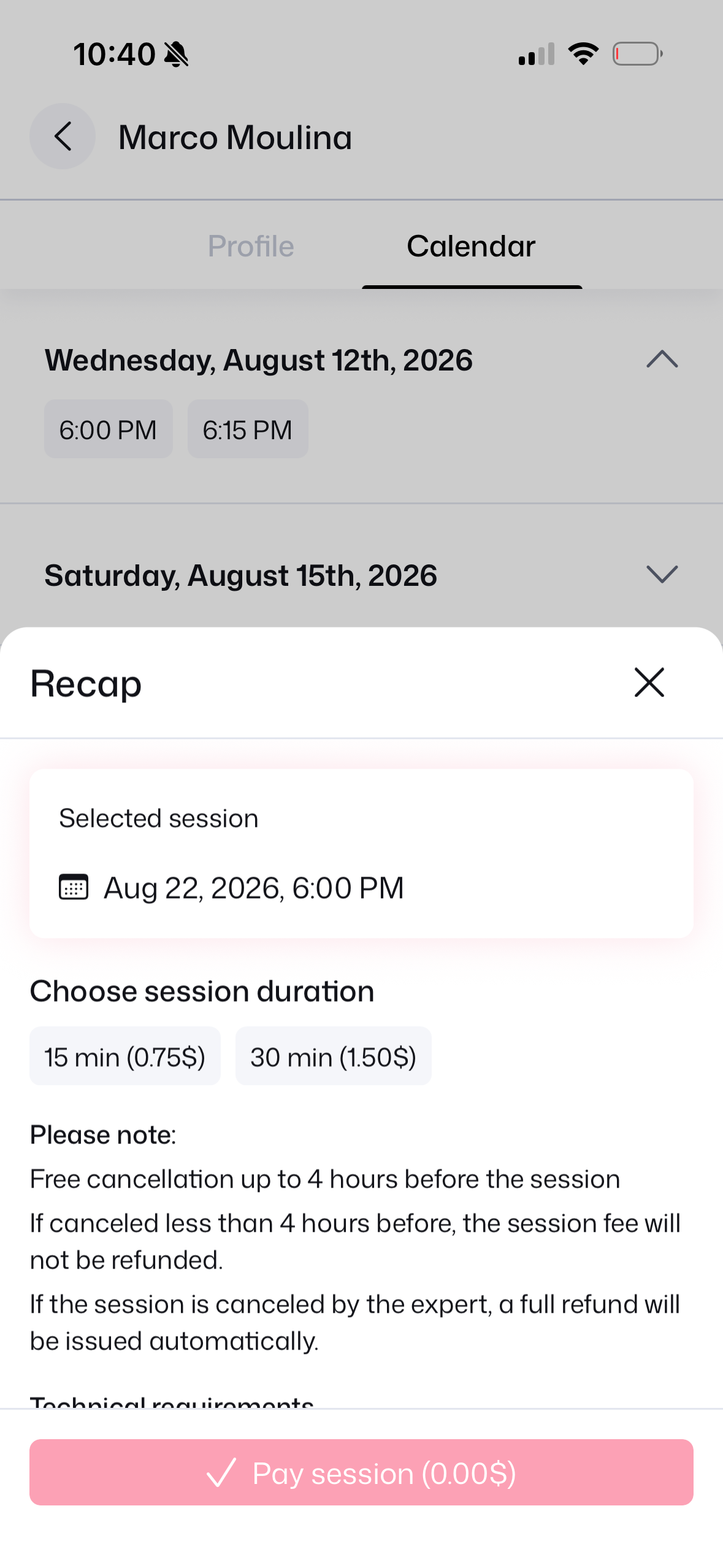
7. Duration Choice
Pick 15 min duration.
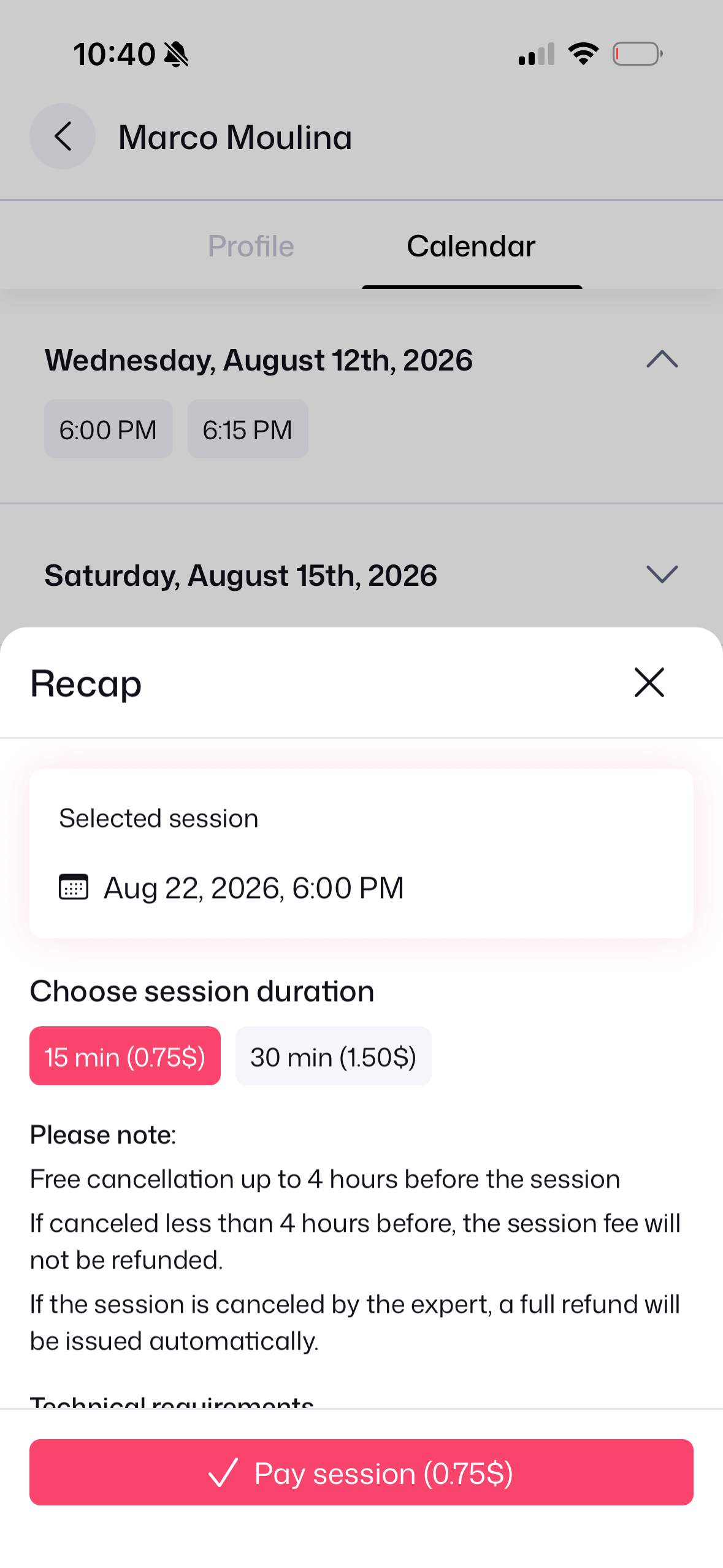
8. Fee & Policy Recap
Review fee & 4h cancel rule.
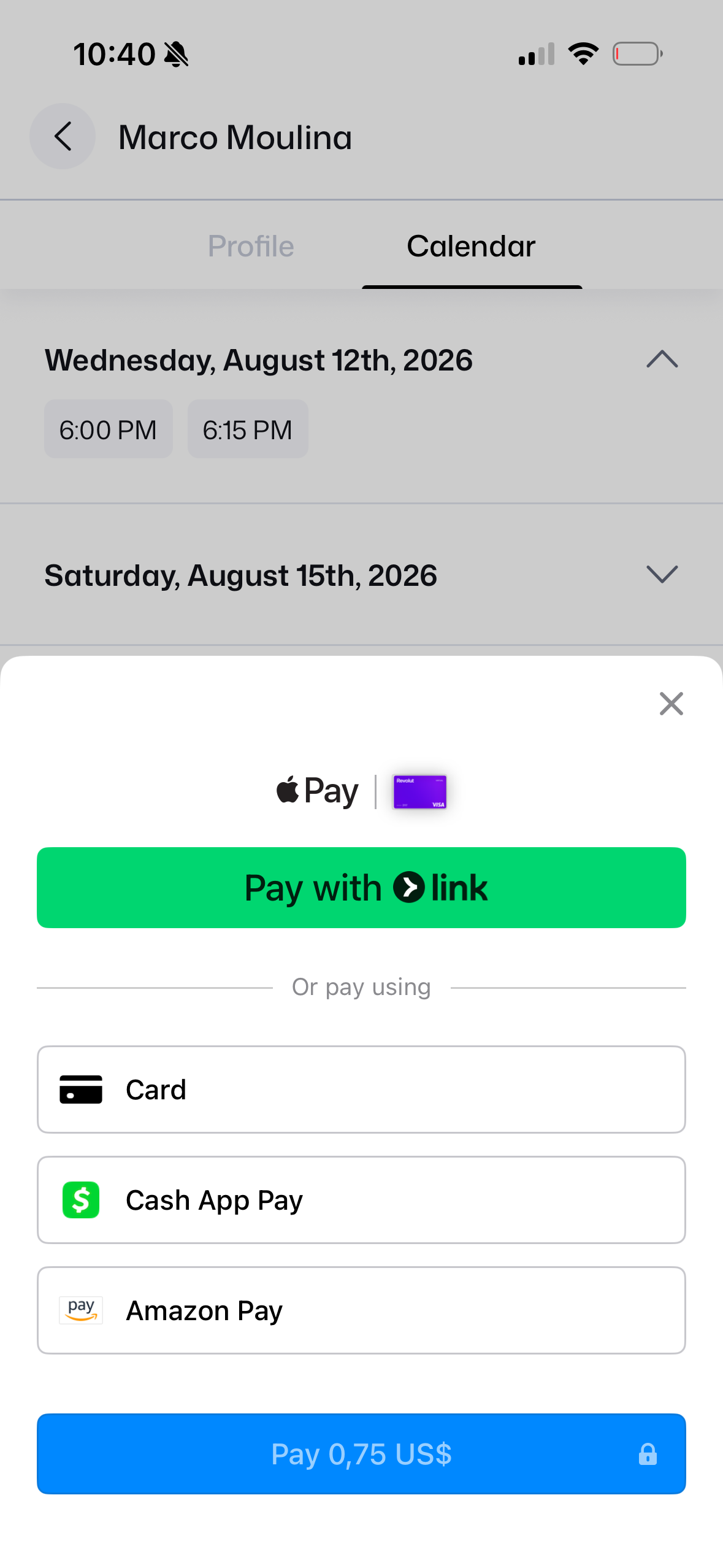
9. Stripe Link Prompt
Link authentication modal.
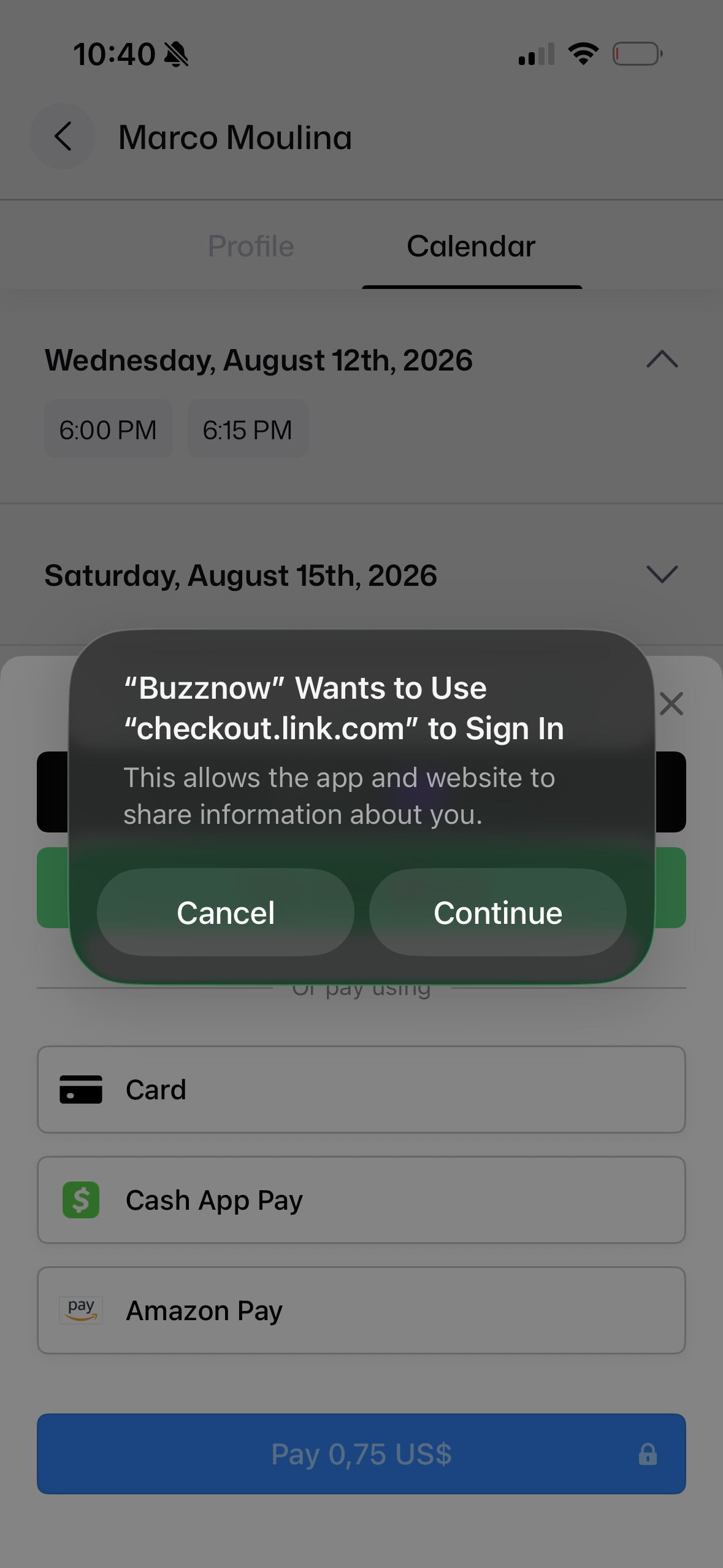
10. Payment Sheet
Apple Pay, Card or Link.
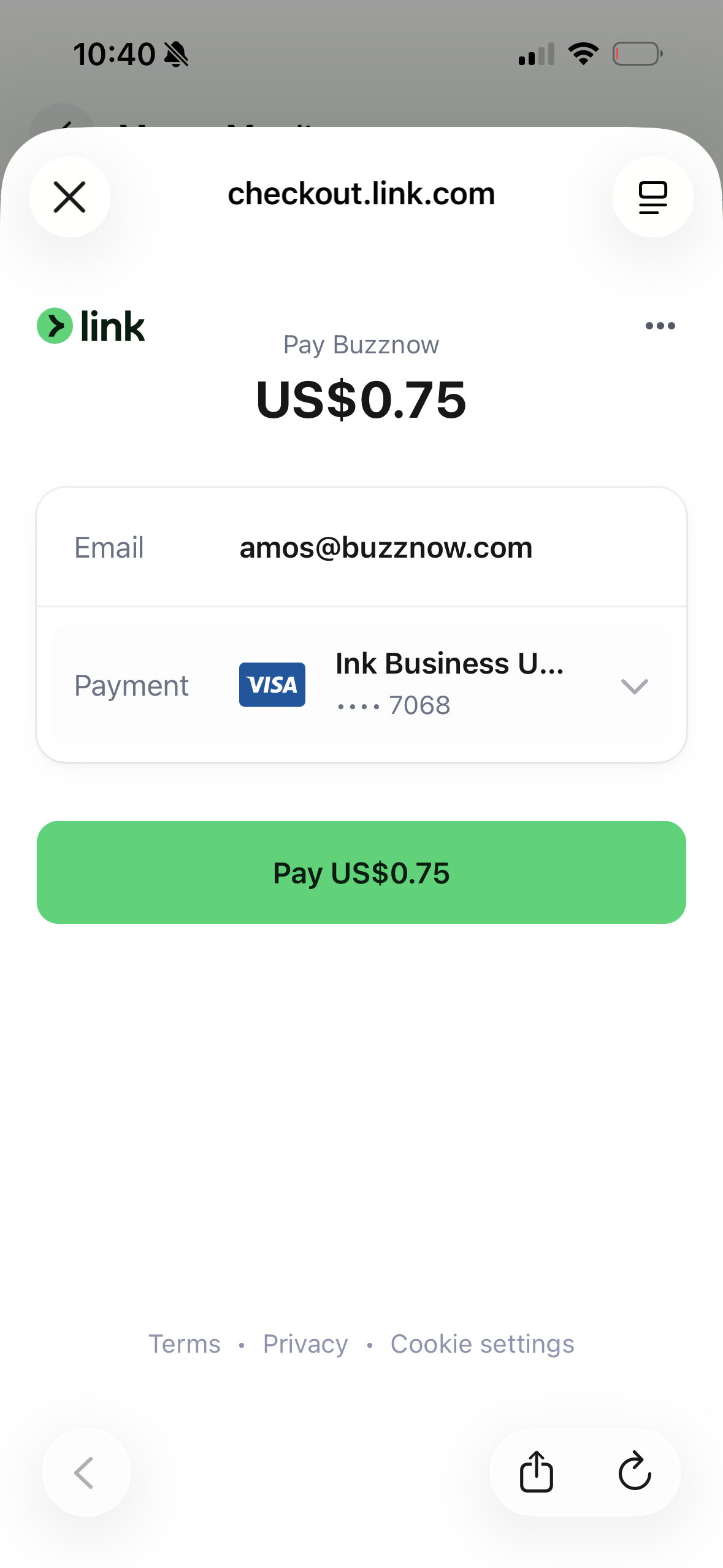
11. 1-Click Link Pay
Pay $0.75 US instantly.
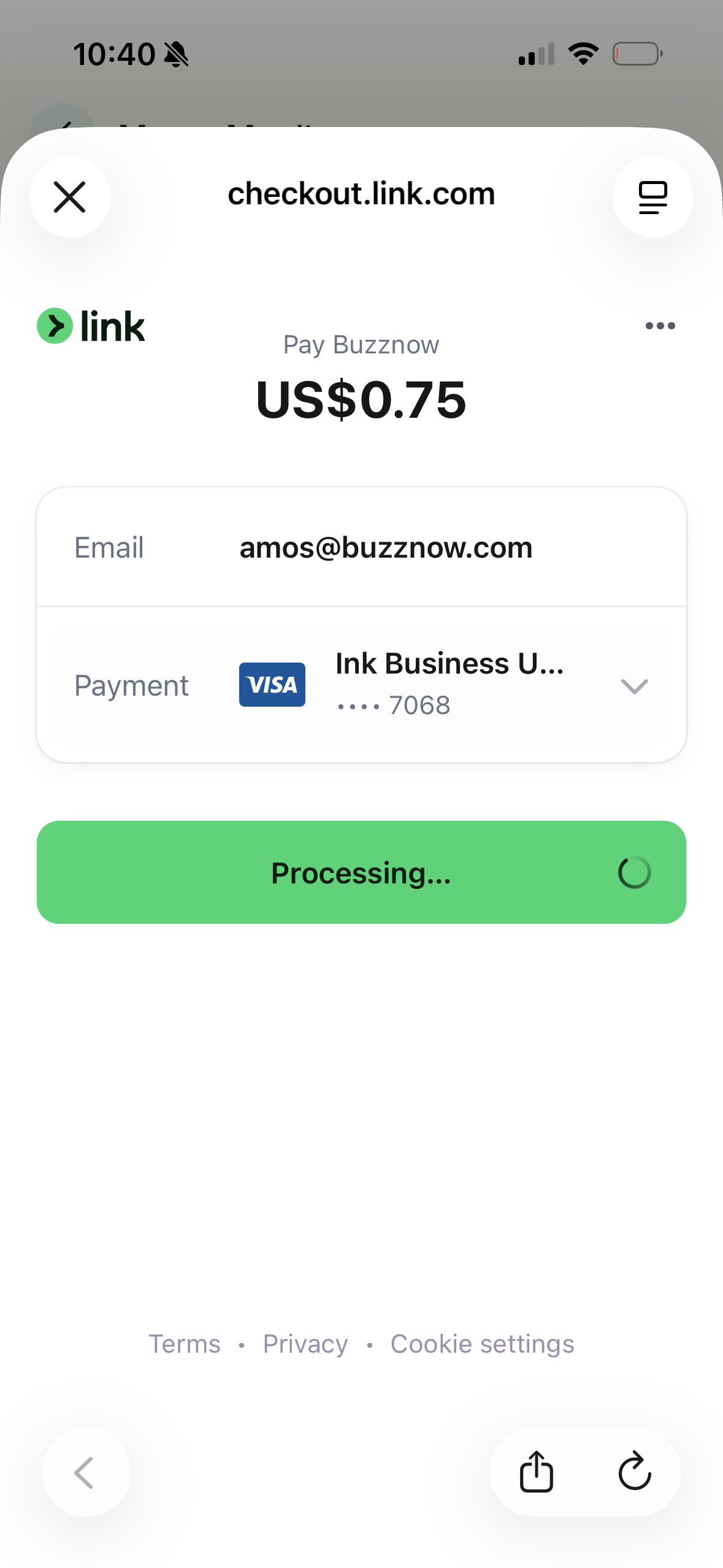
12. Link Processing
Stripe verifies payment.
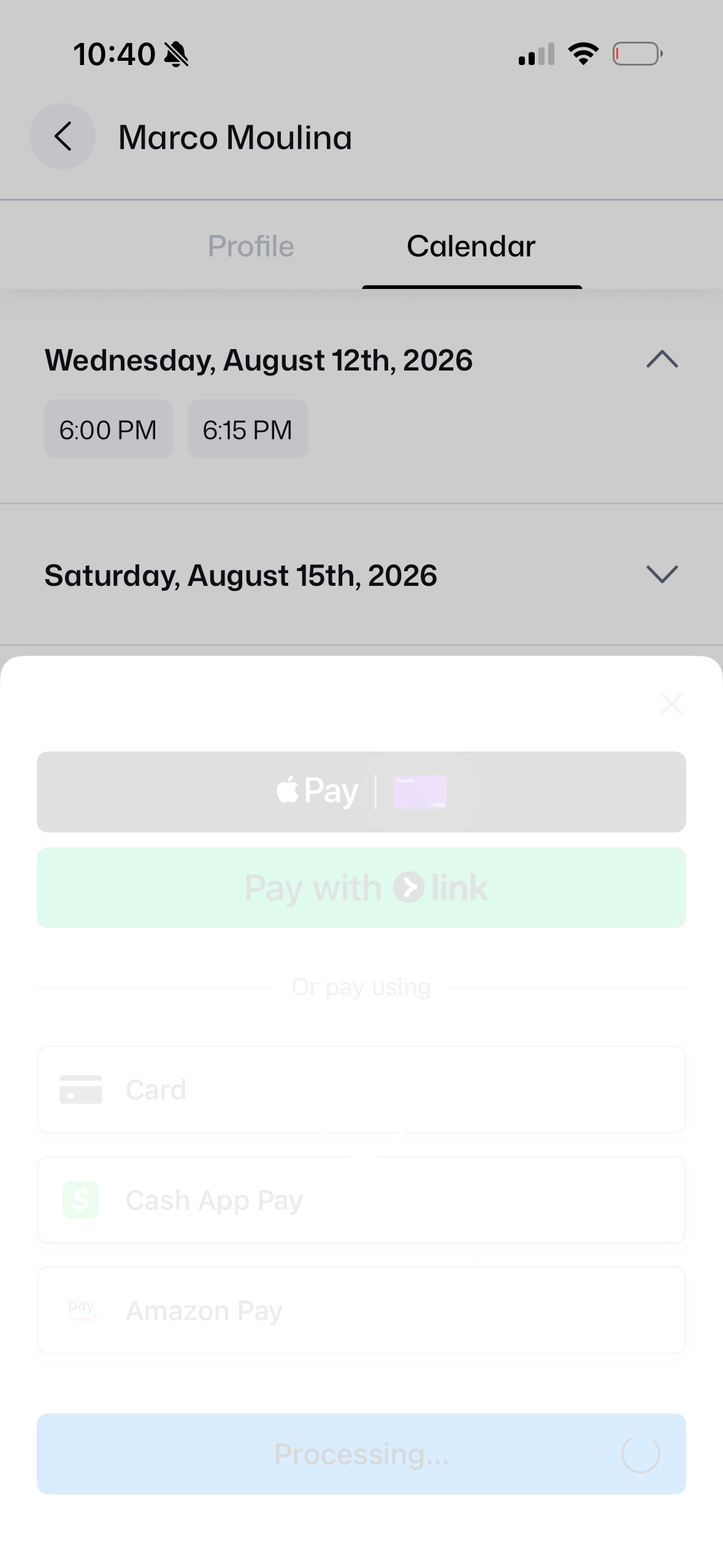
13. App Processing
Transaction completed.
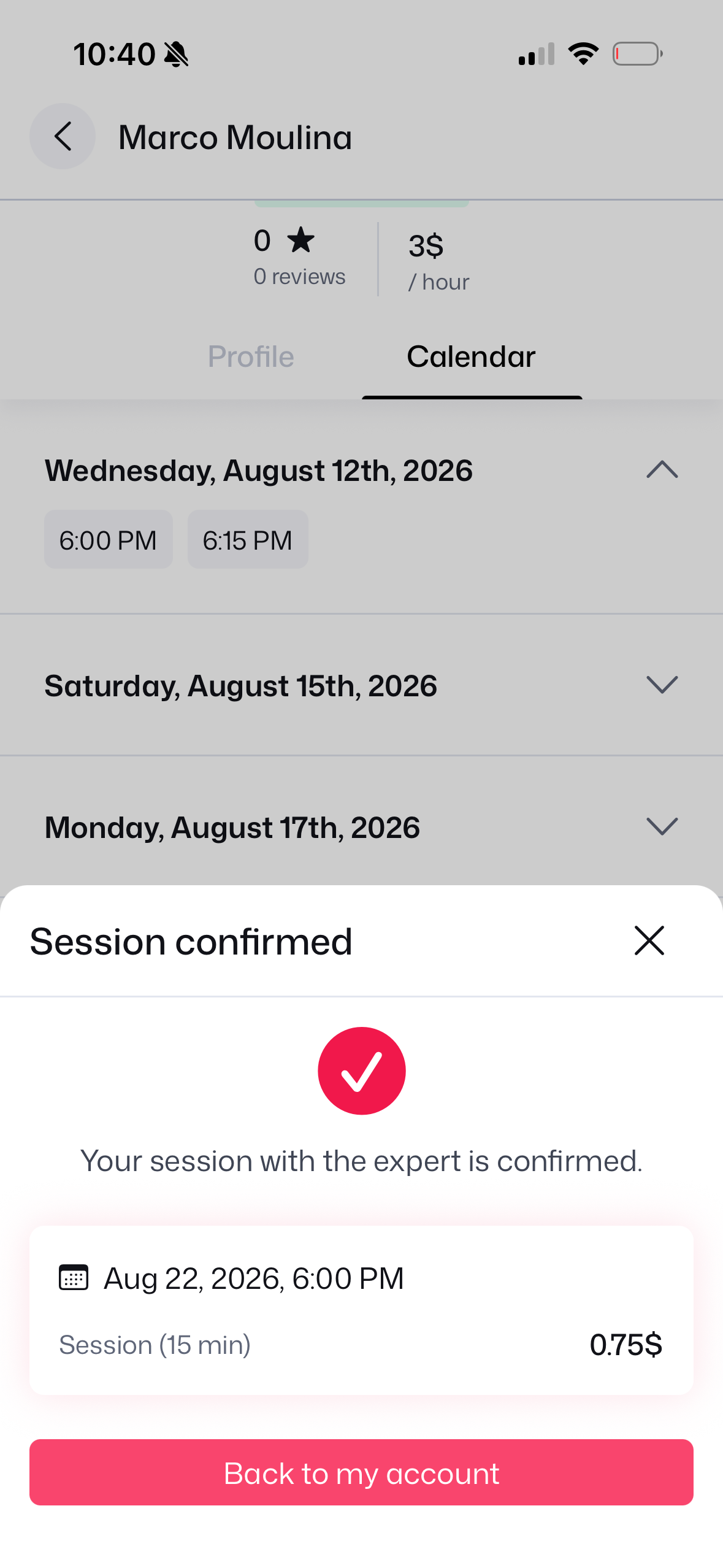
14. Session Confirmed
Reservation confirmed!
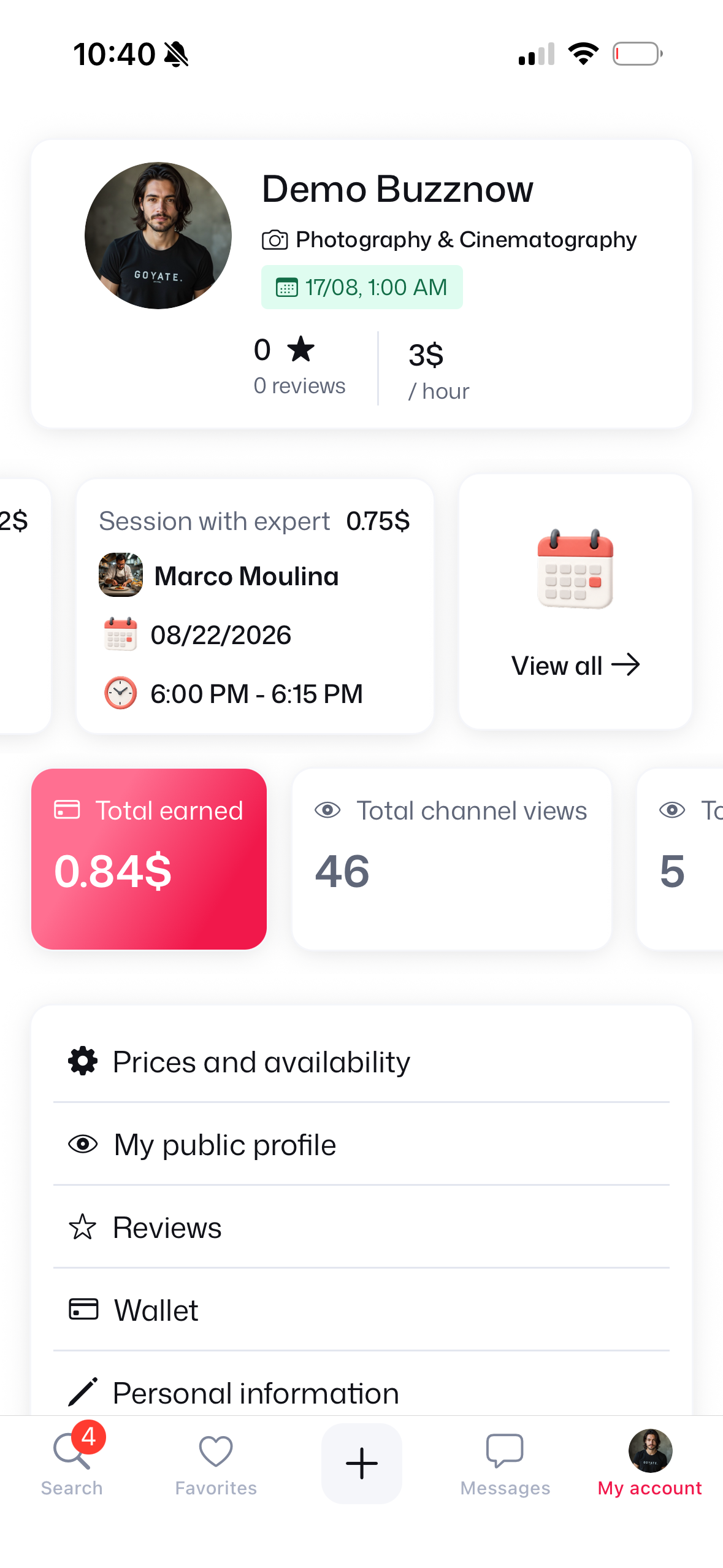
15. At 6 PM: My Account
6:00 PM session listed.
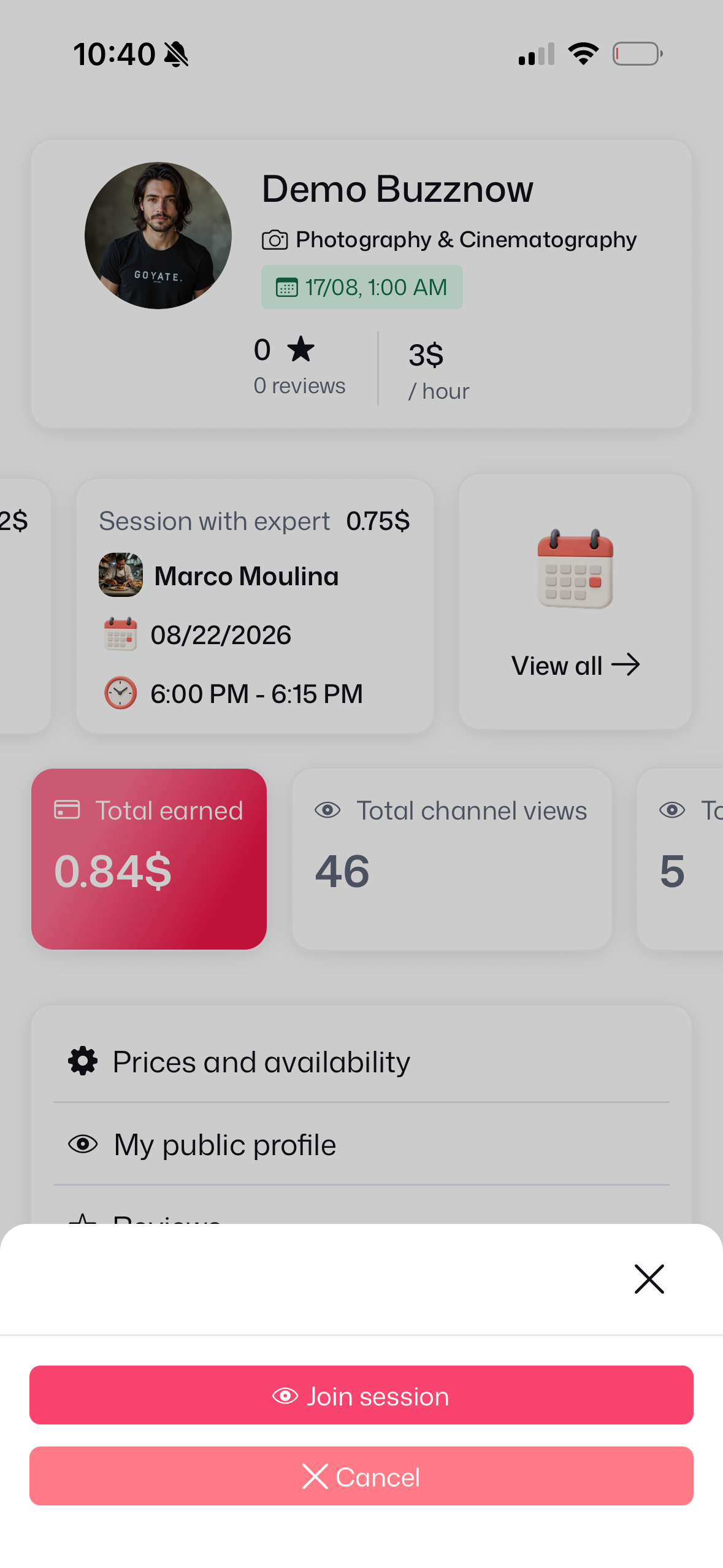
16. Join Session CTA
Tap Join session button.
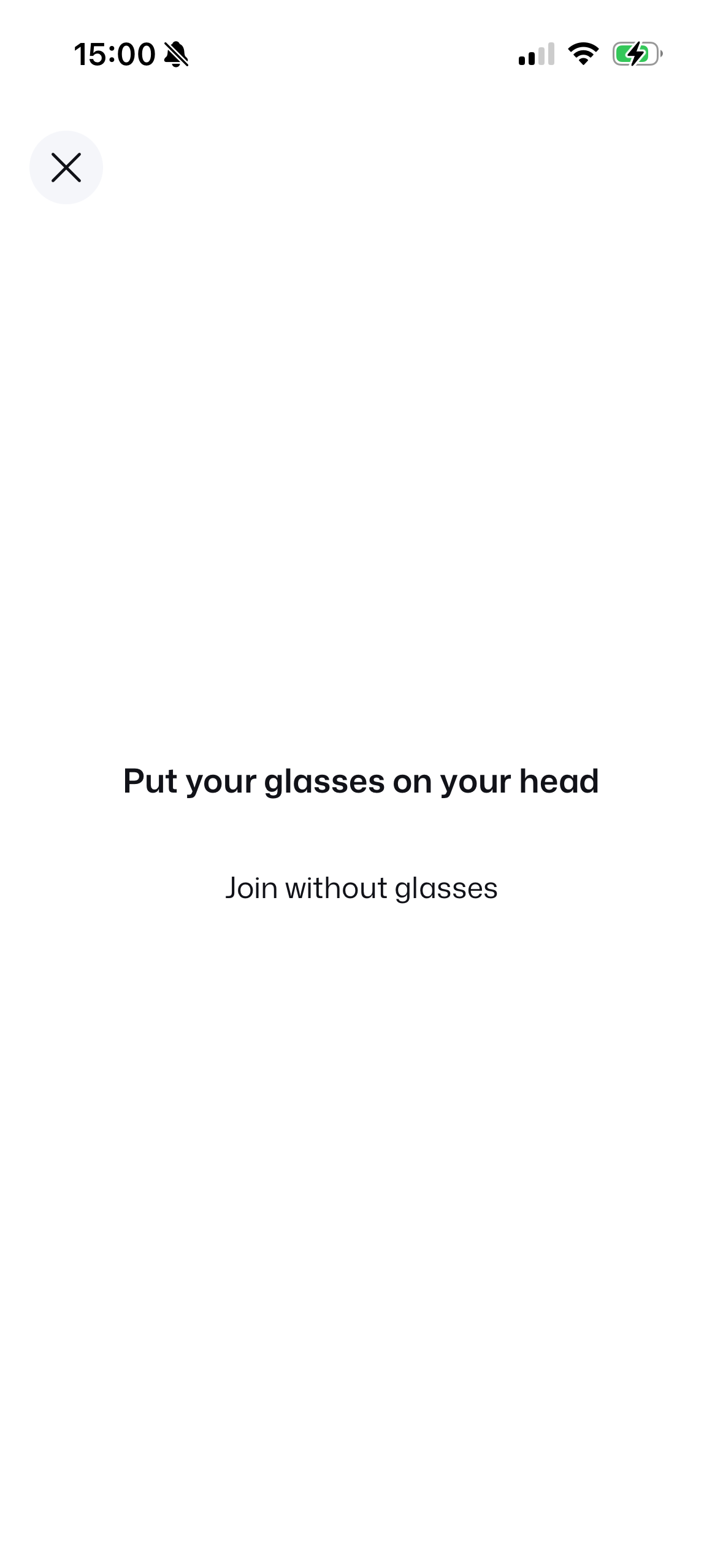
17. Put Glasses On
Wearing check prompt.
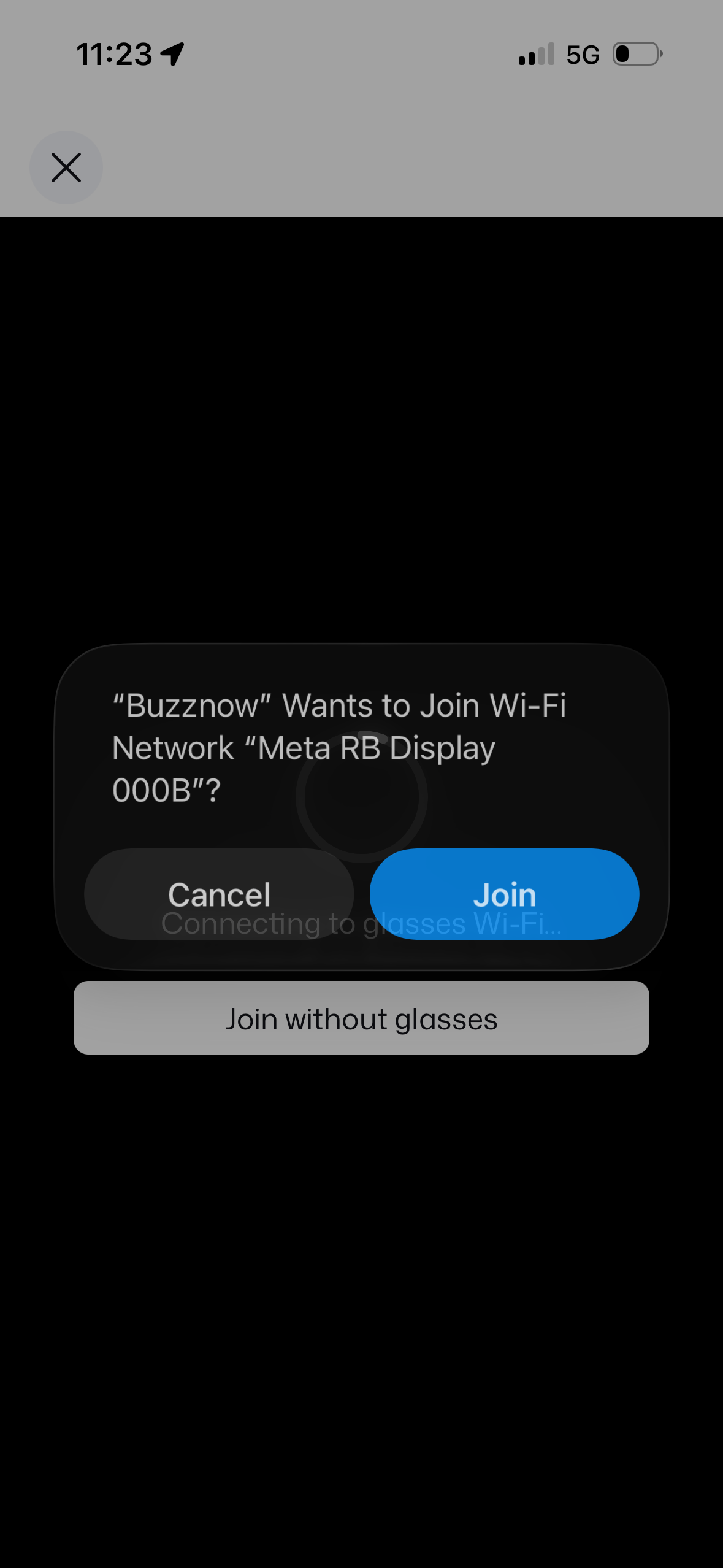
18. Join Glasses Wi-Fi
Connect to Meta RB Display socket.
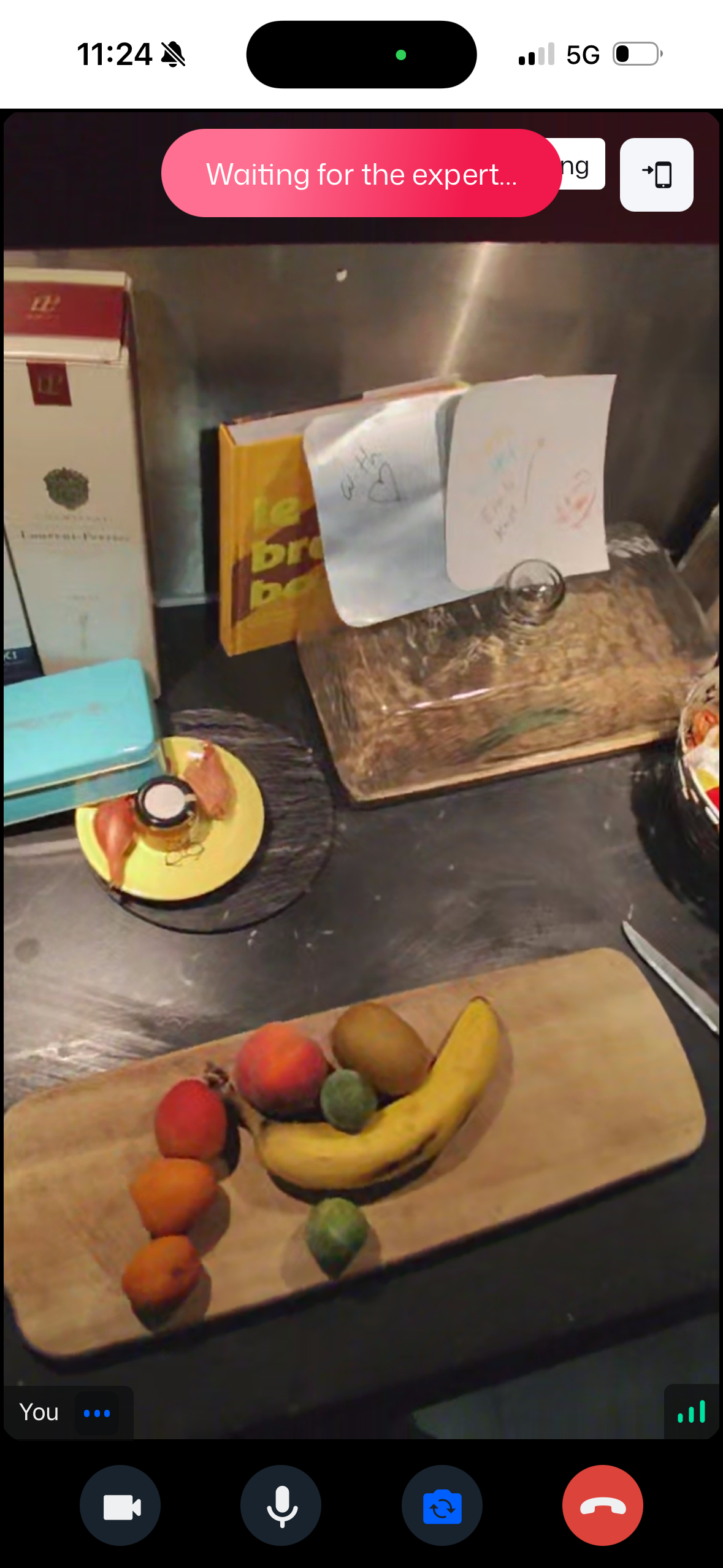 WAITING
19. Waiting for Expert
Glasses active, awaiting mentor.
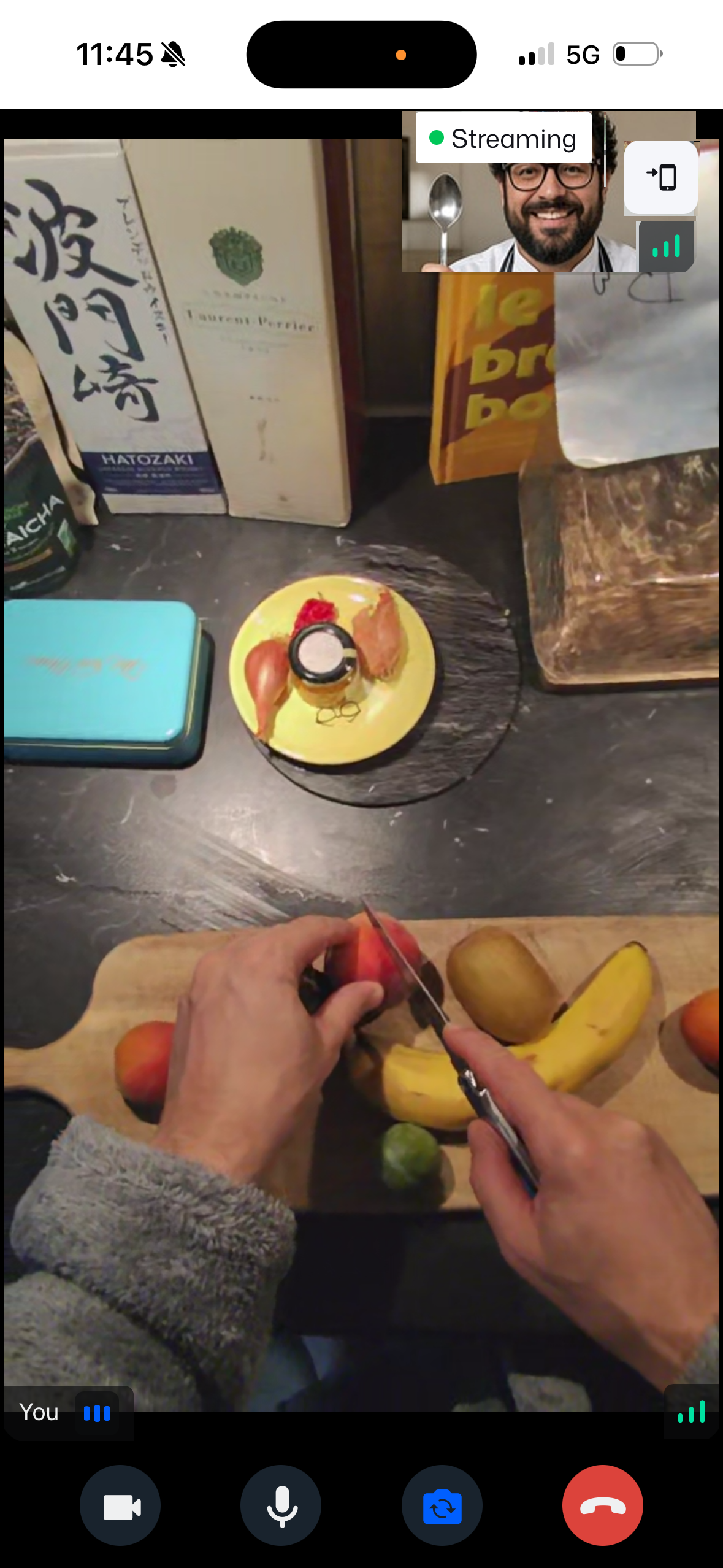 LIVE POV
20. Smart Glasses Live
Chef sees through your eyes!
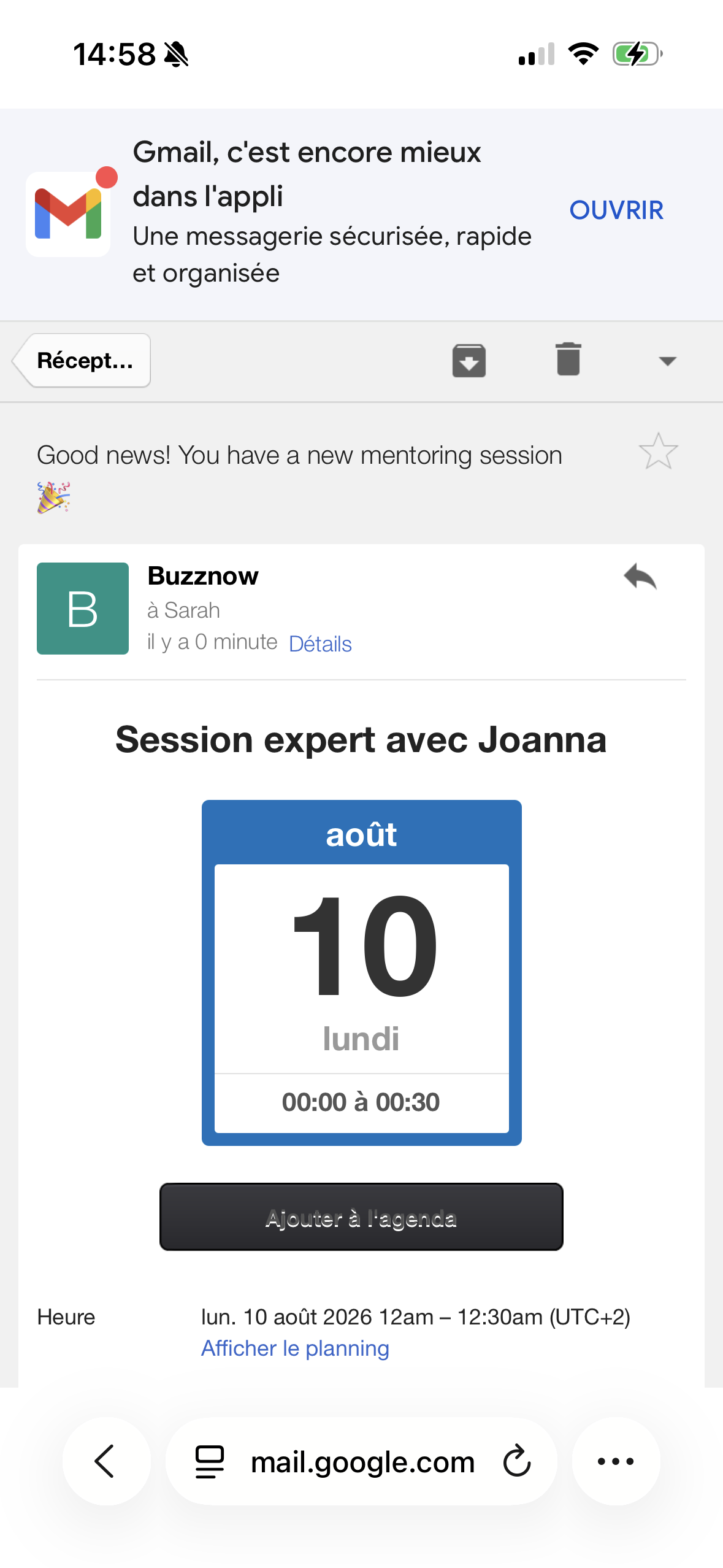
Mentor Schedule Invite
1-Click ICS calendar sync button.
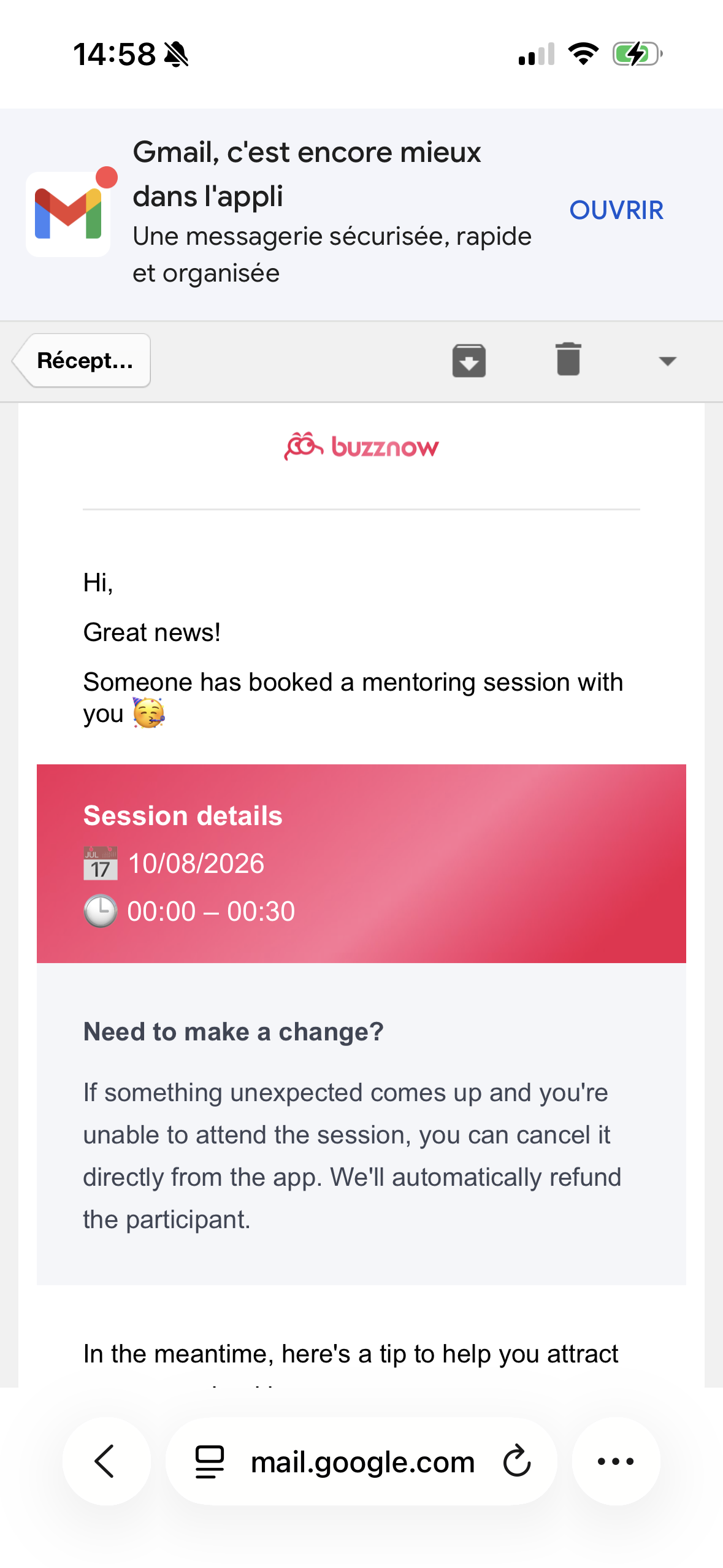
Booking Policy Terms
4-hr cancellation refund rules.
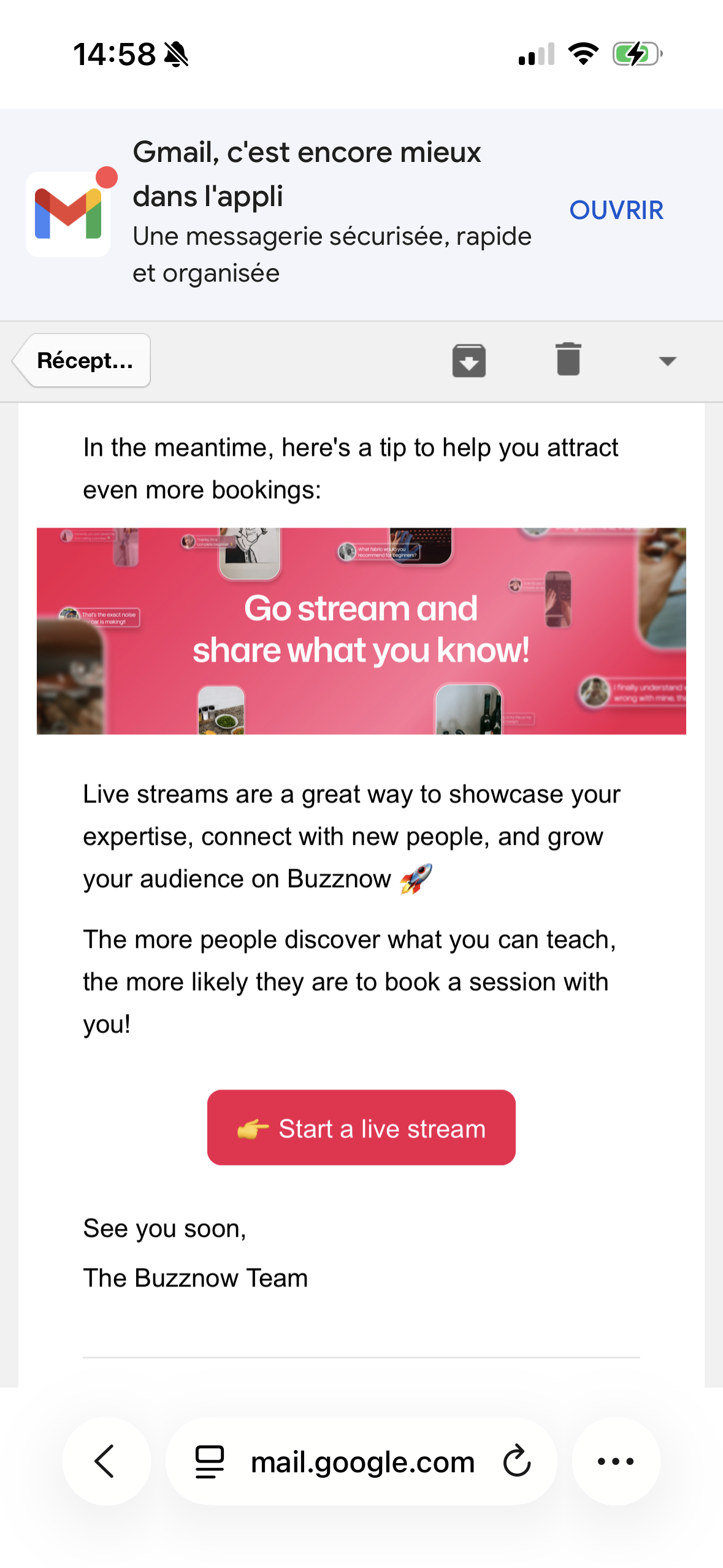
Mentor Broadcast CTA
Encouraging free live streams.
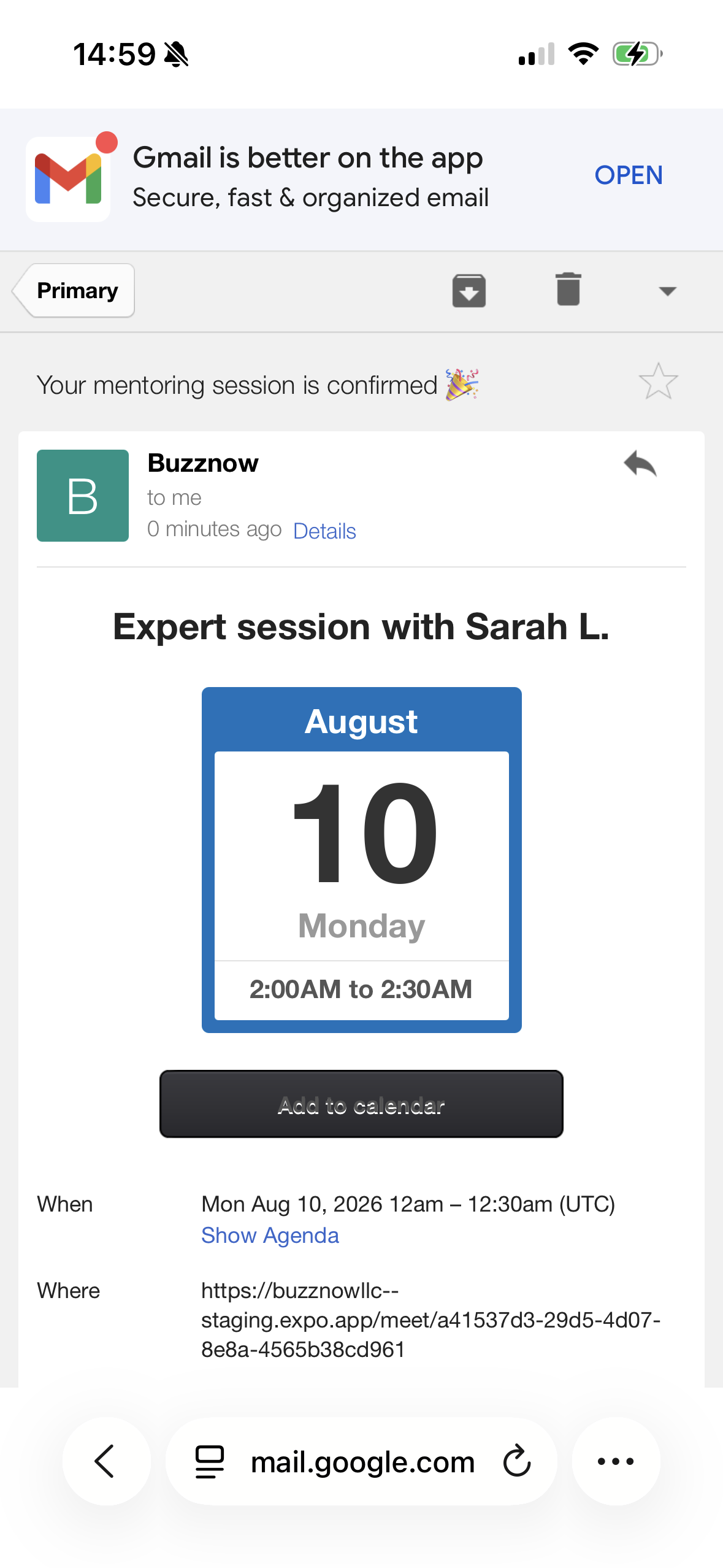
Apprentice Confirmation
Direct WebRTC room link & ICS.
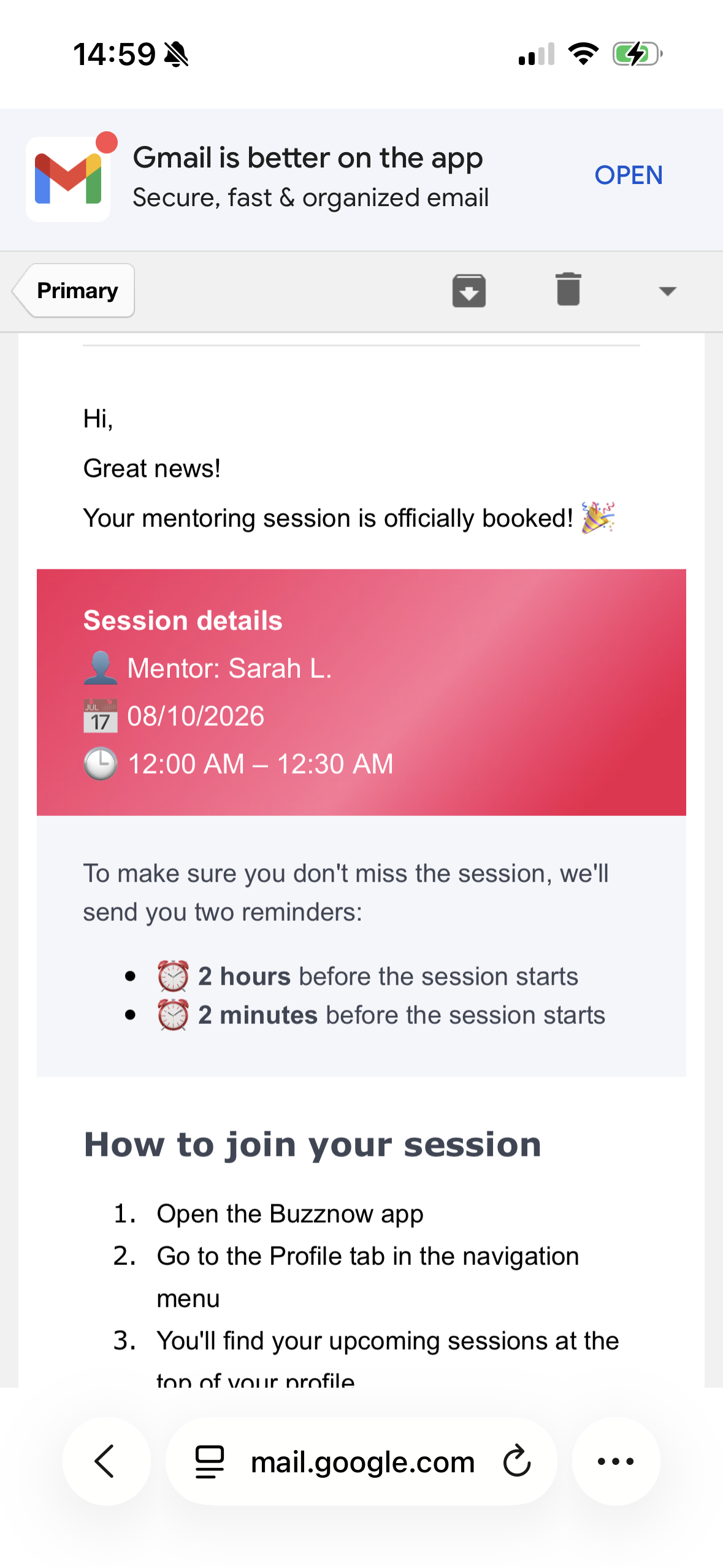
Automated Reminders
Sent at 2 hrs and 2 mins prior.
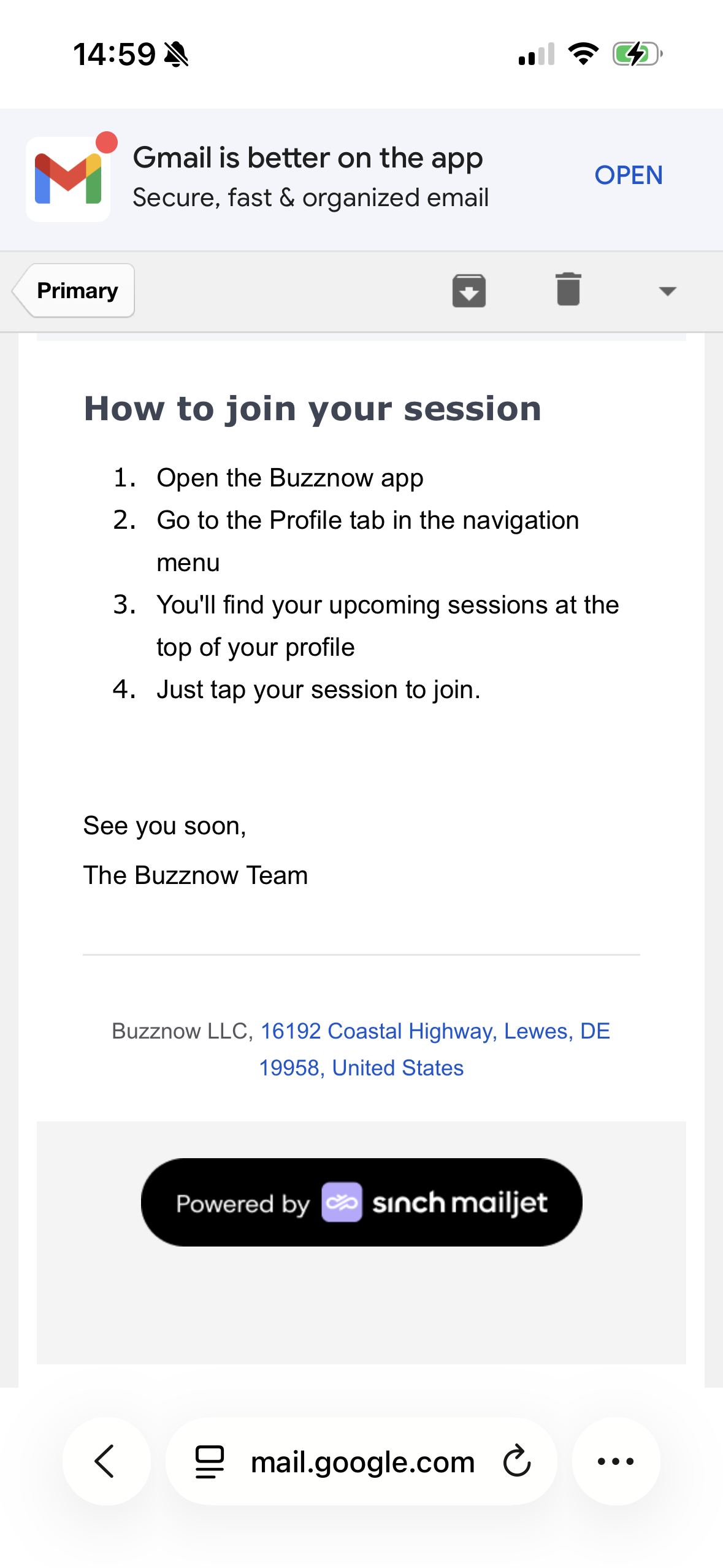
Launch Instructions
Smart glasses connection steps.
1-to-Many Public Live Broadcast
Example: Expert broadcasting vintage speaker restoration live to an interactive audience.
Launch Live Stream
Tap the central "+" button in BuzzNow to start broadcasting instantly.
Put On Glasses
Wear Ray-Ban Meta smart glasses for automatic high-definition hands-free camera feed.
Interactive Viewer Chat
Viewers ask questions, send reactions, and follow along live on web or mobile.
Drive Booking Clients
Viewers tap host badge to directly reserve 1-on-1 mentorship sessions.
6 Specialist Journey: Launching a Public Live Broadcast (6 Chronological Steps)
Public Stream Pipeline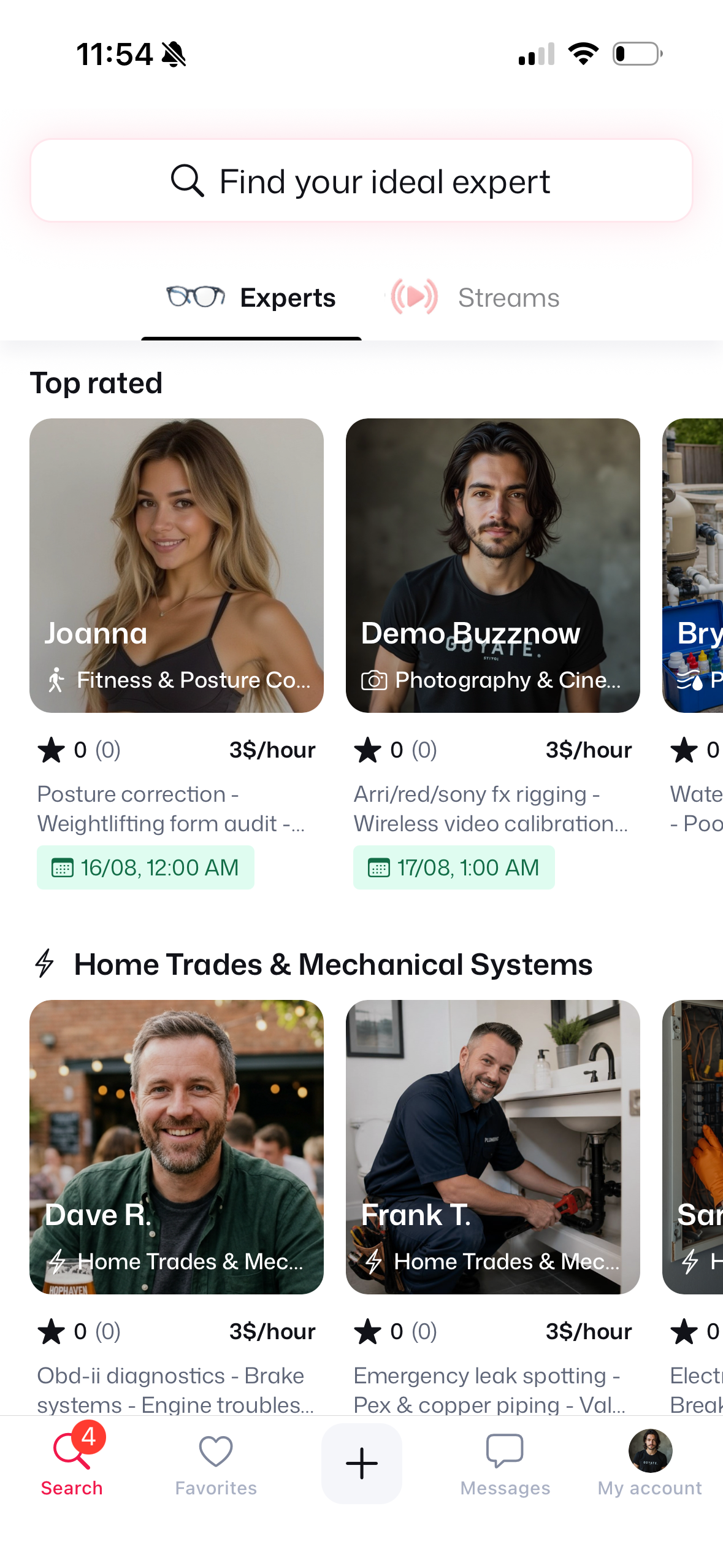
1. Tap Central +
Launch live stream menu.
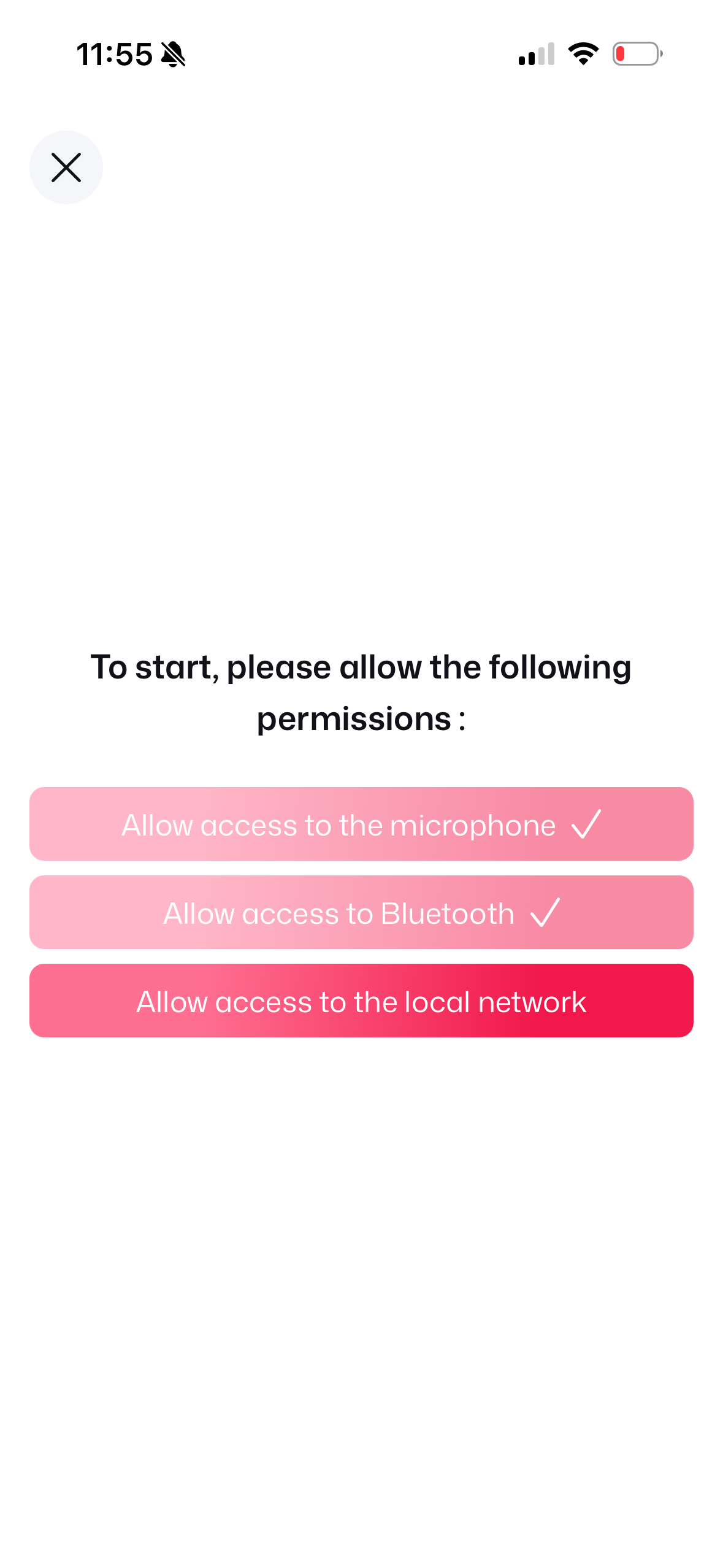
2. Allow Permissions
Mic, Bluetooth & Network.
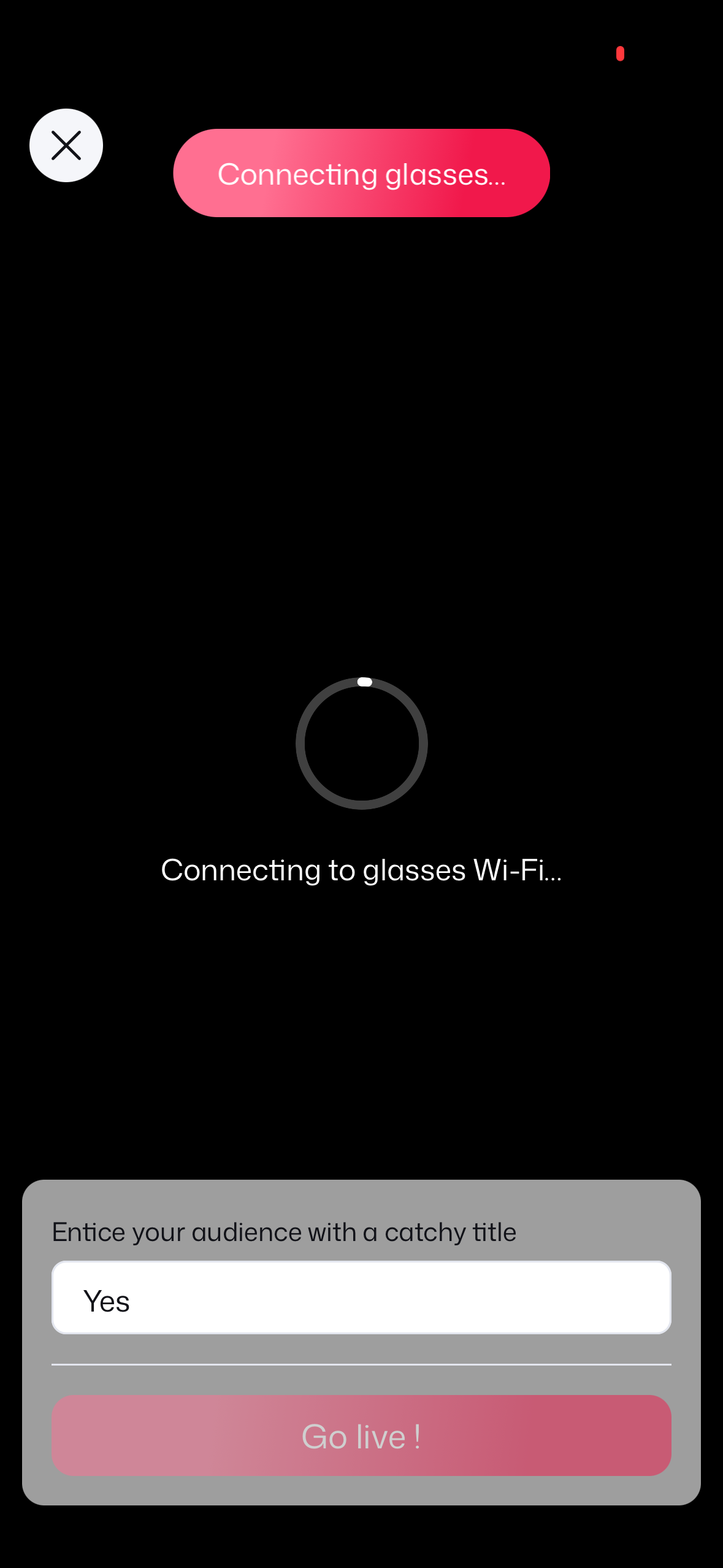
3. Glasses Socket Sync
Connecting to glasses Wi-Fi.
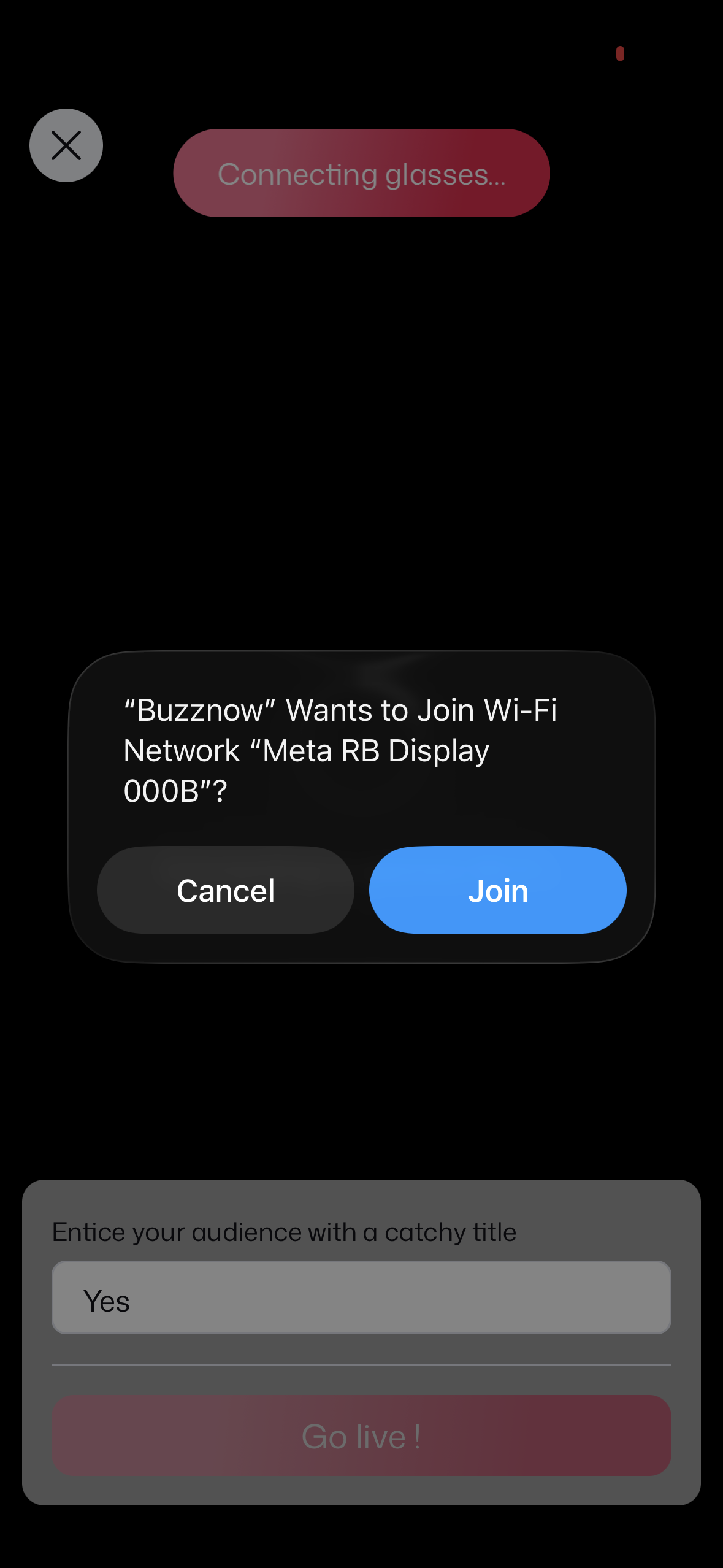
4. Join Glasses Wi-Fi
Join Meta RB Display network.
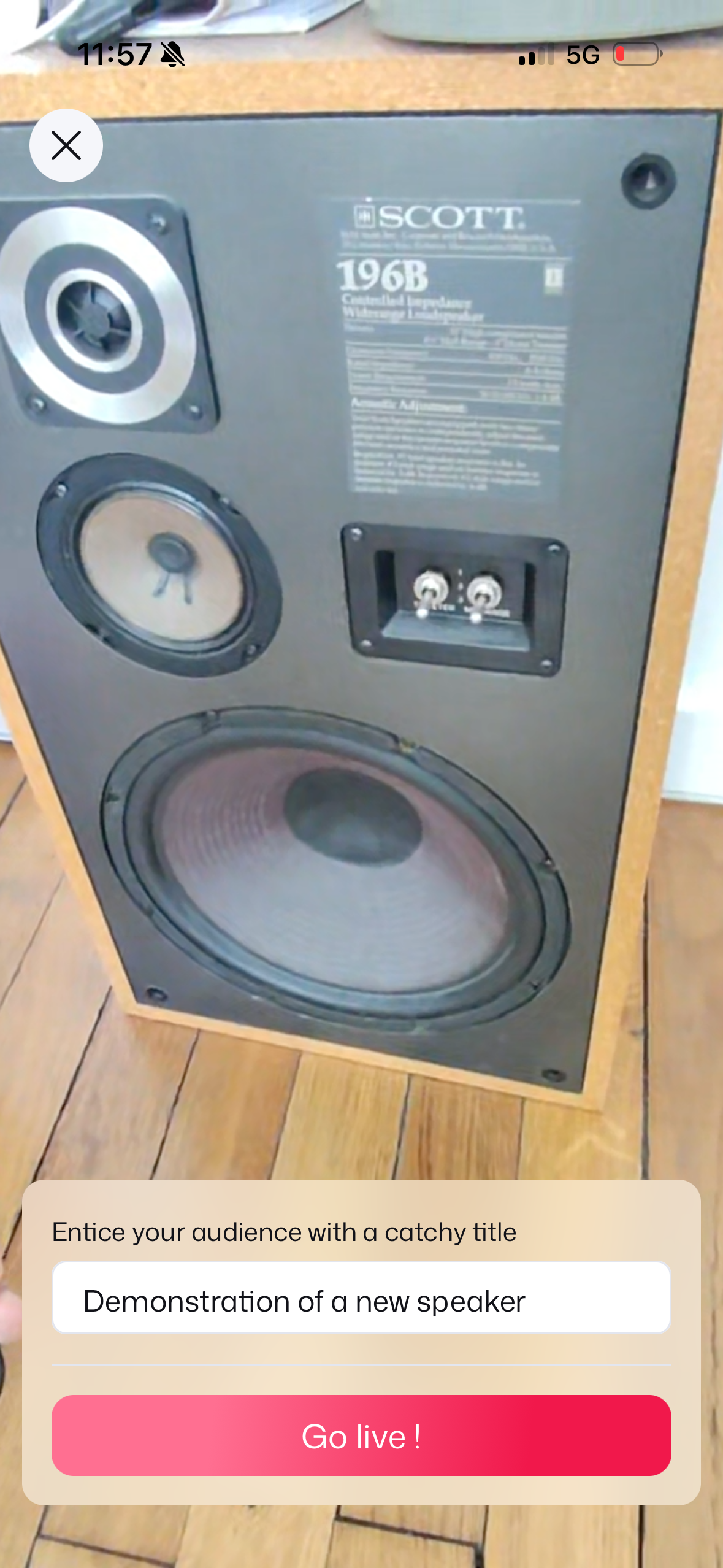
5. Set Stream Title
Title speaker demo & Go Live!
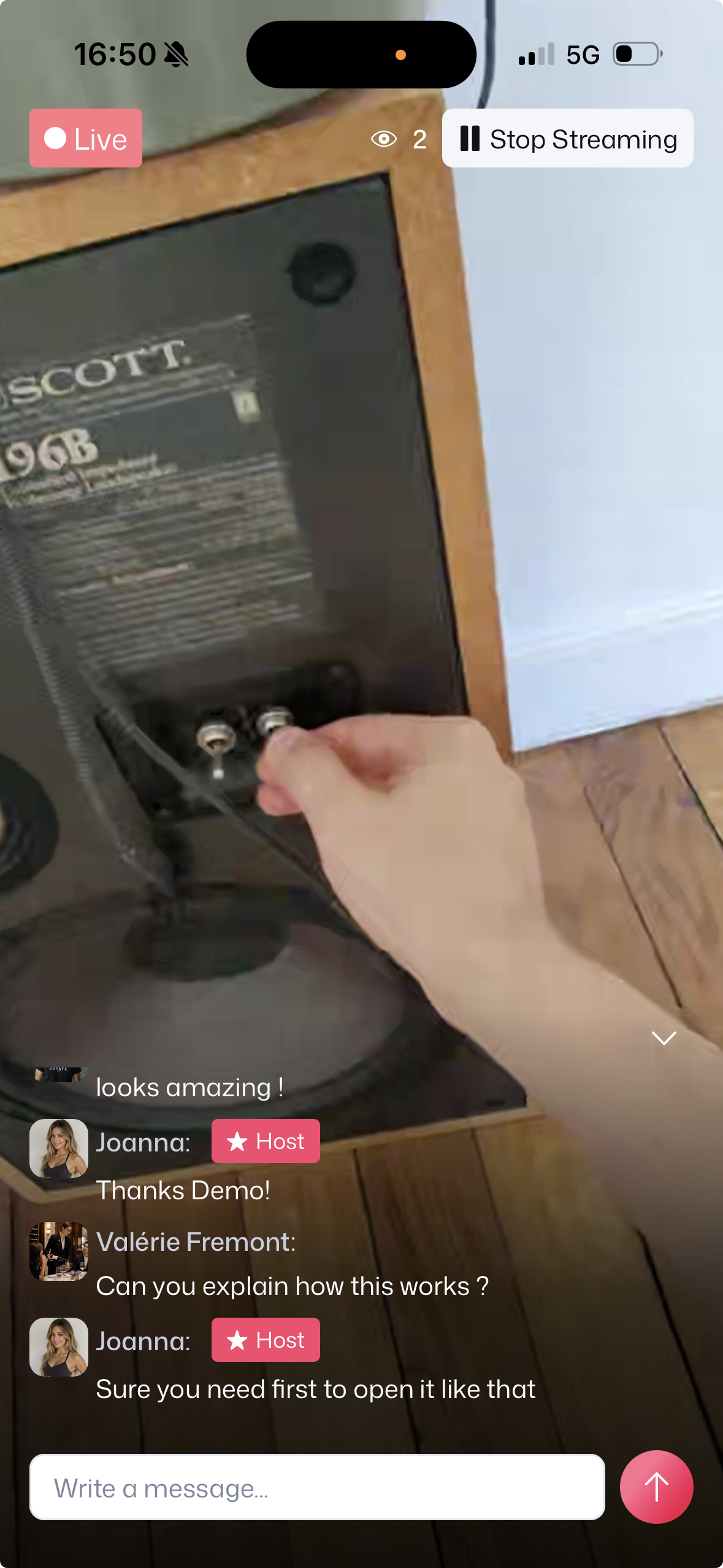
6. Live POV Broadcast
Live POV demo & real-time chat!
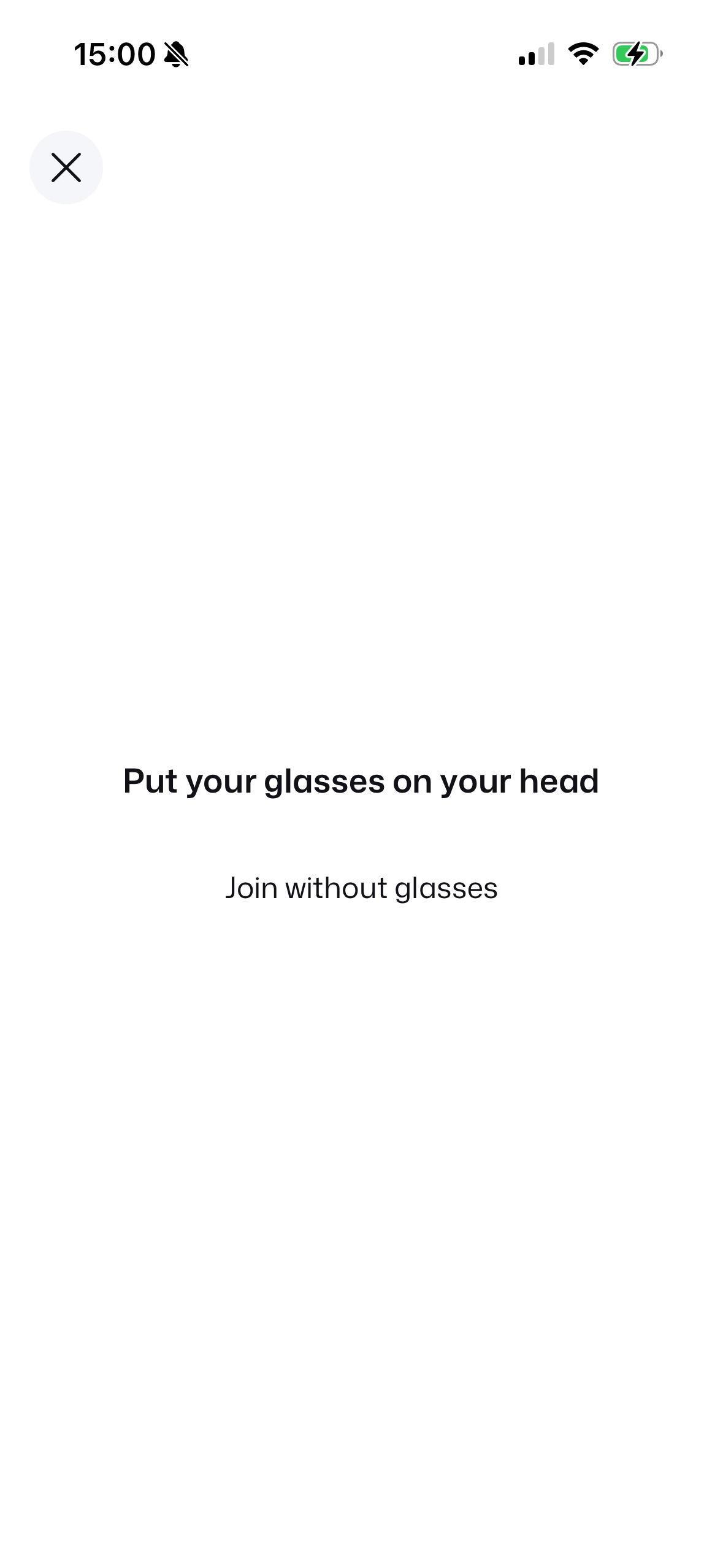 1. Wearing Check
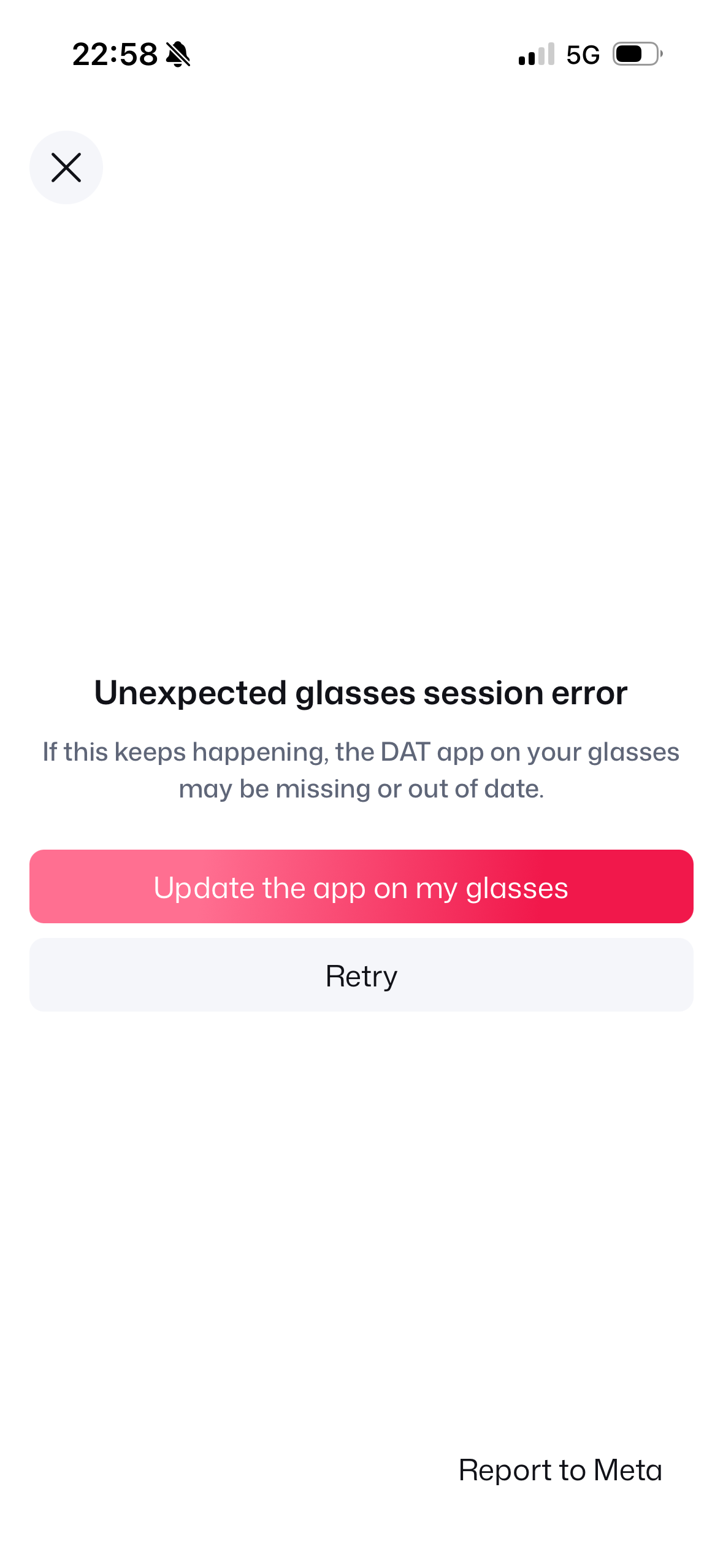 2. Firmware Check
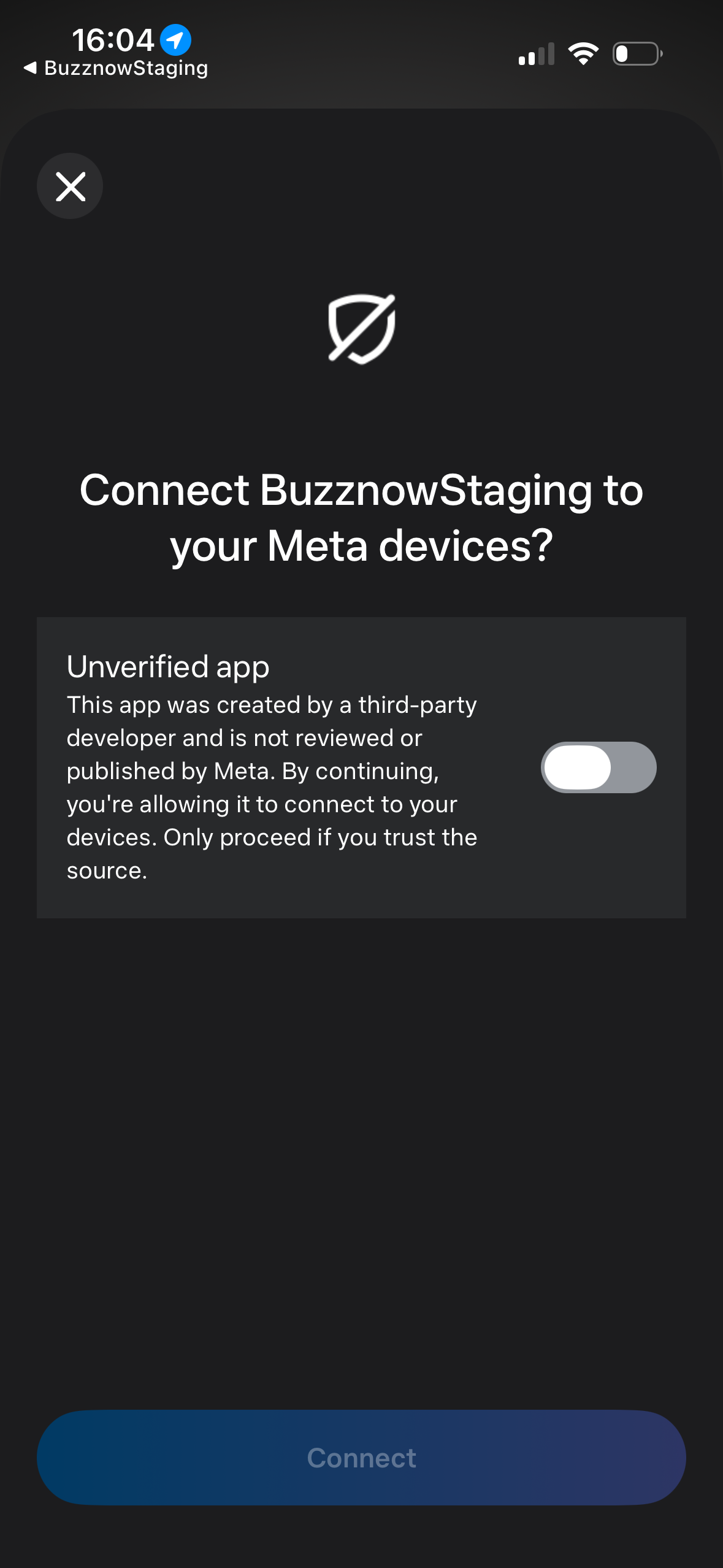 3. DAT Trust Toggle
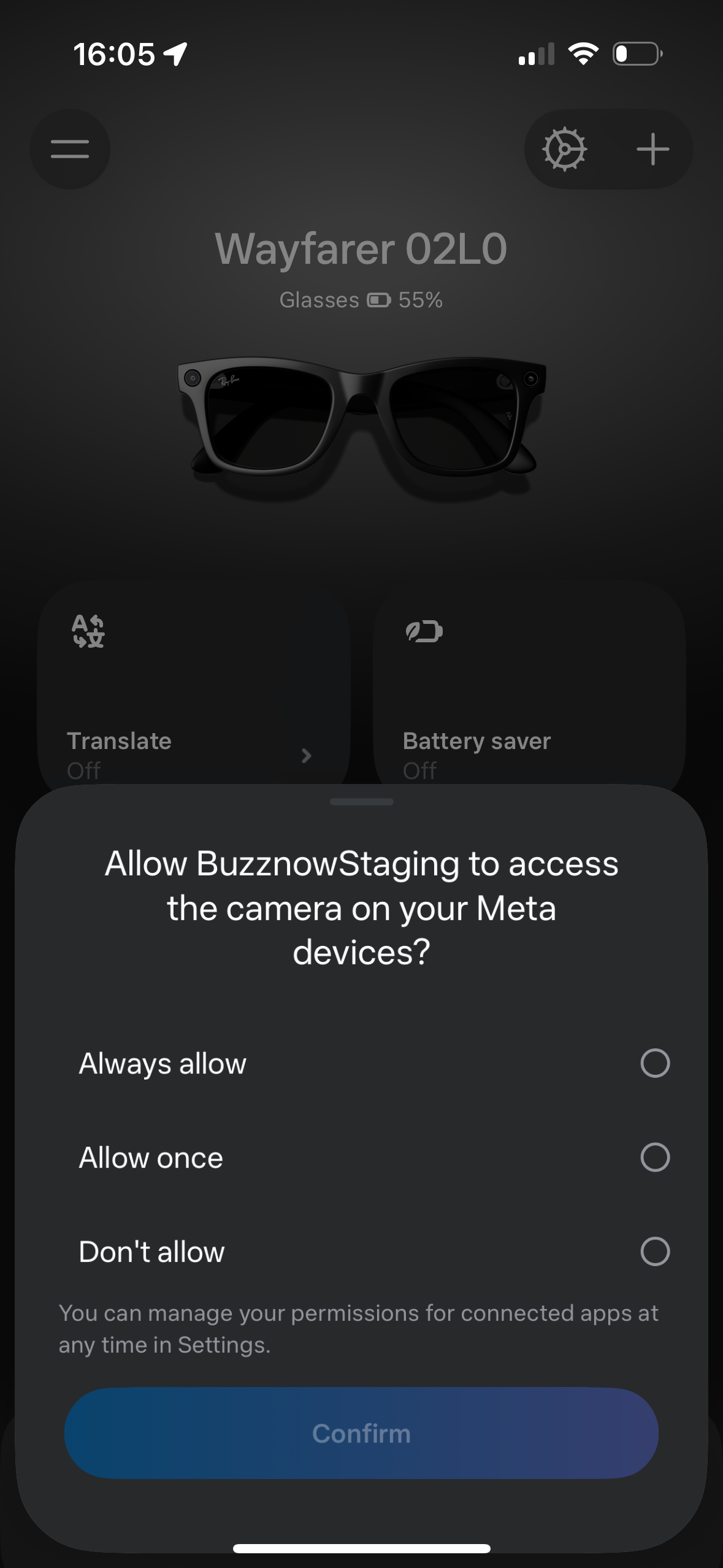 4. Camera Consent
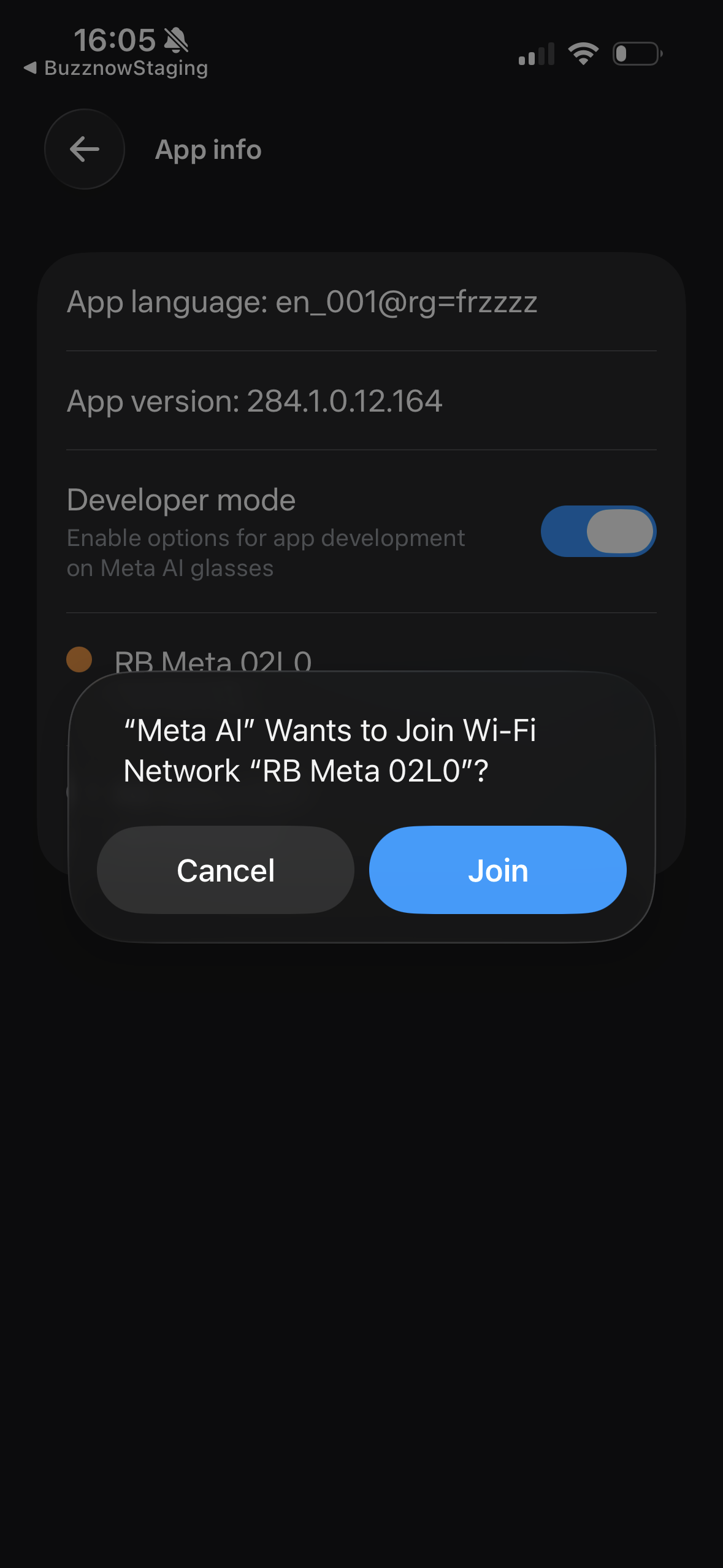 5. Wi-Fi Direct
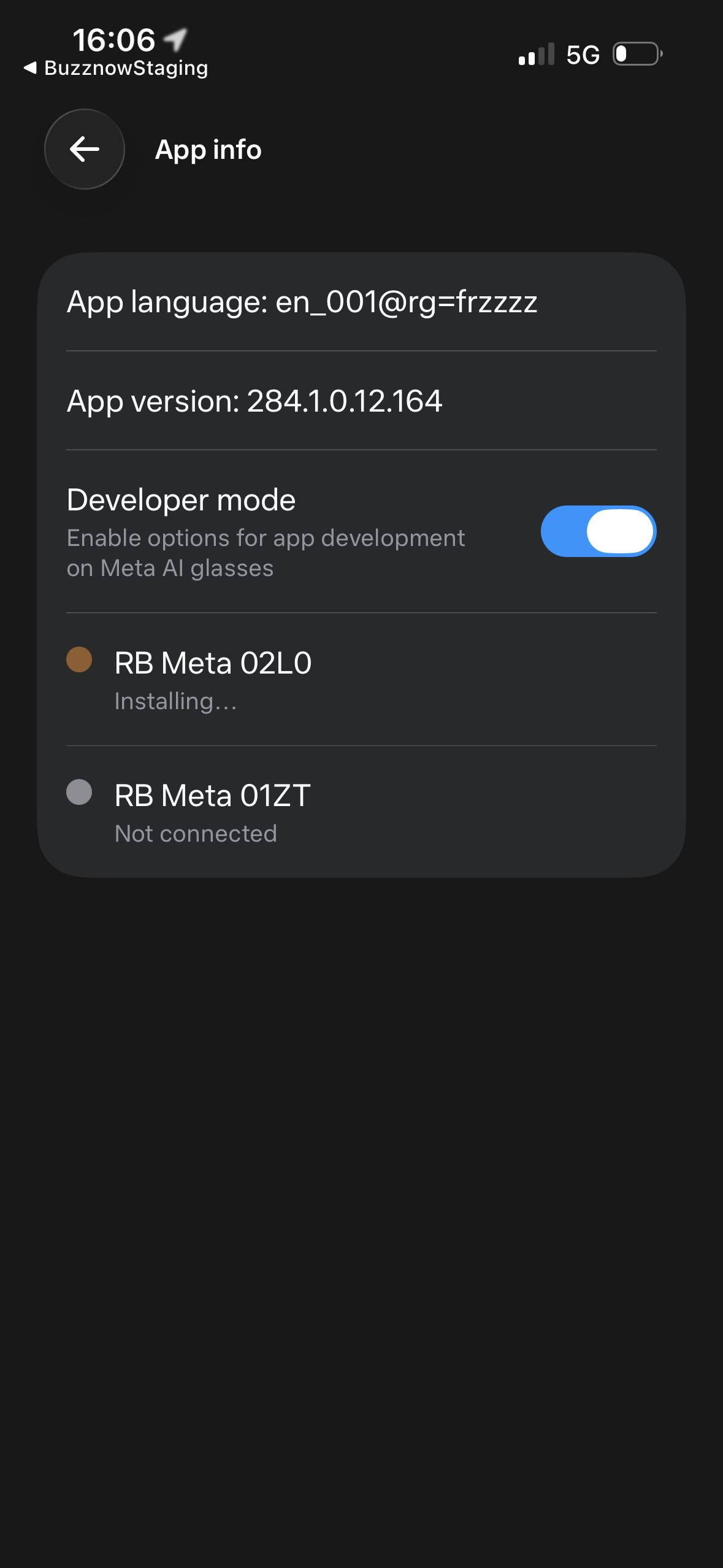 6. Socket Active
Looking for full technical SDK specifications & error taxonomy?
Visit our official integration manual for error codes (`ERR_FIRMWARE_OUTDATED`), Mixpanel telemetry, and Meta AI bug escalation protocols.